EasyManua.ls Logo

Plustek SmartOffice PS286 Plus - Page 109

Plustek SmartOffice PS286 Plus
220 pages
Print Icon
To Next Page IconTo Next Page
To Previous Page IconTo Previous Page
Loading...
Configure Scan Profiles 17
All rights are reserved.
·
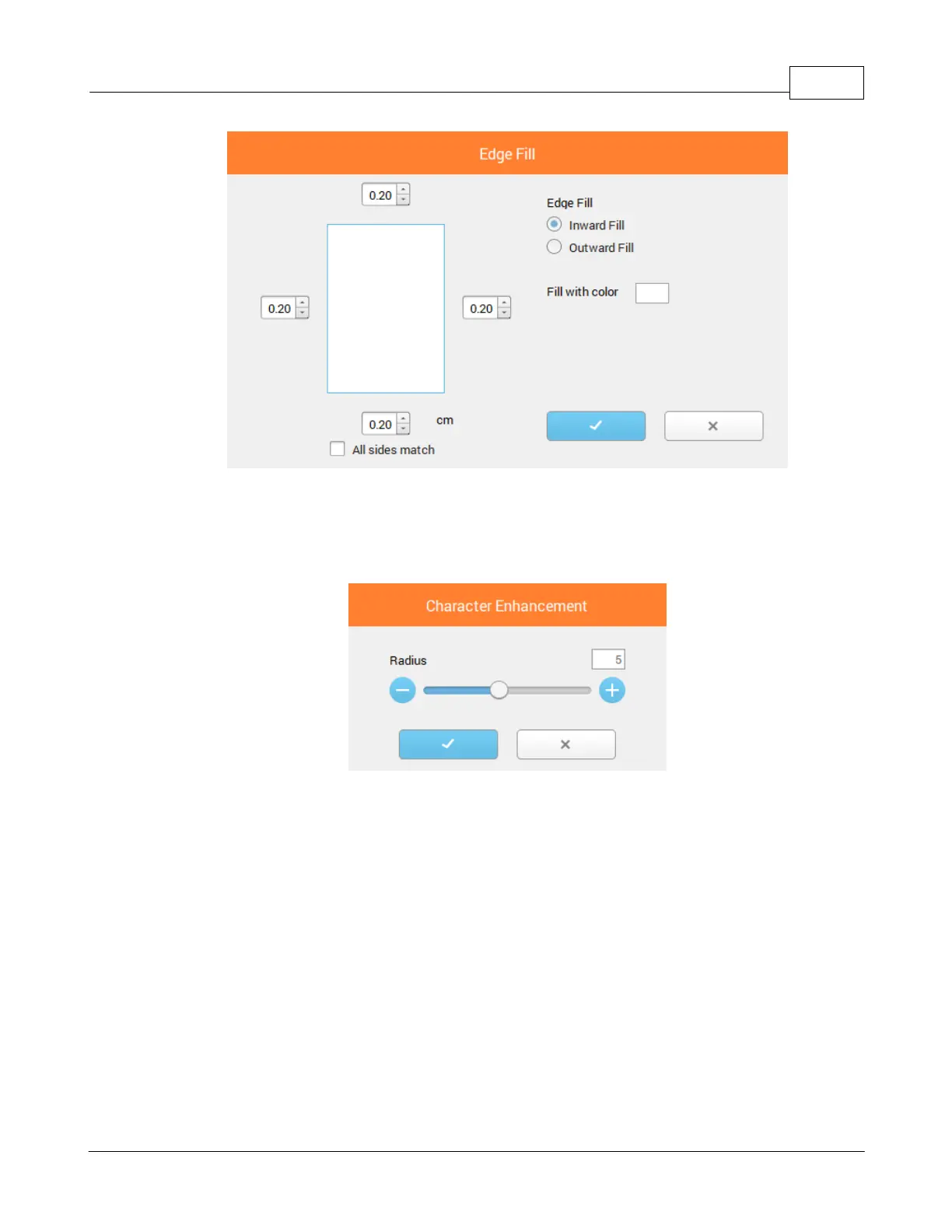
Character Enhancement
: Tick this check box to enhance text characters in the
scanned documents. This feature is not available when
BW
is selected as Color
Mode. Click on
Character Enhancement
to open a dialog for more settings.
·
Continuous Scan
: Check this option if you want to scan multiple pages
successively to the same destination. After the document is scanned, a dialog
will pop up asking you if you will put in more paper to continue scanning, or if you
want to end the scan. Click on
Continuous Scan
to open a dialog for more
settings.

Table of Contents

Other manuals for Plustek SmartOffice PS286 Plus

Related product manuals