DocAction II18
All rights are reserved.
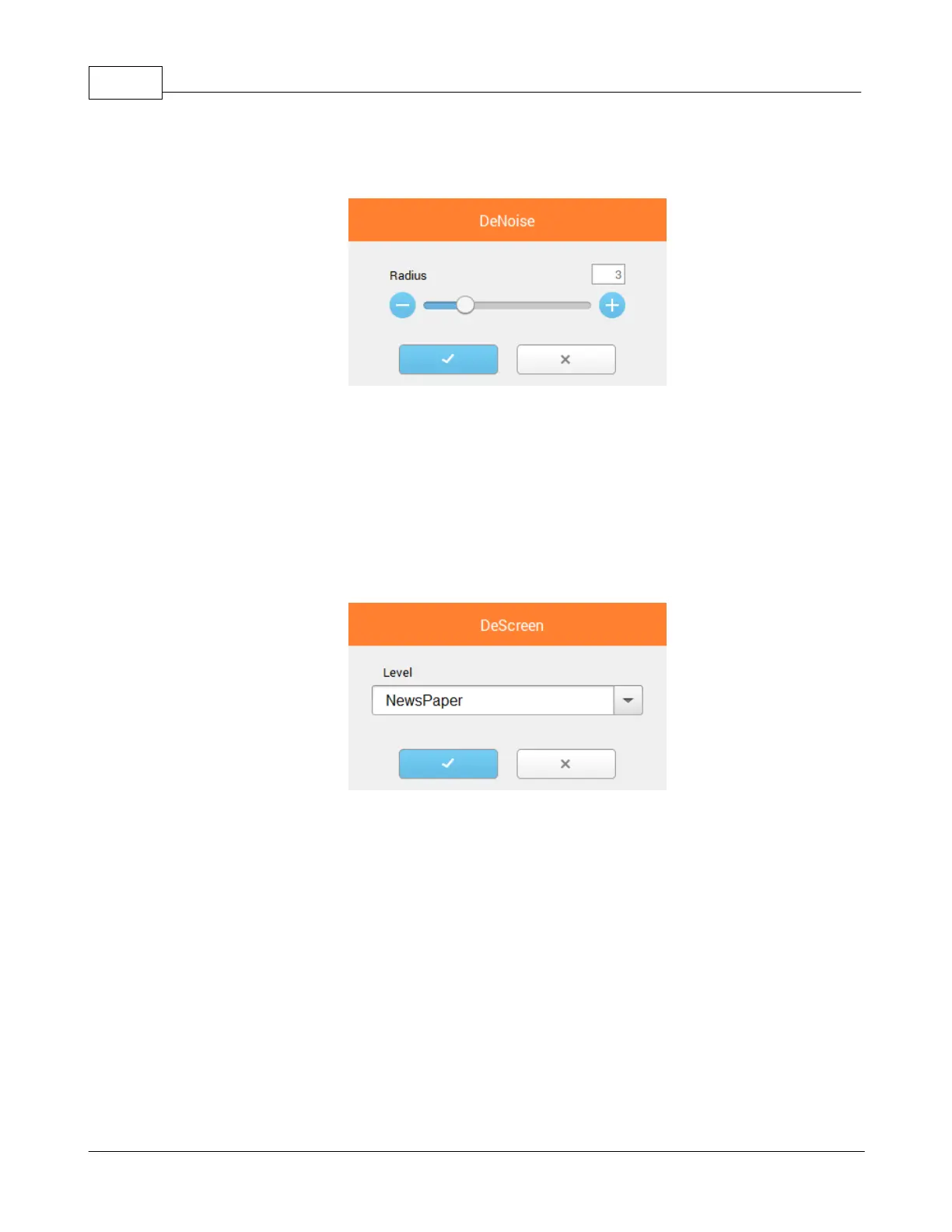
: Tick the check box to remove noises from the scanned images. Click
to open a dialog for more settings.
: Descreen applies filtering to images that contain moiré patterns (or
herringbone). A moiré pattern is created from scanning pictures in magazines, or
printed material that use color dithering. The descreen filter is not needed when
scanning original photographs or black and white images and text, but is
recommended when scanning any printed color graphics, such as a page from a
magazine, in order to remove the unsightly interference patterns which may
occur. This feature is not available when
is selected as Color Mode. Click
to open a dialog for more settings.
When you scan double-sided documents, tick this check box if
you want to output the scan images of both front and rear sides in one image.
When you scan a document folded in half, tick this check box to generate a
joined image. You can enable this feature only when you select











 To Next Page