EasyManua.ls Logo

Plustek SmartOffice PS286 Plus - Page 111

Plustek SmartOffice PS286 Plus
220 pages
Print Icon
To Next Page IconTo Next Page
To Previous Page IconTo Previous Page
Loading...
Configure Scan Profiles 19
All rights are reserved.
·
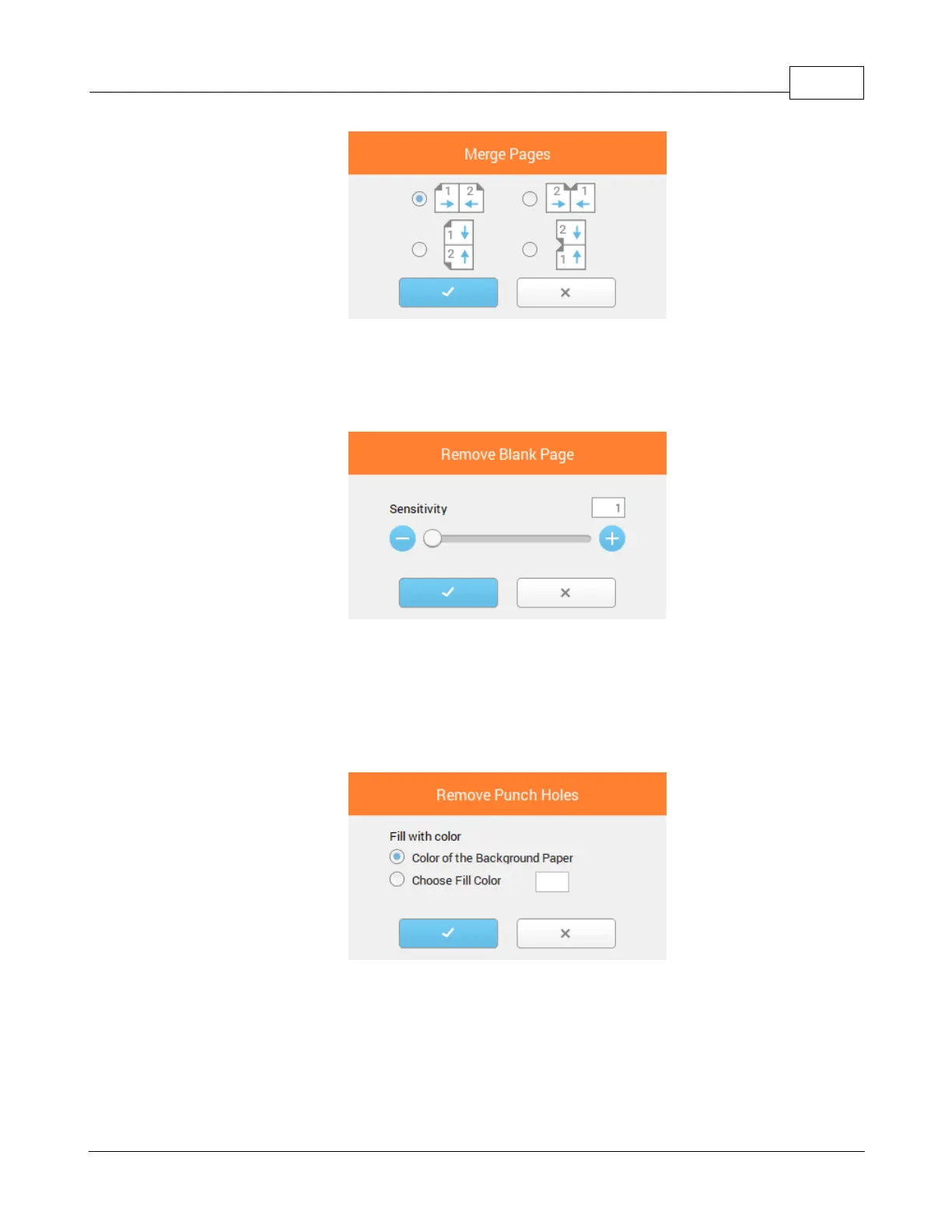
Remove Blank Page
: Tick this check box if you want DocAction II to
automatically remove blank pages after the document is scanned. Click on
Remove Blank Page
to open a dialog for more settings.
·
Remove Punch Holes
: Tick the check box of
Remove Punch Holes
, the hole
marks aligned along with the edge of the scanned document will be removed
after auto crop is done. The function will work for the document with single
background color. Click on
Remove Punch Holes
to open a dialog for more
settings.

Table of Contents

Other manuals for Plustek SmartOffice PS286 Plus

Related product manuals