DocAction II26
All rights are reserved.
Click on this button to go to the first page
Click on this button to go to the previous page
Click on this button to go to the next page
Click on this button to go to the last page.
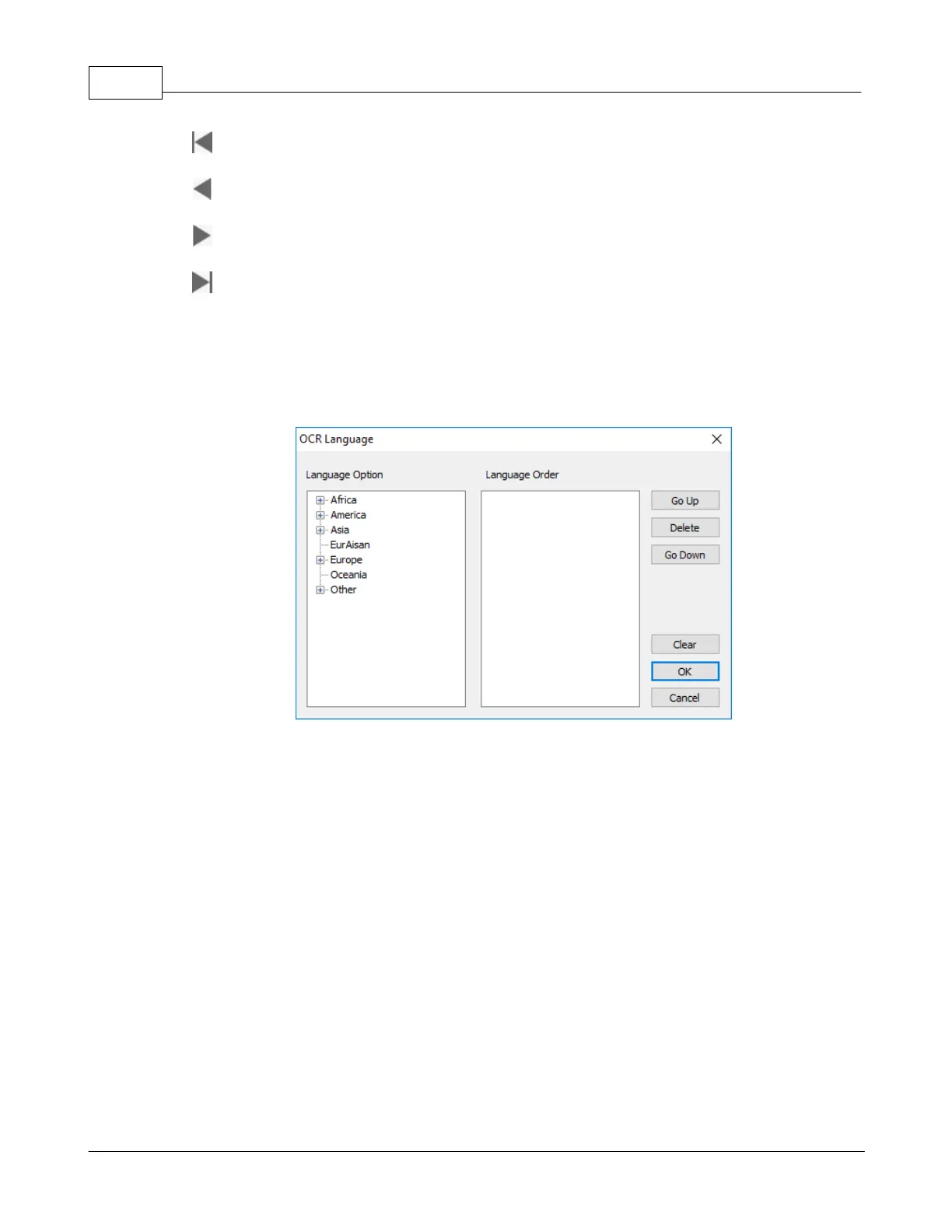
: Select the desired OCR language from the dropdown list.
dropdown list, if you want
to recognize more than one language at a time. You may select up to 4
languages in the popup window.
Select the desired languages from the
selected languages will be displayed in the
button to adjust the language priority. Click the
button to complete the settings.
: Select this item and drag a rectangle on the scanned image to select
the desired index, the index will display in the column below.











 To Next Page