View, Edit and Save Images 27
All rights are reserved.
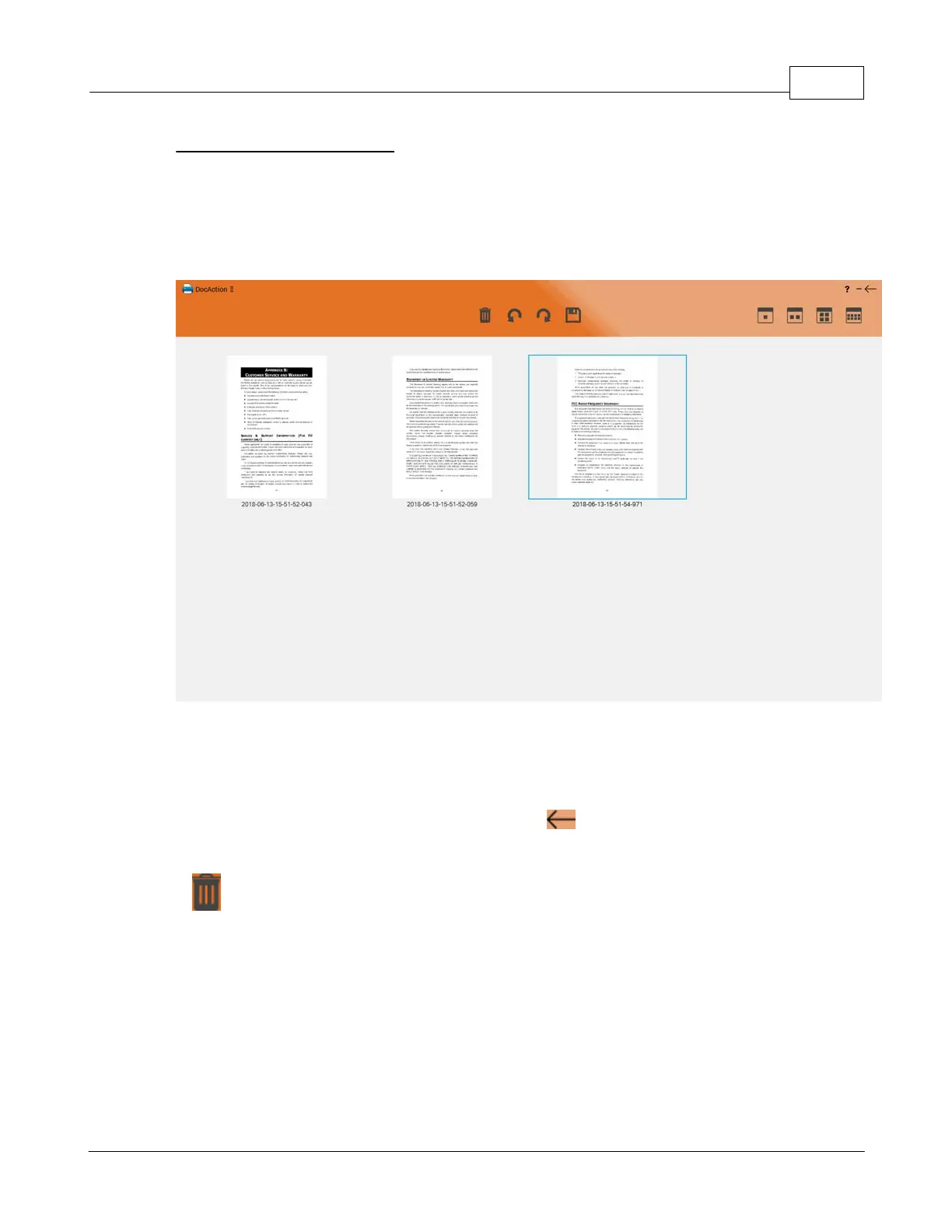
The scanned images are displayed in DocAction II immediately, and you may view,
edit and save the images here. If you select PDF/TIFF as the saving format, the
scanned files will be saved directly to your assigned destination and the
destination folder will be open automatically
You may select the display method of the scanned images on the upper-right. You
may select one or multiple images to rotate or delete. Simply click an image to
select the desired image, you may select multi-images at a time. Selected images
will be highlighted with a blue rectangle around the images. Click on the selected
image again to de-select the image. Click the
button on the upper-right to
return to the main window.
: Click on this button to delete the selected images.











 To Next Page