26
Go to the Filename, File Format, Scan, Save and Adjust page to configure
scan profile settings. Click OK to save the settings. The scan profile button you
created will be displayed in the window.
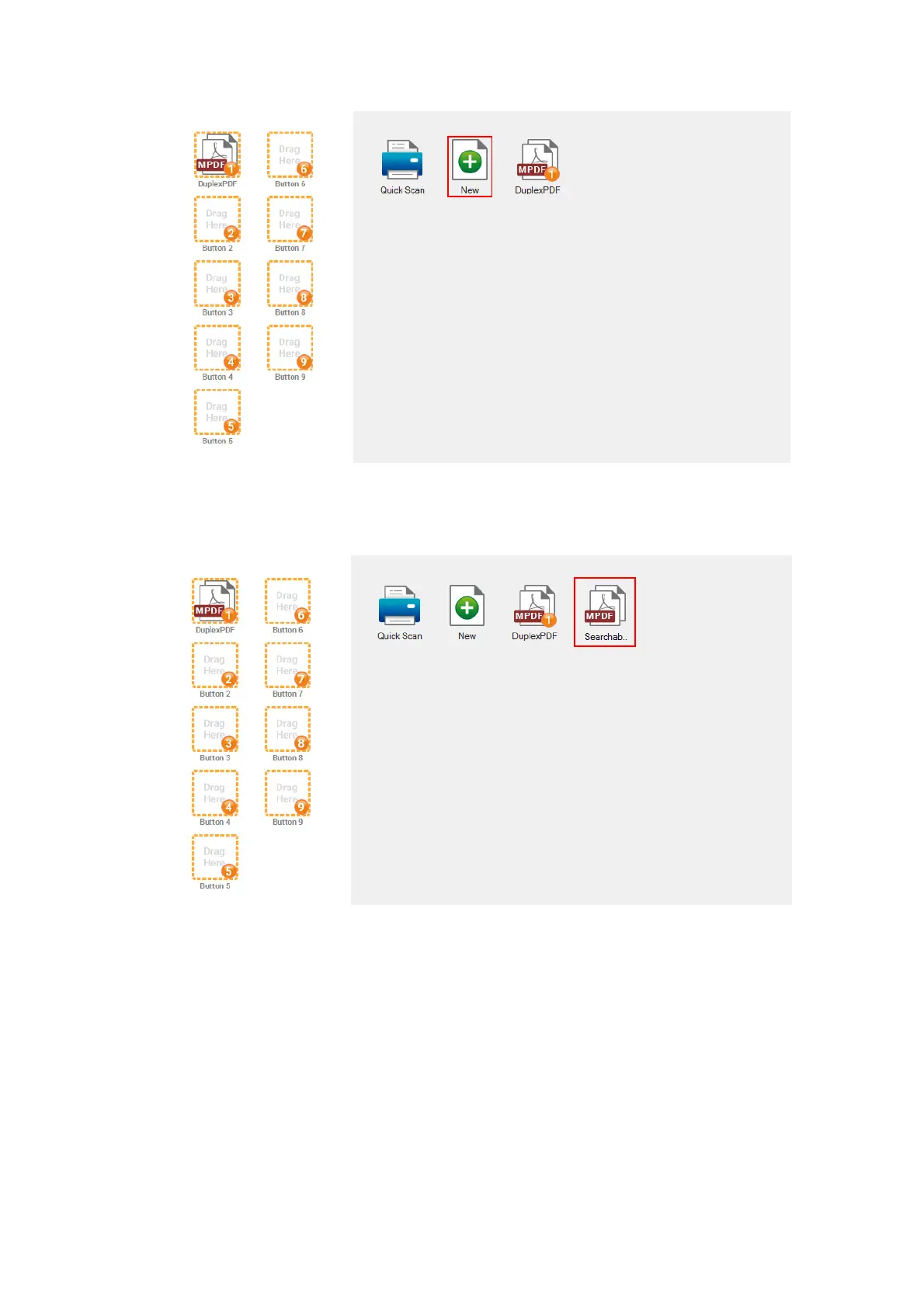
4. You can assign the scan profile button to be the function button displayed in the
left side of the window. The button number underneath corresponds to the
function number displayed on the scanner front panel. There are different ways
to assign the scan profile button:
Right-click the scan profile button and select Set to button in the pop-up
menu that opens. Select the desired number from the pop-up list to assign
the scan profile to be the button displayed in the left side of the window.











 To Next Page