Controls and Instruments
37
Controls and features
Power switch: there is no power button. The
unit turns on automatically when the ignition
switch is set to ACC or ON position and turns off
when the ignition switch is set to OFF position.
Start image shows “SOUND AND VISION”.
DRIVER: press to adjust sound settings and
select audio/video source for the driver’s area.
Driver’s and passenger’s systems are
independent systems. RAD1 is default source.
CABIN: press to adjust sound settings and
select audio/video source for the passenger’s
area.
VOLUME/VALUE: turn to adjust volume level or
sound settings value for the selected
audio/video source (RAD1 is default source).
Each source has independent settings of
volume, bass, treble, etc.
Press repeatedly to select sound settings.
Settings will change as follow:
CAM1: press to select the optional back-up
camera as current video source. Press a second
time to cancel. This function can be selected
simultaneously with an audio function like the
radio, the driver or guide microphone or a CD
player.
NOTE
The back-up camera turns on automatically
when the transmission selector is set to
reverse “R”.
CAM2: press to turn on the optional panoramic
view camera. Press a second time to turn off.
This function can be selected simultaneously
with an audio function like the radio, the driver or
guide microphone or a CD player.
AUX1, AUX2: press to select an auxiliary
audio/video source like a second VHS. Press a
second time to cancel the selection.
NAV: press to select the navigation system
display as current video source. Press a second
time to cancel.
LOUD: press to increase the low frequencies
level of the selected audio/video source. Press a
second time to cancel.
REM: press to enable use of the remote control
to operate selection of sources, settings of
volume, bass, treble, etc. Press a second time to
cancel use of the remote control.
NOTE
Point the remote control in direction of the
Sound Selector.
RAD1: press to select the dashboard radio as
current source audio for the chosen area. Press
a second time to cancel.
RAD2: press to select an optional radio (satellite
radio for example) as current audio source for
the chosen area. Press a second time to cancel.
D-MIC: press to turn on driver microphone.
Press a second time to turn off. When the
microphone is active, turn VOLUME/VALUE
button to adjust volume.
G-MIC: press to turn on the guide microphone.
Press a second time to turn off. When the
microphone is active, turn VOLUME/VALUE
button to adjust volume.
CD1, CD2, CD3: press to select up to 3 different
remote CD players as current source. Press a
second time to turn CD player off.
DVD1: press to select DVD Player #1 as current
source. Press a second time to turn off DVD
Player #1.
DVD2: press to select DVD Player #2 as current
source. Press a second time to turn off DVD
Player #2.
VHS: press to select VHS as current source.
Press a second time to turn VHS off.
NOTE
Remote control battery replacement. Use
CR2025 lithium battery.
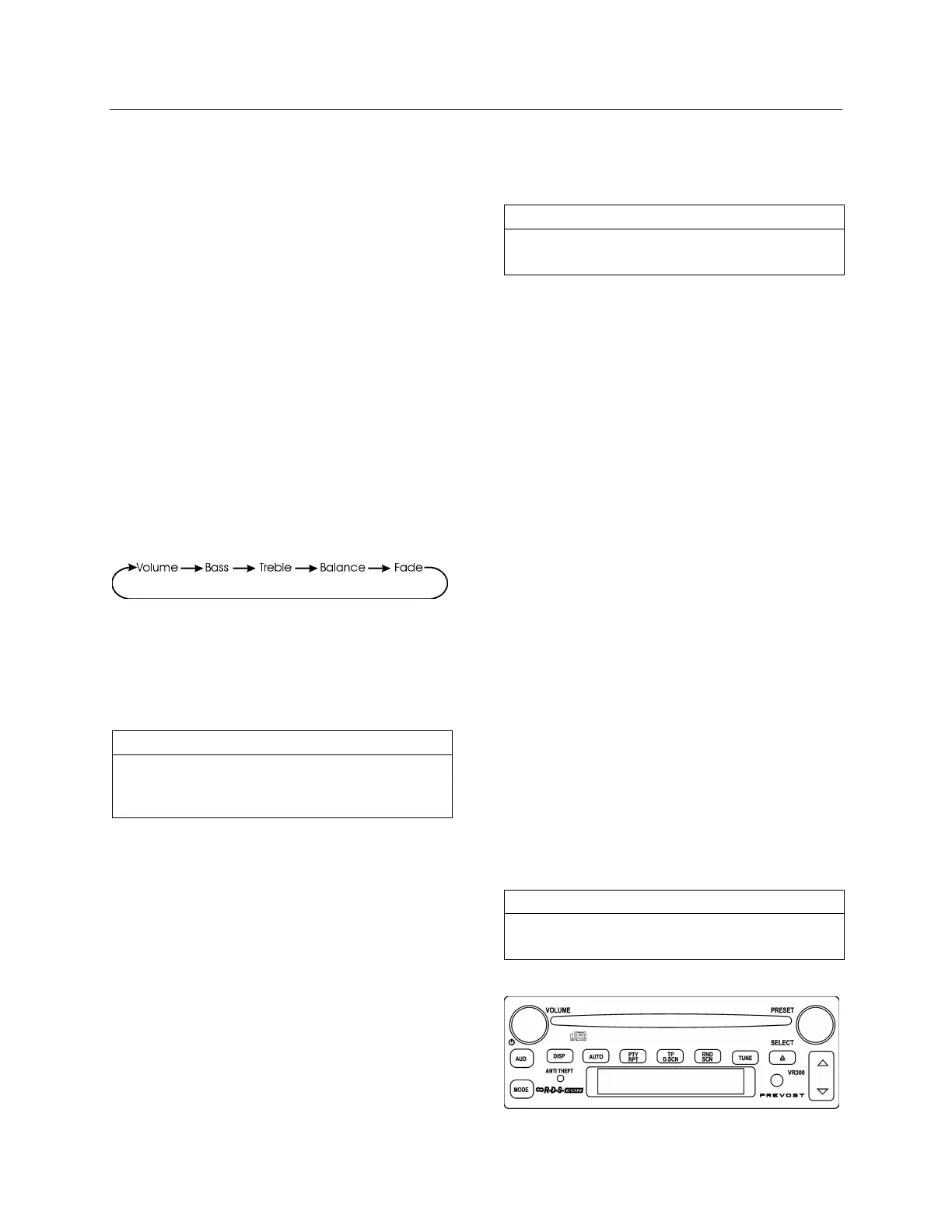
VR300 CD/AM/FM Stereo Receiver
23351








 To Next Page