PowerMeasuringModule PMM
35,0(6
31
Revision 13 EN - 02/2023
7.5.3 Status LEDs
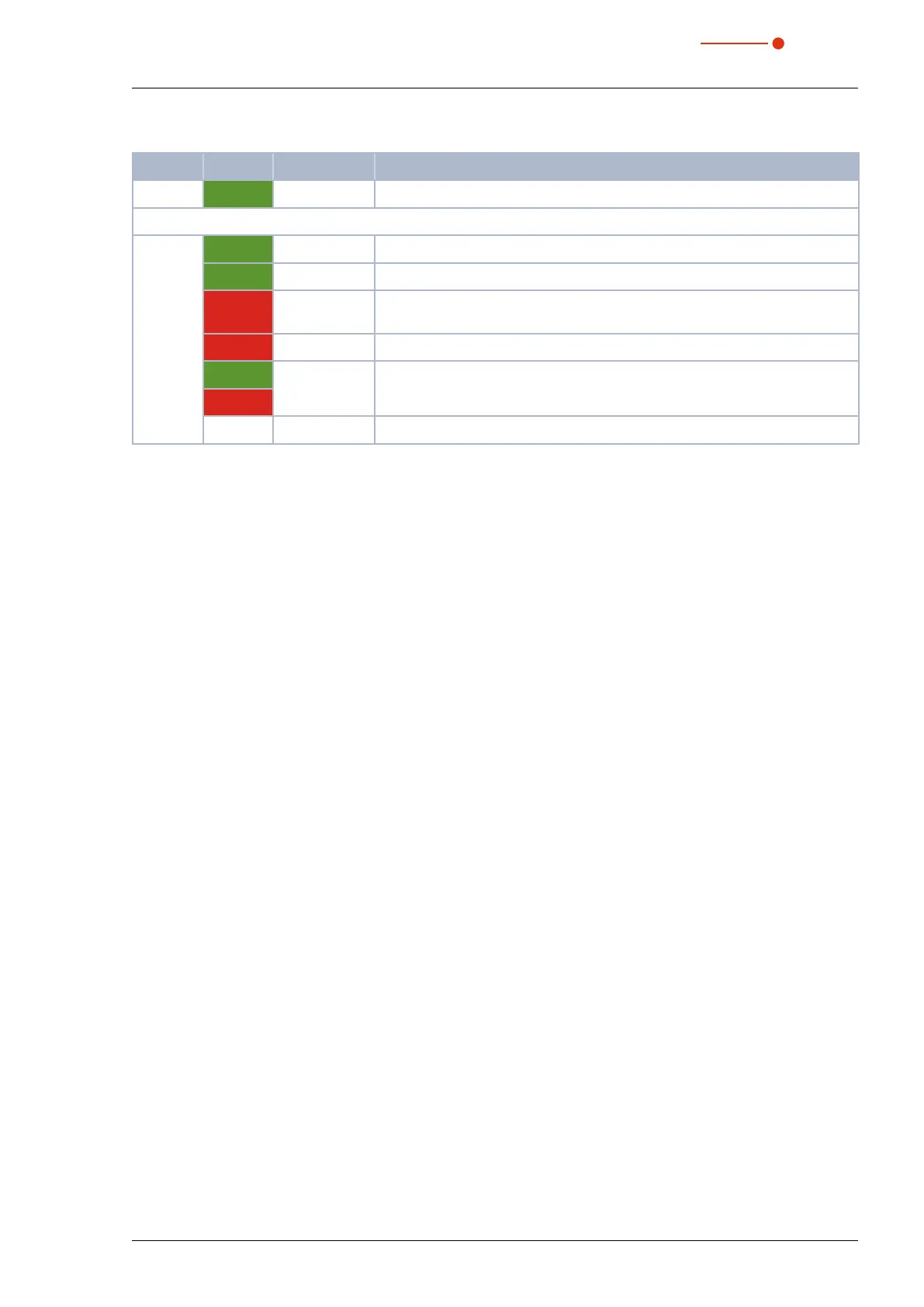
LED Color Mode Meaning
Power Green On Supply voltage is connected.
MNS Green On A device is online and has established one or more connections.
Green Flashing Device is online and has not established a connection.
Red On Critical connection error; Device has detected a network error: double MAC-
ID or severe error in CAN-network (CAN-Bus-Off).
Red Flashing Connection monitoring time has expired.
Green Green/Red/
Off
Start-up self-test:
green on for 0.25 s, then red on for 0.25 s, then off.
Red
— Off After start-up of the device and during the check for a double MAC-ID.
Tab. 7.18: Status LEDs



 To Next Page