SECTION 6
6-12 PROCLEIX
®
TIGRIS System Operator’s Manual
Part # 902649EN Rev. A Volume I: Operating the Instrument
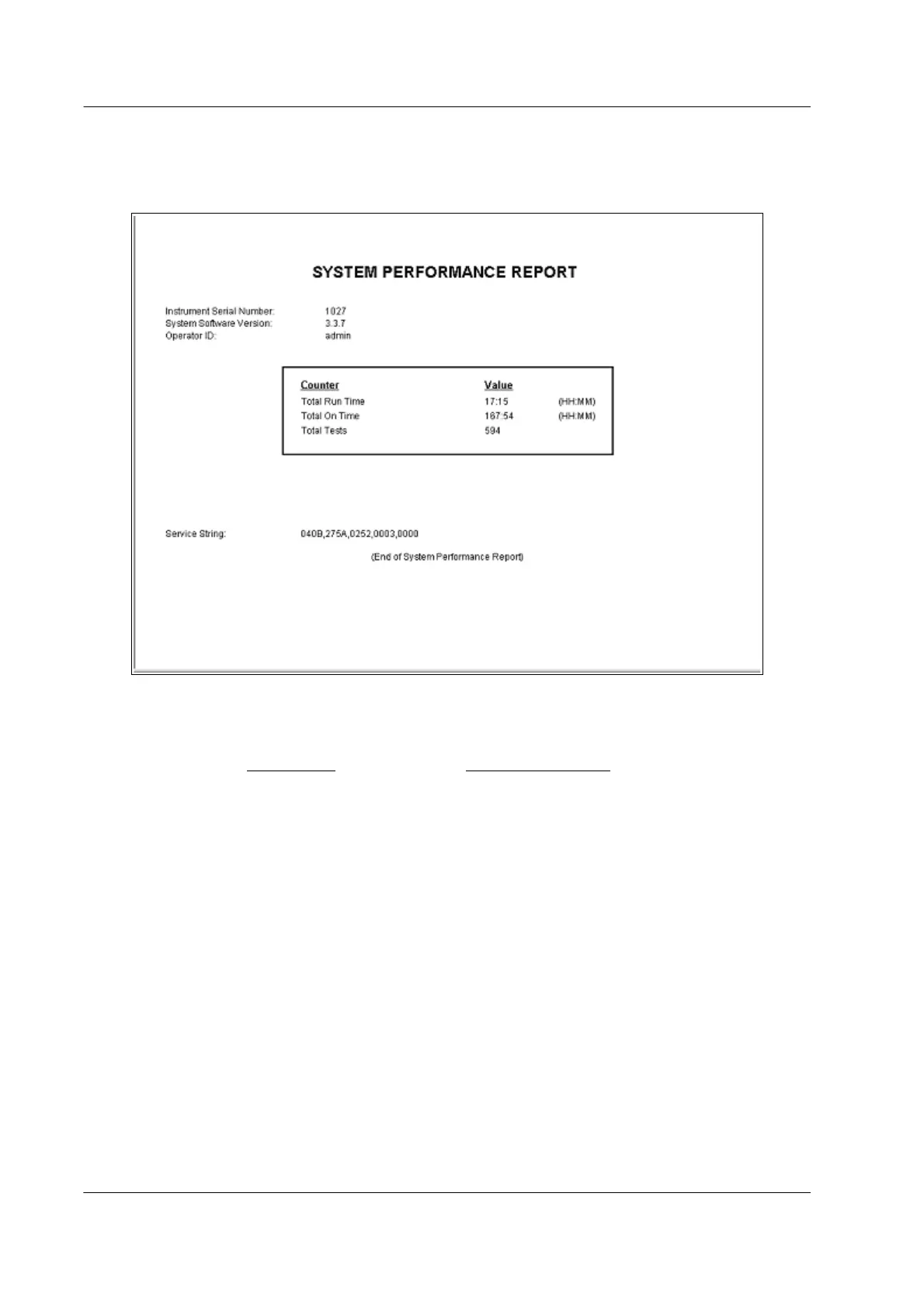
System Performance Report
The System Performance Report contains information about the amount of time the instrument
has been running.
Figure 6.11 System Performance Report
To generate the System Performance Report:
1. On the Maintenance
screen, select the Performance Checks tab.
2. Click View System Performance.
The first section of the report lists identifying information:
♦ Instrument serial number
♦ System Software version
♦ Operator ID of the operator that was logged on when the report was generated
The second section of the report lists information about instrument run time:
♦ Total Run Time – the total accumulated time that the system has been in any state other
than Standby, Error – Data Access Only, or Error – No Data Access.
♦ Total On Time – the total accumulated time that the system has been on.
♦ Total Tests Run – the total accumulated number of tests that have been run on the system.
The final section of the report lists service string information for use by Novartis Diagnostics
Technical Service.



 To Next Page