SECTION 2
2-8 PROCLEIX
®
TIGRIS System Operator’s Manual
Part # 902649EN Rev. A Volume I: Operating the Instrument
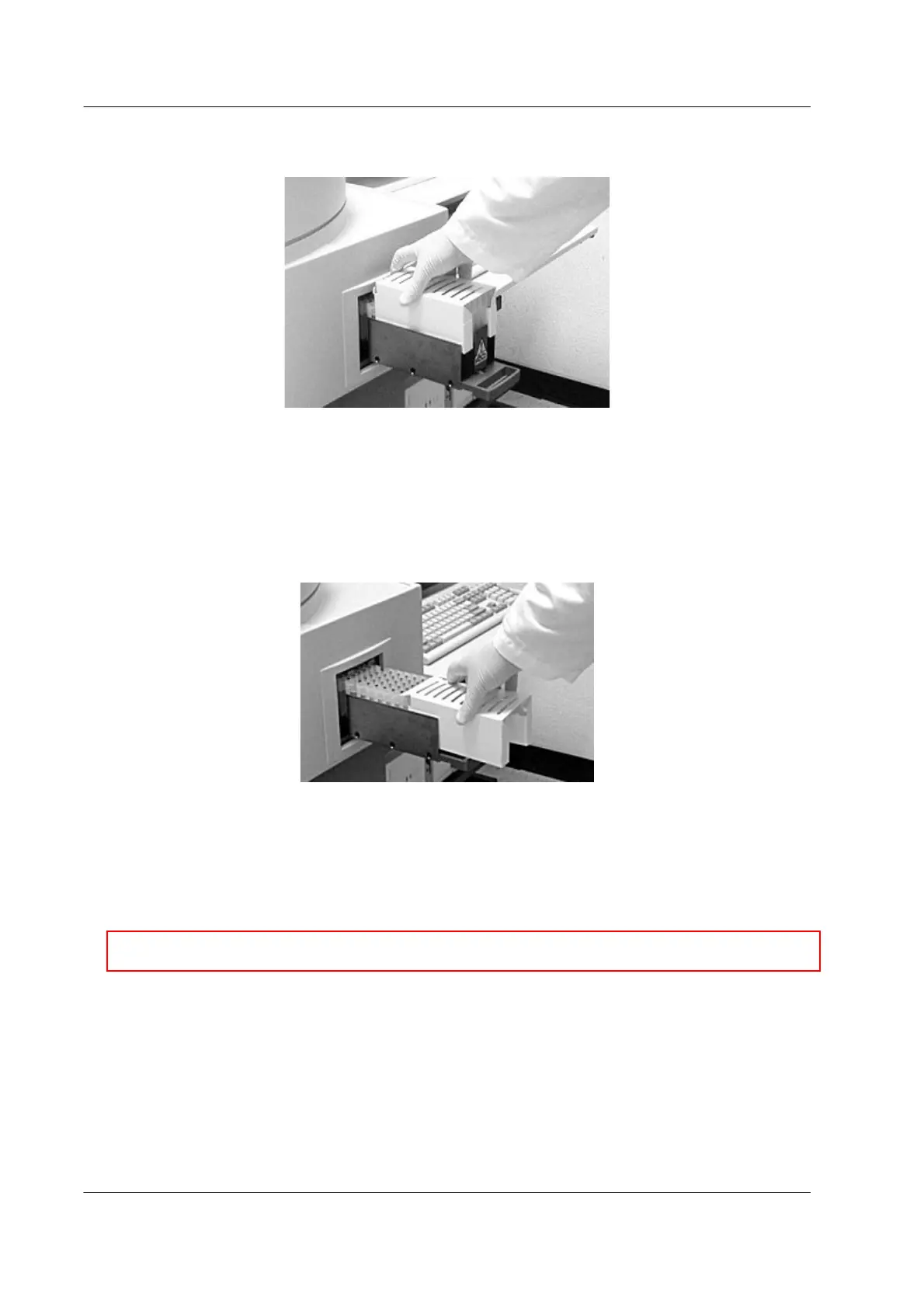
b) Hold the box of MTUs by the side, with the moveable flap at the top of the box
facing in towards the analyzer.
Figure 2.3 Loading MTUs
c) Slide the box down into the guides in the MTU drawer. Make sure that the MTUs
are securely in the guides. MTUs fit into the guides in only one direction.
If the entire box is not loaded, some MTUs will hang off the back of the drawer.
These extra MTUs remain in the box and can be loaded later.
d) Slide the MTU box backward, away from the analyzer.
Figure 2.4 Removing the MTU Box
The MTUs in the guides remain in the drawer.
4. Visually inspect MTUs:
♦ Check that the barcodes on the MTUs are present, properly aligned, and are not
damaged.
♦ Check that the distributor foot (handle) on each MTU is intact and undamaged. The
distributor foot is opposite the barcode handle.
♦ Check that all MTU tiplets are in place. Do not replace dropped tiplets into MTUs.
♦ Check for any extra MTU tiplets inside the MTU tubes. Remove any defective MTUs
or MTUs with extra tiplets.
♦ Ensure that there is a gap between the last MTU and the end of the drawer. Do not
overload the MTU Drawer.
5. Close the MTU Drawer.
,
Caution: A misaligned or damaged MTU barcode may cause system errors.



 To Next Page