SUPERVISOR PROCEDURES
PROCLEIX
®
TIGRIS System Operator’s Manual 5-1
Volume I: Operating the Instrument
Part # 902649EN Rev. A
Use the Configuration screen to manage operator accounts, configure system settings, and manage
the database. To access the Configuration
screen, select the Configuration tab on the right side of the
Main Menu
screen.
Managing Operators
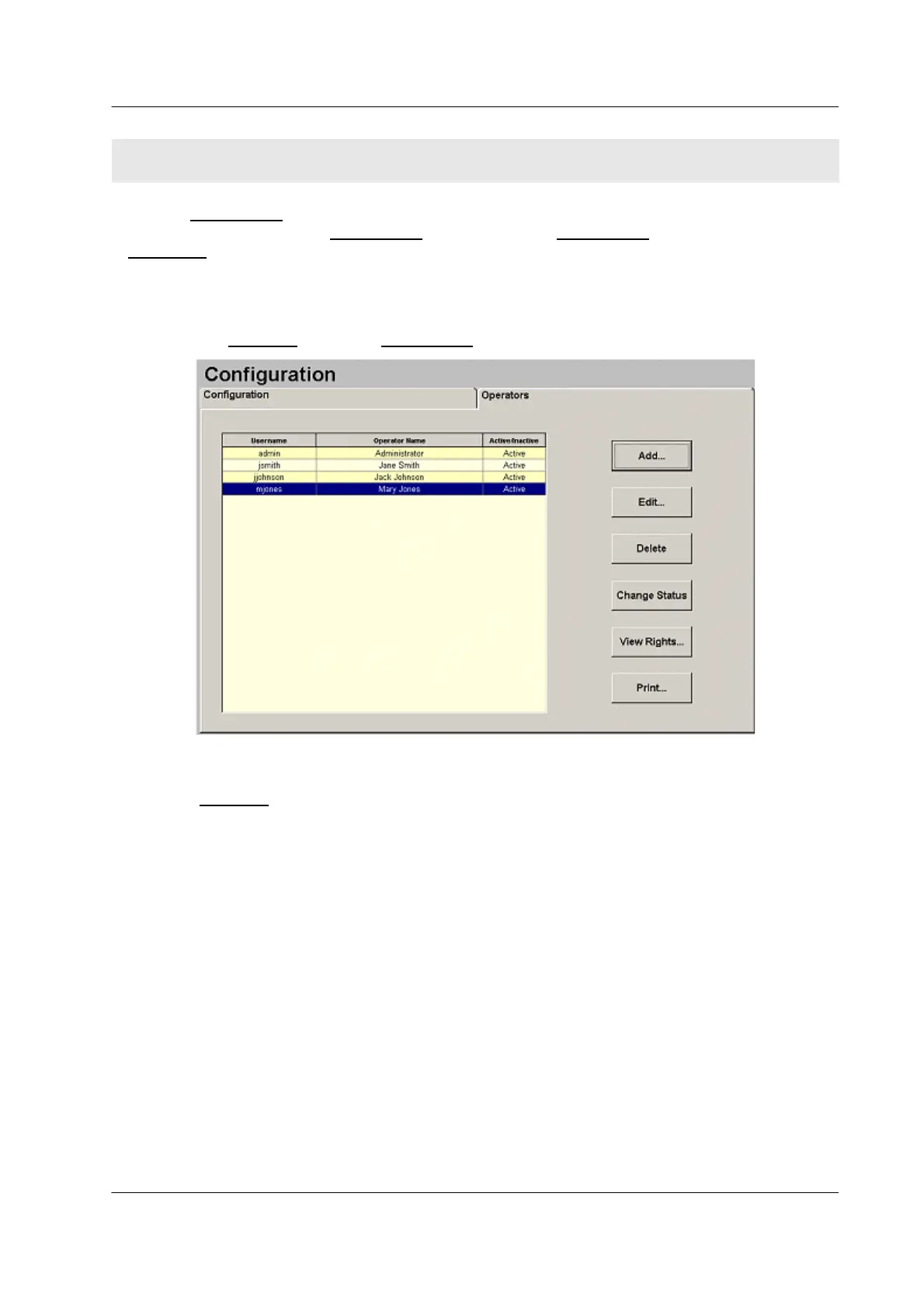
Use the Operators tab on the Configuration screen to add, edit, and delete operator accounts.
Figure 5.1 Operators Tab
The Operators
grid shows the username, operator name, and status (active or inactive) for each
operator account in the
PROCLEIX
®
TIGRIS System database.
Every operator account has a set of “rights” assigned to it. Rights indicate the tasks that an
operator has permission to perform within the system, such as performing maintenance and
rejecting test results.
An operator must have the Maintenance–Operators right to make any changes to operator
accounts.
SECTION 5. SUPERVISOR PROCEDURES



 To Next Page