WORKING WITH REPORTS
PROCLEIX
®
TIGRIS System Operator’s Manual 6-7
Volume I: Operating the Instrument Part # 902649EN Rev. A
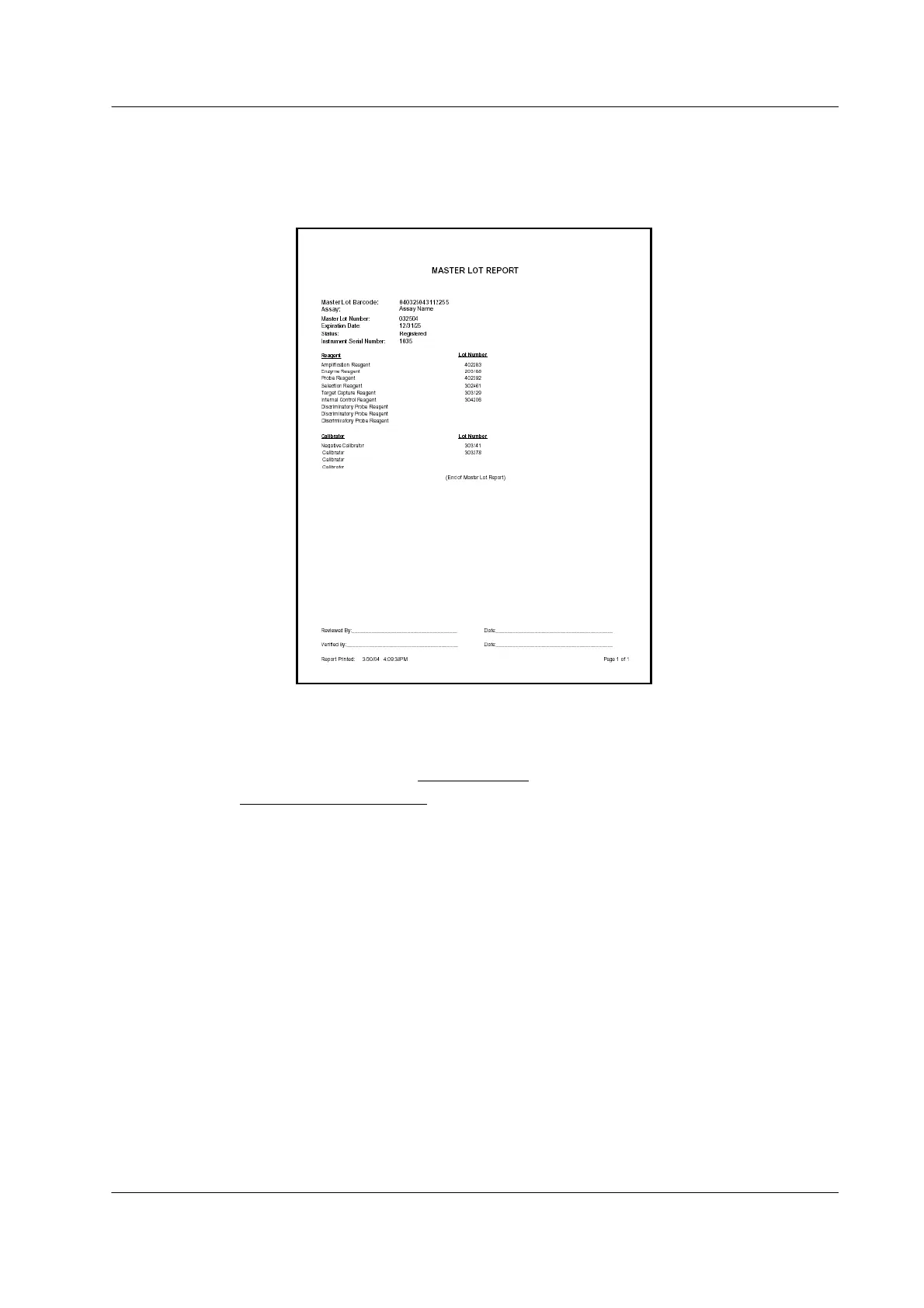
Master Lot Report
The Master Lot Report lists lot number information for ARs that belong to the Master Lot. Use
the Master Lot report to determine if Master Lot information for an AR set is already in the
database.
Figure 6.5 Master Lot Report Example
To generate the Master Lot Report:
1. In the lower-right part of the Inventory Status
screen, click View Master Lot Report….
A Select Master Lot Barcode
dialog box opens.
2. From the Master Lot drop-down list, select the barcode of the Master Lot to be viewed.
The system generates a Master Lot Report for the specified Master Lot.
The Master Lot Report lists the instrument serial number, Master Lot barcode, expiration date,
associated assay, Master Lot number, and the individual Lot Number of each AR and calibrator
in the Master Lot.



 To Next Page