INTRODUCTION AND PRODUCT DESCRIPTION
PROCLEIX
®
TIGRIS System Operator’s Manual 1-17
Volume I: Operating the Instrument
Part # 902649EN Rev. A
Overview of the PROCLEIX
®
TIGRIS System Software
The PROCLEIX
®
TIGRIS System software is provided for use with the PROCLEIX
®
TIGRIS
System. The software cannot be modified by the user. The PROCLEIX TIGRIS System software
controls and monitors the assay process. The software starts automatically when the
PROCLEIX
®
TIGRIS System computer workstation is started.
This section provides an overview of the information and functions available on the main
screens.
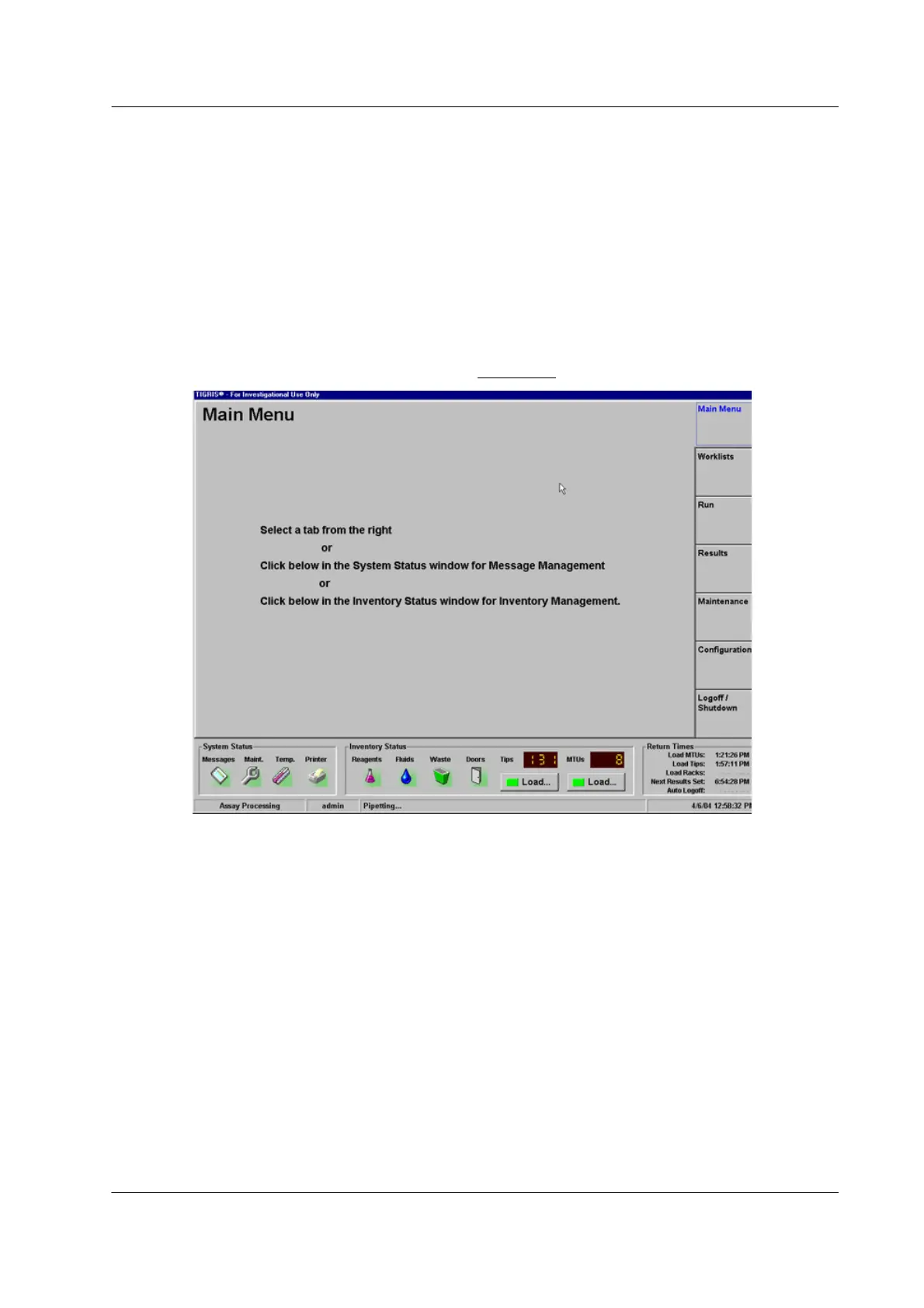
Main Menu Screen
After an operator logs in to the system, the Main Menu screen opens.
Figure 1.12 Main Menu Screen



 To Next Page