WORKABOUT PRO G2 Hand-Held With Windows Embedded CE 5.0 User Manual 99
Chapter 5: Configuration
Volume And Sound Properties
Editing A Scancode Remap
To edit a scancode:
•In the Scancode Remapping tab, tap the stylus on the remap you want
to edit.
• Tap on the Edit button, and make the appropriate changes.
• Tap on OK to save your changes.
Removing A Remap
To delete a remap:
•In the
Scancode Remapping tab, highlight the scancode you want to delete, and
tap on the Remove button.
• Tap on OK.
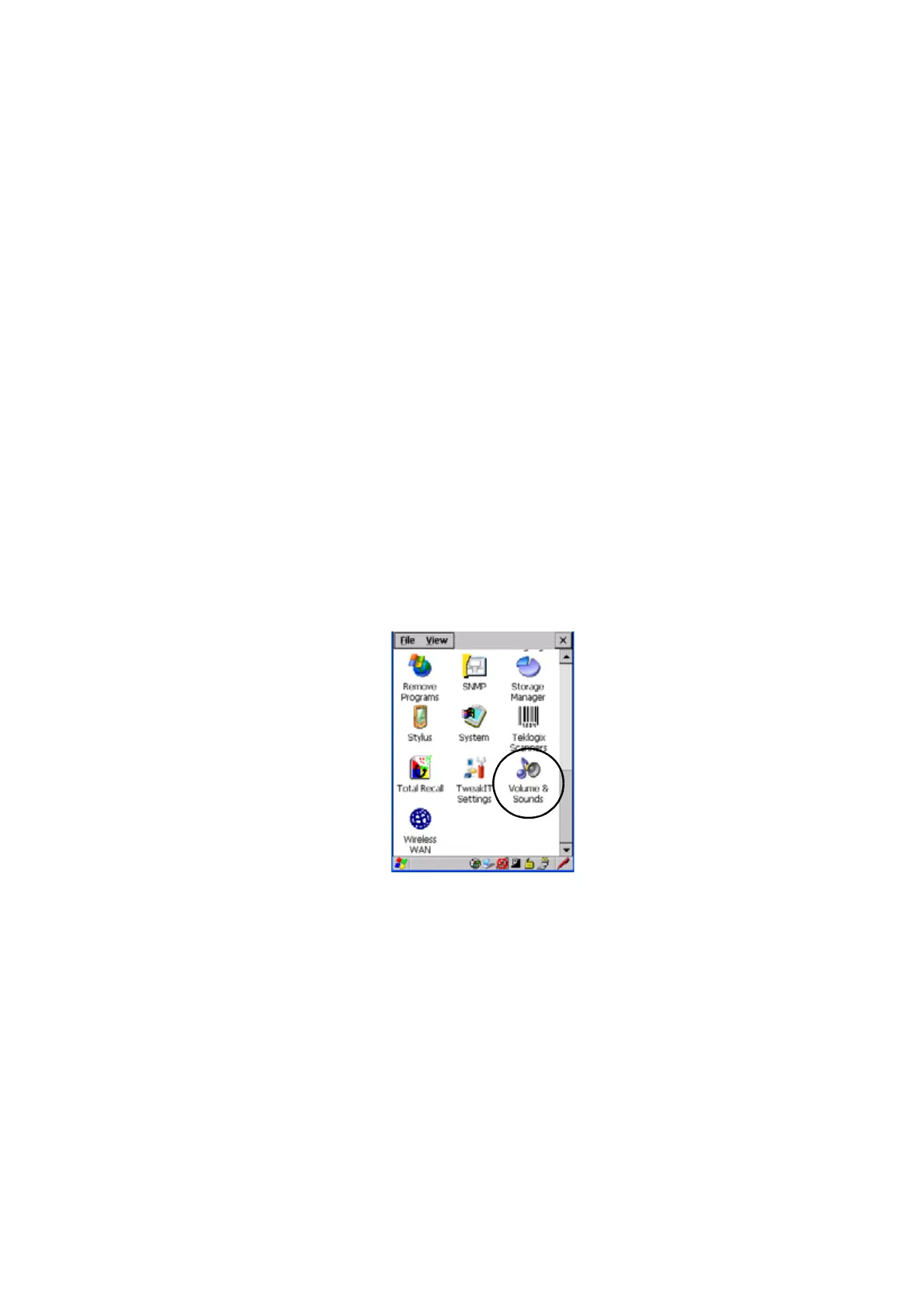
5.6.3 Volume And Sound Properties
•In the Control Panel, choose the Volume & Sounds icon.
Figure 5.5 Choosing The Volume Icon



 To Next Page