WORKABOUT PRO G2 Hand-Held With Windows Embedded CE 5.0 User Manual 47
Chapter 3: Getting To Know Your WORKABOUT PRO G2
Adjusting WORKABOUT PRO G2 Speaker Volume
3.6.2.1 Adjusting WORKABOUT PRO G2 Speaker Volume
• Lock the [FN/BLUE] key ‘on’ and then, press [UP ARROW]—the
increase volume key or [DOWN ARROW]—the decrease volume key until
the volume meets your requirements.
• Remember to press the [FN/BLUE] key again to turn it ‘off’.
3.6.3 Onscreen Indicators
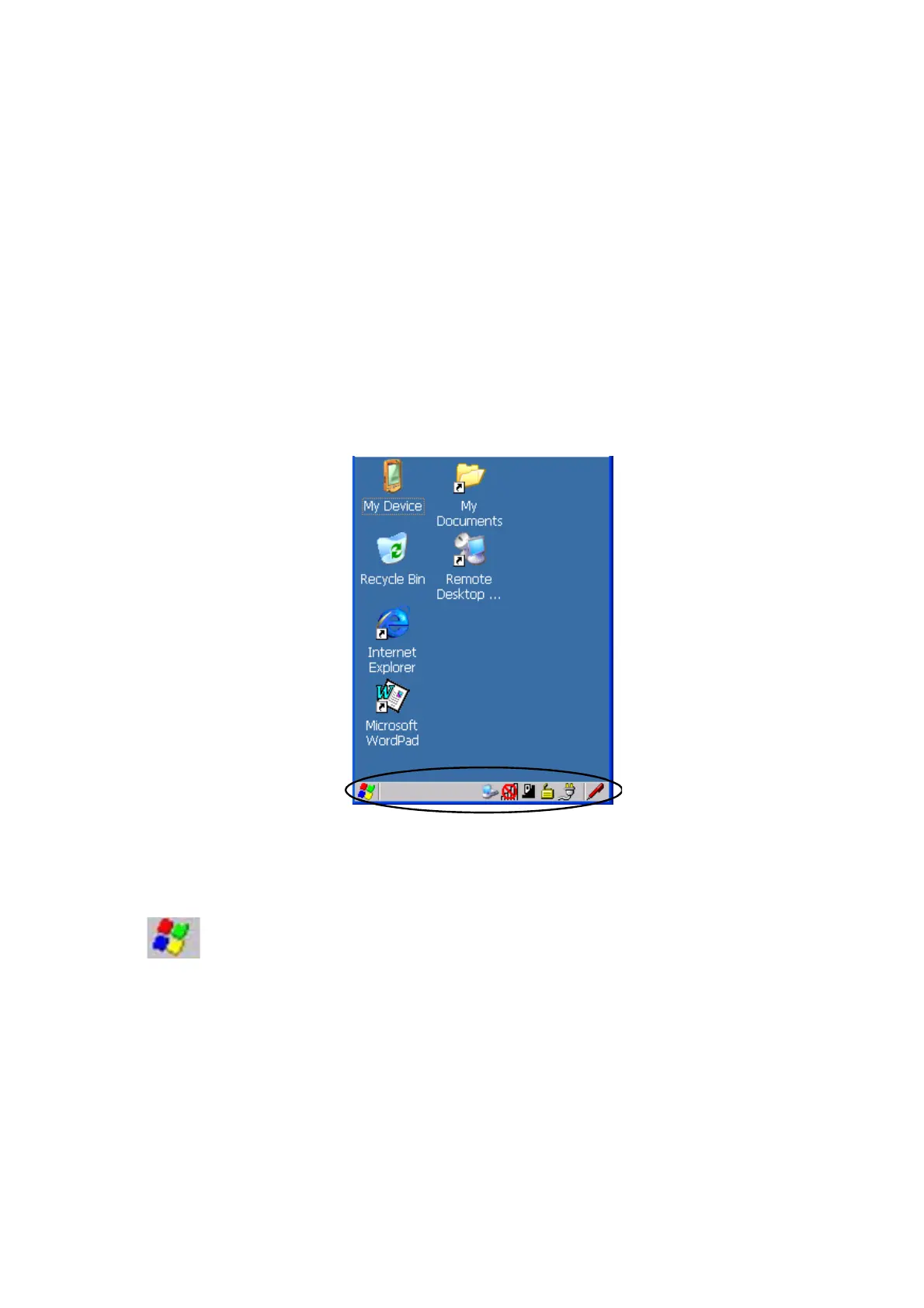
The taskbar at the bottom of the screen displays a variety of system status indicators.
Figure 3.5 Taskbar
The taskbar changes dynamically, and only those icons that are applicable are
displayed. For example, if a radio is not installed in your WORKABOUT PRO G2,
the radio signal icon is not displayed in the taskbar.
Windows® Start Button
If you are using the touchscreen, you can either tap the Windows icon at the bottom
left of the screen, or press [FN/BLUE] [.] (period) to display the Start Menu, and
then tap on the desired application.



 To Next Page