Chapter 5: Configuration
Power Management Properties
100 WORKABOUT PRO G2 Hand-Held With Windows Embedded CE 5.0 User Manual
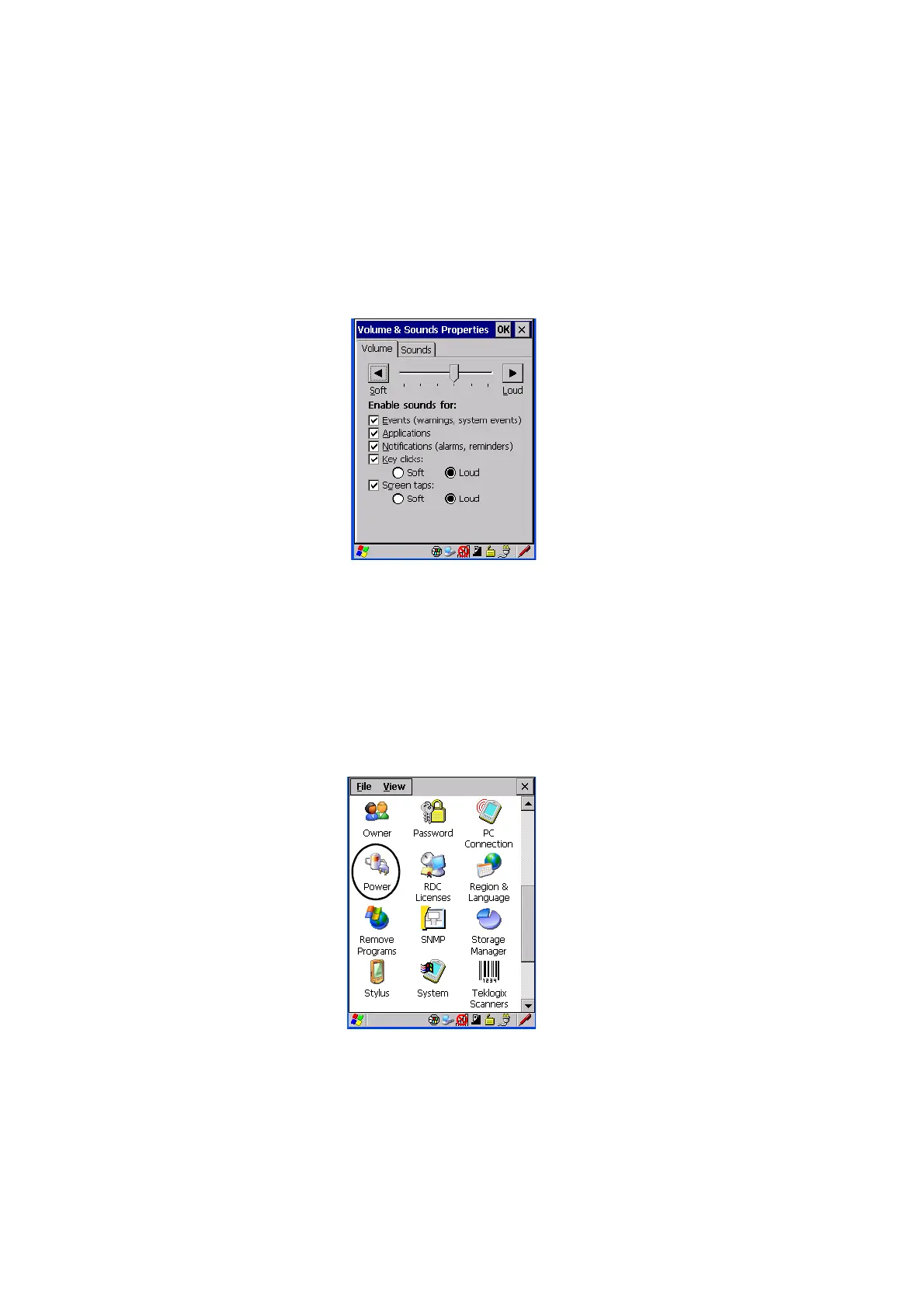
5.6.3.1 Volume Adjustments
• Slide the volume button to the left to lower the beeper volume or to the right
to increase the beeper volume.
• Under the heading Enable sounds for, enable the conditions under which
you want the WORKABOUT PRO G2 to emit a beep.
5.6.4 Power Management Properties
This icon displays a Power Properties dialog box that indicates the unit’s battery
capacity and allows you to manage battery use.
•In the Control Panel, choose the Power icon.



 To Next Page