Chapter 2: Basic Checkout
ThirdPartyConfig
26 WORKABOUT PRO G2 Hand-Held With Windows Embedded CE 5.0 User Manual
• Modify the config, and tap on Commit.
Alternatively, you can choose another config as the active config and then switch
back to the config for which EAP authentication was cancelled.
2.5.2.3 ThirdPartyConfig
If you choose to configure ThirdPartyConfig, the SCU will work with the operating
system’s Windows Zero Config (WZC) to configure radio and security settings for
the CF radio installed in the unit.
Choosing this config means that WZC must be used to define the following radio
and security options: SSID, Auth Type, EAP Type and Encryption.The SCU settings
for ThirdPartyConfig include: Client Name, Power Save, Tx Power, Bit Rate and
Radio Mode. These SCU settings along with SCU global settings and the WZC
settings will be applied to the radio module.
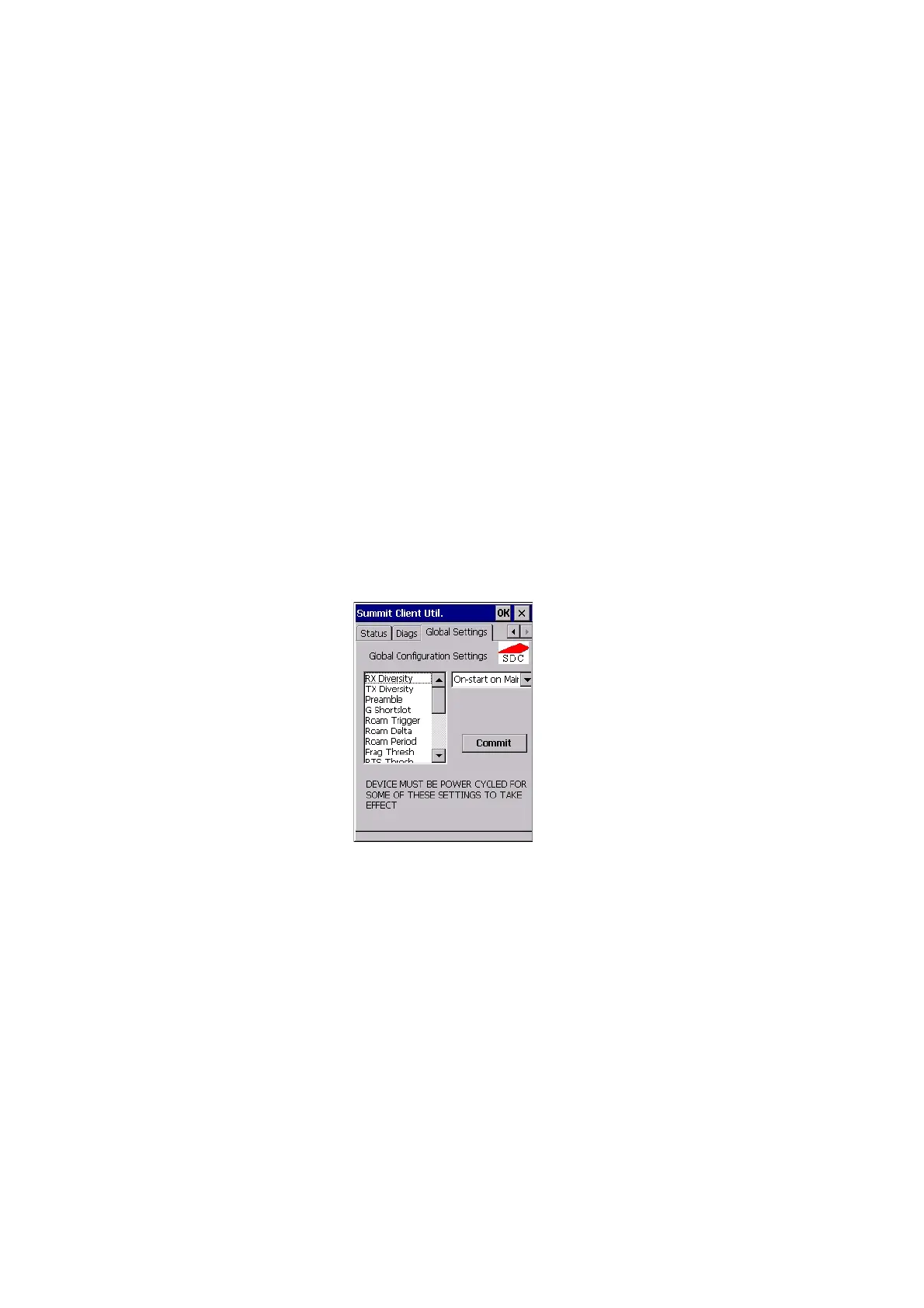
2.5.3 Global Settings Tab
Figure 2.9 SCU Global Settings Tab
The Global Settings tab allows you to define radio and security settings that apply to
all configs (profiles), along with settings that apply specifically to the SCU.



 To Next Page