WORKABOUT PRO G2 Hand-Held With Windows Embedded CE 5.0 User Manual 209
Chapter 5: Configuration
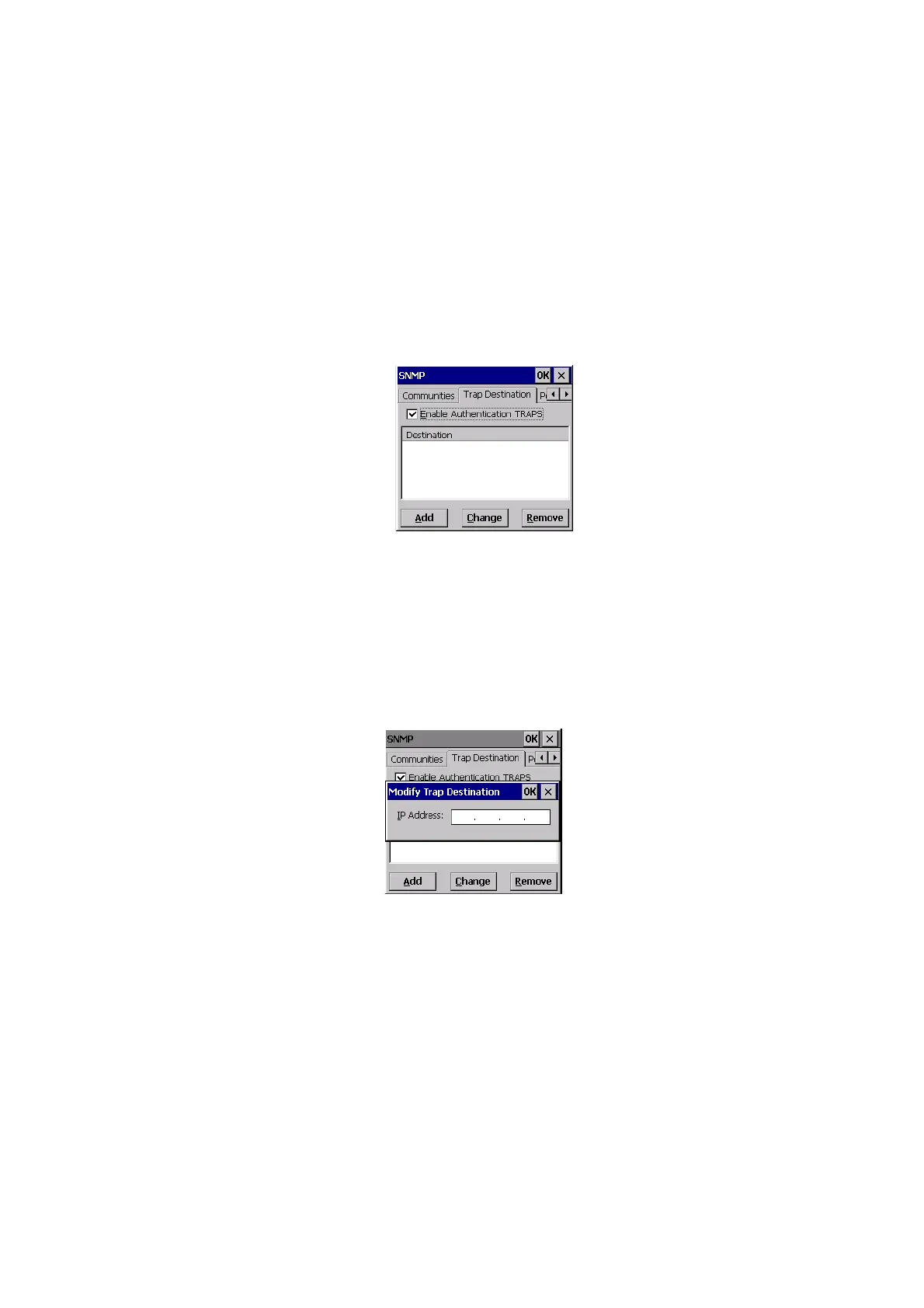
Trap Destination Tab
5.12.3 Trap Destination Tab
A trap is an unsolicited report sent to SNMP Managers by the SNMP Agent running
on the managed node. This option allows you to define where the report will be sent.
5.12.3.1 Enabling Authentication TRAPS
Enabling Enable Authentication TRAPS allows authorization traps to be sent when
a failure is detected (e.g., an SNMP message received with a bad community name).
5.12.3.2 Adding A Destination
To add a new destination:
• Choose the Add button.
• Type a destination IP address in the text box provided, and press [ENTER].
5.12.3.3 Changing A Destination
To change an existing trap destination:
• Highlight the destination you want to alter in the
Trap Destination tab, and
then choose the Change button.



 To Next Page