Chapter 2: Basic Checkout
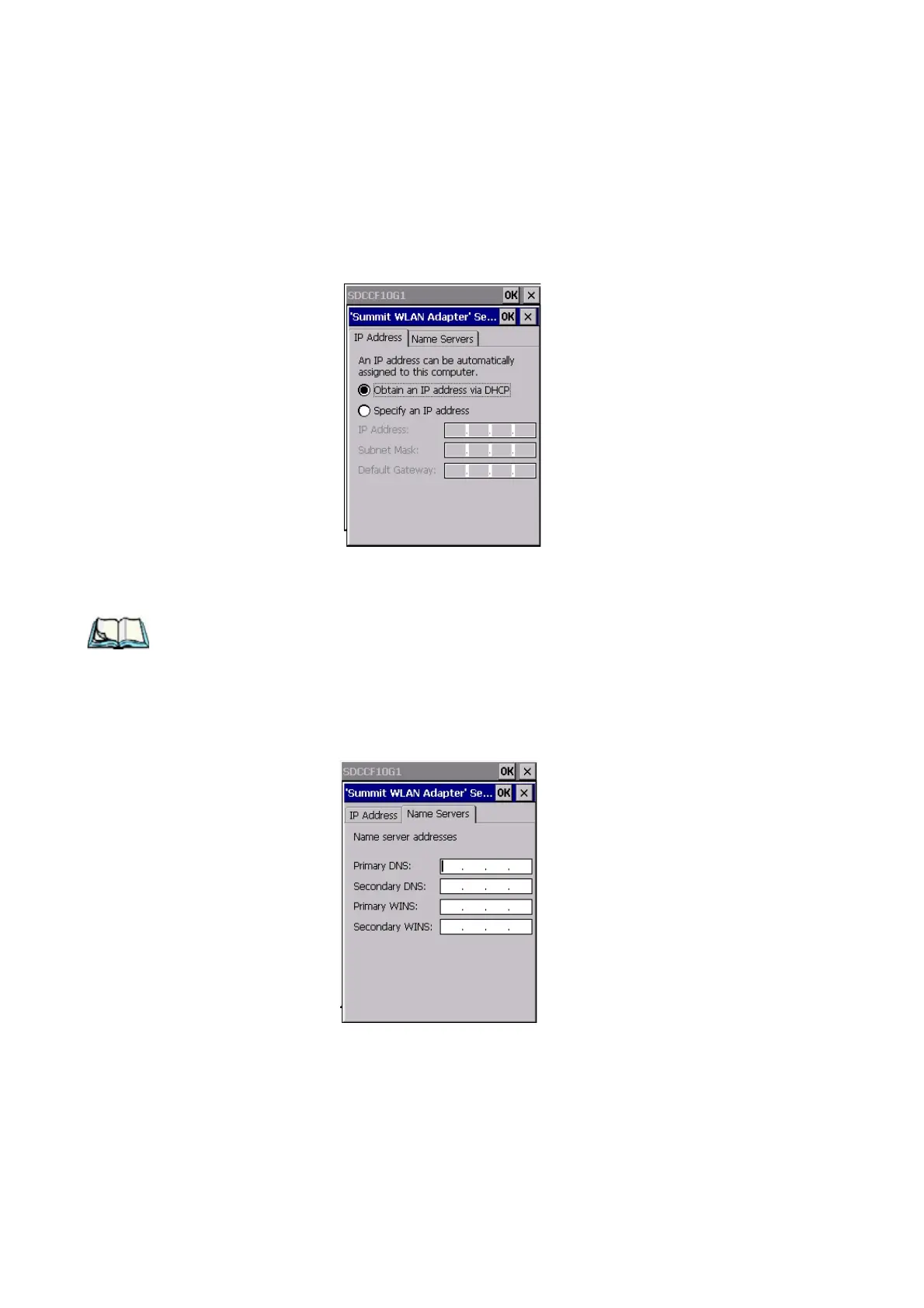
Name Servers Tab
16 WORKABOUT PRO G2 Hand-Held With Windows Embedded CE 5.0 User Manual
Figure 2.3 Defining An IP Address
2.4.3 Name Servers Tab
Note: If DHCP is enabled, name server addresses are assigned automatically.
•In the SDCCF10G1 window, display the IP Information tab.
•In the Summit WLAN Adapter Settings>IP Information tab, tap on the
Configure button.
• Display the Name Servers tab.
Figure 2.4 Name Servers Tab



 To Next Page