WORKABOUT PRO G2 Hand-Held With Windows Embedded CE 5.0 User Manual 129
Chapter 5: Configuration
Restoring A Profile
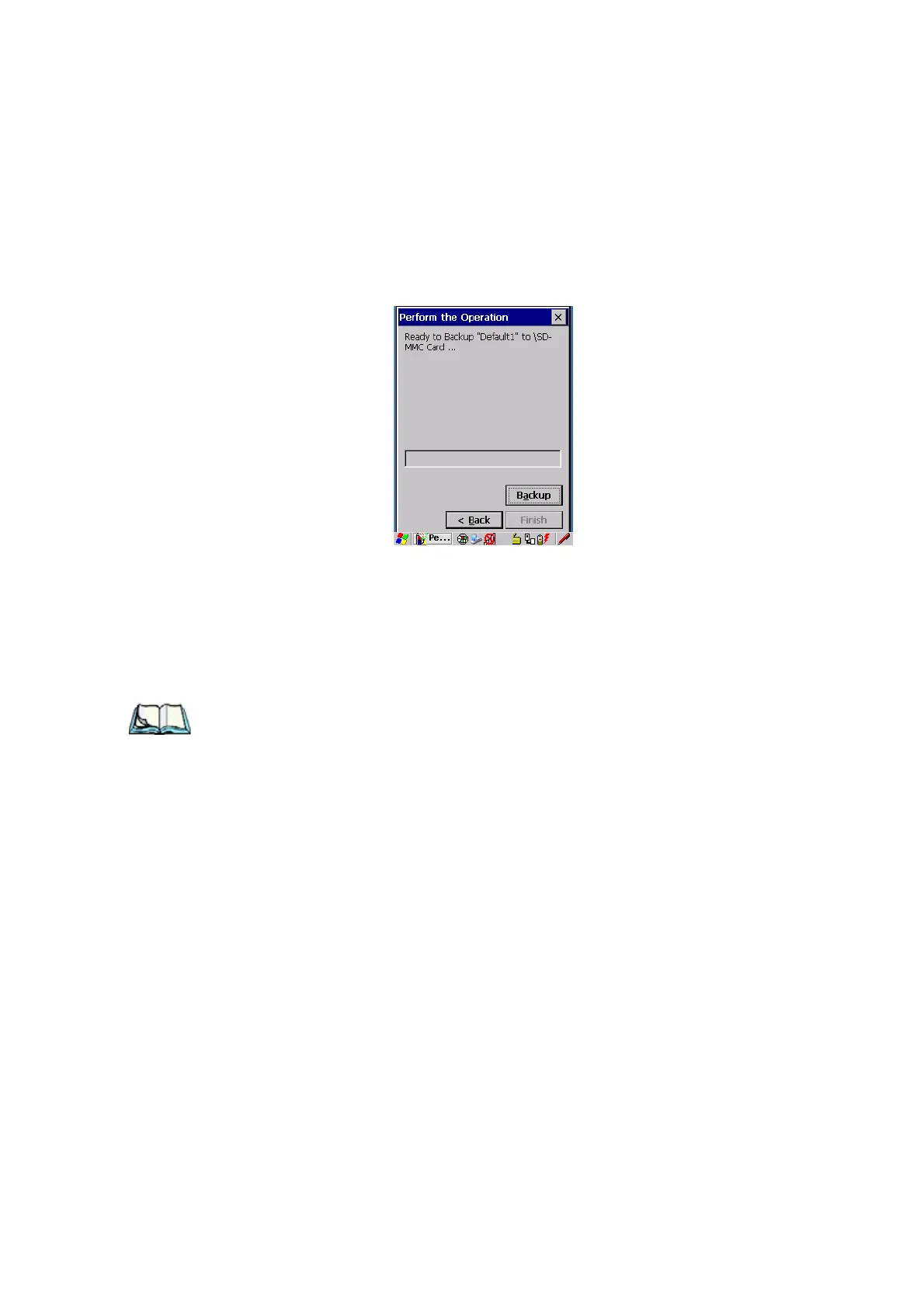
Perform The Operation
Figure 5.17 Performing The Backup
• Choose the Backup button to start the process, and create a profile.
5.8.2 Restoring A Profile
To manually restore a profile:
• Choose Restore Selected Profile from the drop-down menu, and choose
the Profile Name displayed in the drop-down menu.
Note: You can also manually restore an auto restore profile located in flash or a
storage device.
5.9 The Storage Manager
The Storage Manager allows the user to view information about the storage devices
that are present in the WORKABOUT PRO G2, such as SD-MMC flash cards and
Compact Flash cards.
5.9.1 Formatting A Memory Card
Formatting a memory card bulk-erases it. Once a card is erased, partitions may be
created in it, similarly to those on a hard drive. Memory-card devices are normally
‘mounted’ (made available to the system) automatically when they are inserted.
They must be dismounted before they can be formatted.
To format an entire memory card:



 To Next Page