Chapter 5: Configuration
Creating A Backup Profile
128 WORKABOUT PRO G2 Hand-Held With Windows Embedded CE 5.0 User Manual
To remove a file from your backup list:
• Choose Remove Files—a dialog box is displayed listing the files that will
be backed up.
• Highlight the item you want to remove from the list, and tap on the
Remove button.
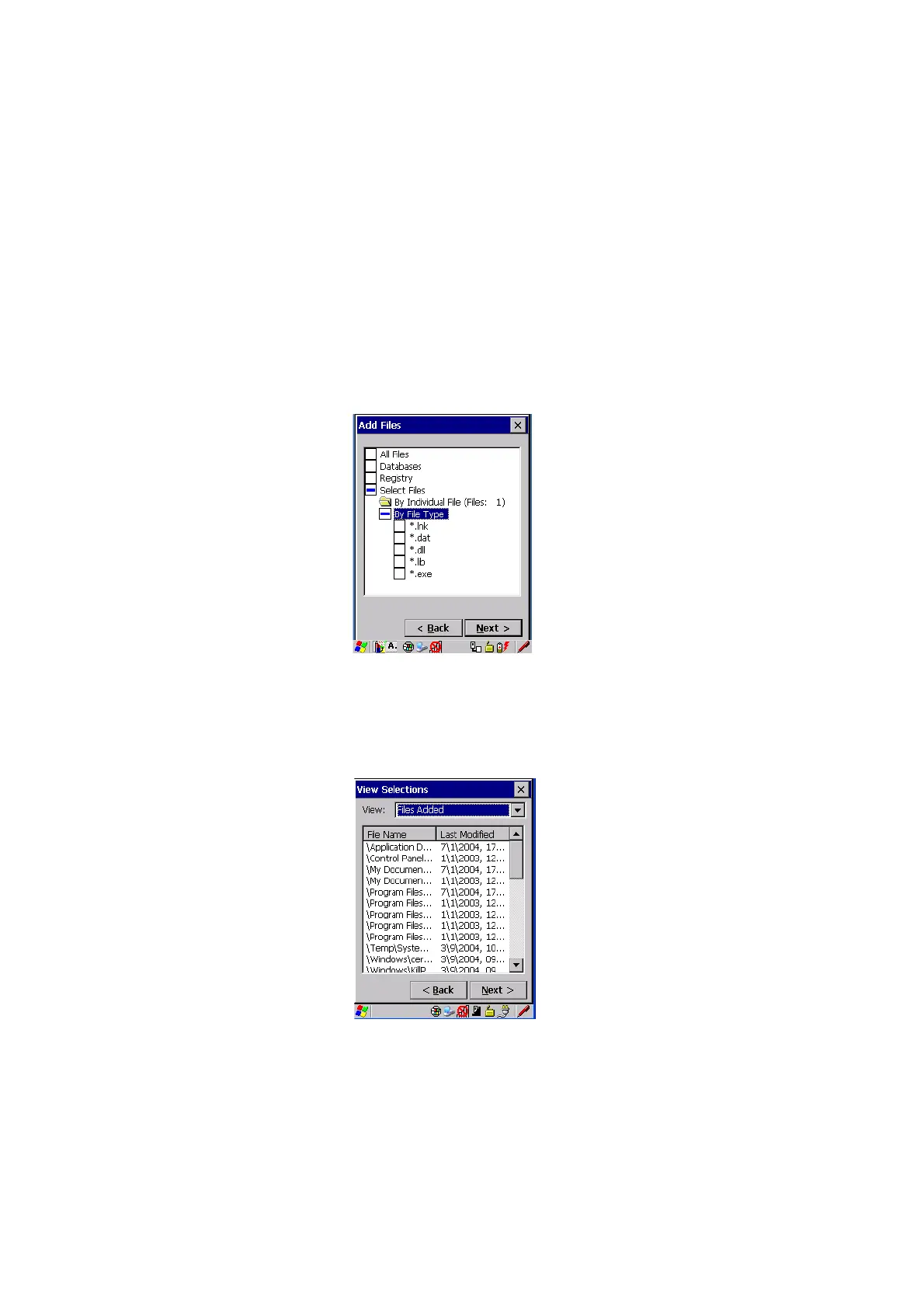
Choosing By File Type
allows you to select the file types that you want backed up.
Figure 5.16 Adding Files By File Type
View Selections
Depending on what you have selected for inclusion in your profile, you can view a
list of the selected files, databases and/or registry.
• Choose the Next
button to perform the operation.



 To Next Page