WORKABOUT PRO G2 Hand-Held With Windows Embedded CE 5.0 User Manual 17
Chapter 2: Basic Checkout
Using The SCU To Connect To The WLAN
The DNS and WINS fields in the
Name Servers tab allow you to specify additional
WINS and DNS resolvers. The format for these fields is ###.###.###.###.
2.4.4 Using The SCU To Connect To The WLAN
This section provides a quick set of steps to create a profile (referred to as a
“config”). Detailed information about each of the SCU tabs—Main, Config, Status,
Diags and Global Settings—is provided under “SCU Tabs” on page 19. To launch
the SCU so that your WORKABOUT PRO G2 can connect to a wireless LAN:
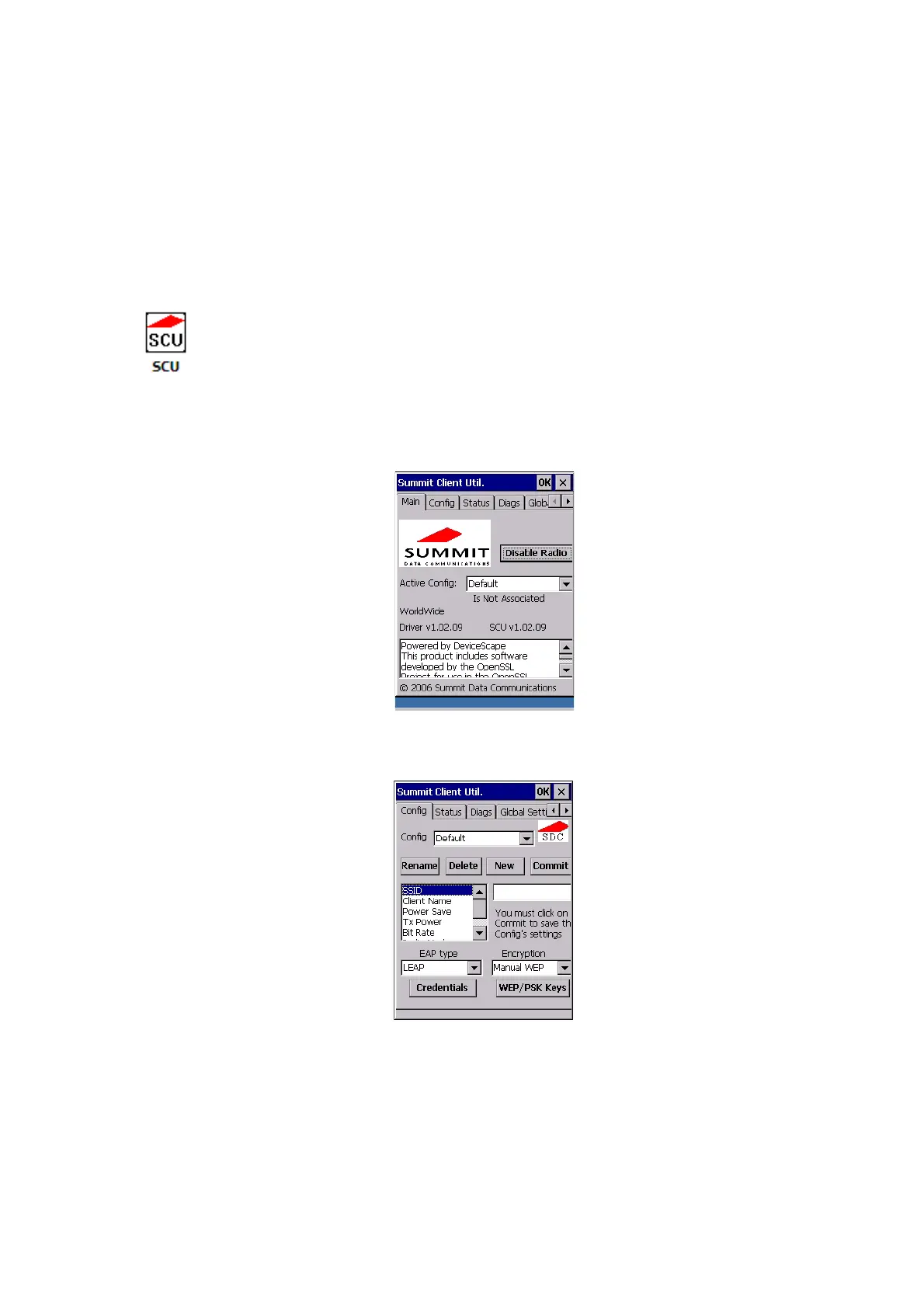
1. Tap on Start>Programs>Summit, and then tap on the SCU icon.
Figure 2.5 SCU Main Tab
2. Tap on the Config tab.
Figure 2.6 SCU Config Tab



 To Next Page