WORKABOUT PRO G2 Hand-Held With Windows Embedded CE 5.0 User Manual 101
Chapter 5: Configuration
Power Management Properties
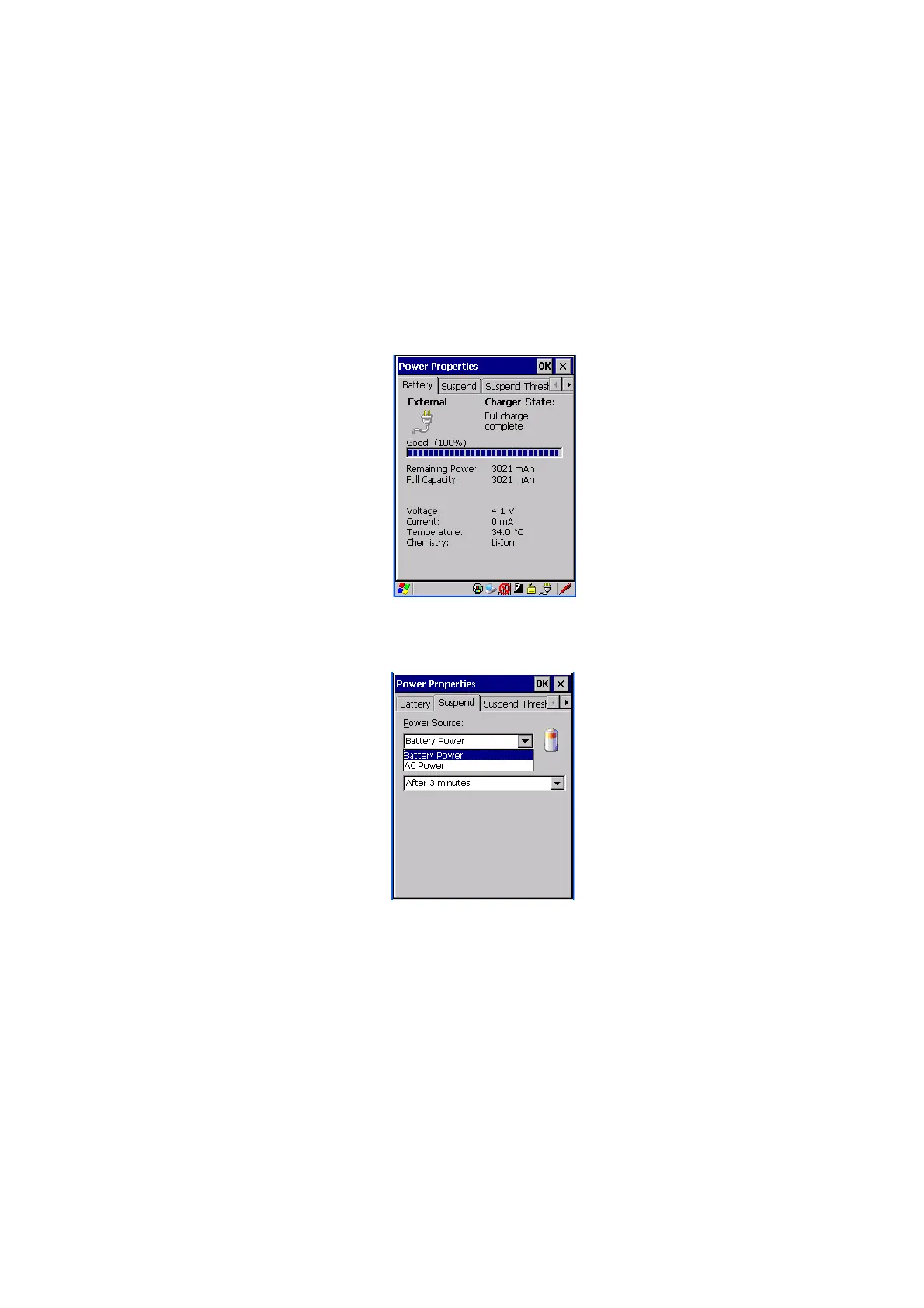
5.6.4.1 Battery Capacity
•In the Power Properties dialog box, open the Battery tab to view battery
details.
5.6.4.2 Power Saving Suspend
•In the Power Properties dialog box, open the Suspend tab.
Power Source
This drop-down menu allows you to specify whether the unit is using AC Power or
Battery Power.



 To Next Page