WORKABOUT PRO G2 Hand-Held With Windows Embedded CE 5.0 User Manual 69
Chapter 4: Working With Windows Embedded CE 5.0
Settings
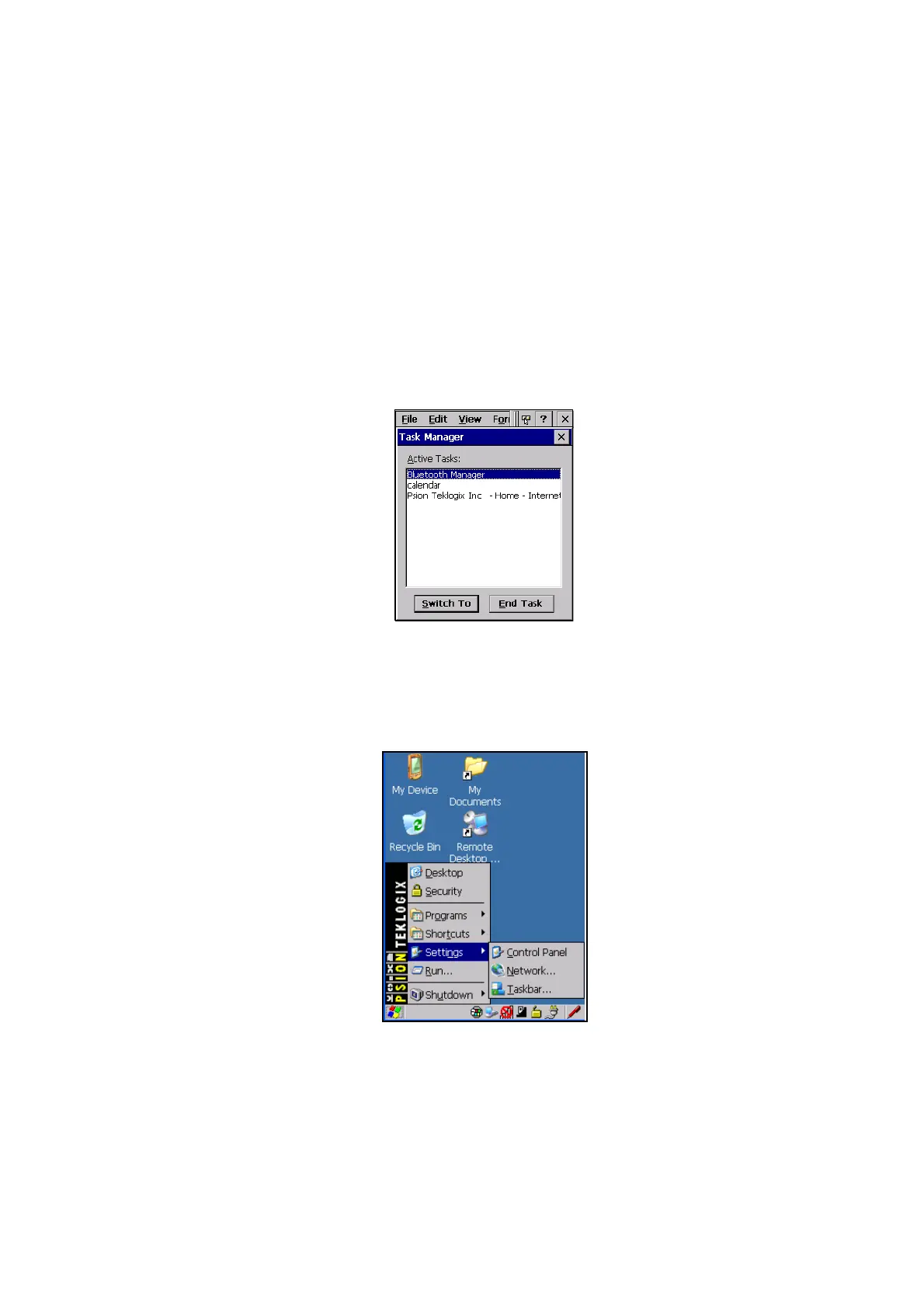
Task Manager
The Task Manager allows you to switch to another task or to end an active task. To
display the task manager window:
• Tap on Shortcuts>Task Manager, or
Press [ALT] [ESC].
Figure 4.11 Task Manager
4.4.5 Settings
The Settings sub-menu includes the following settings: Control Panel, Network
and Dial-up Connections and Taskbar and Start Menu.
Figure 4.12 Settings Sub-Menu



 To Next Page