WORKABOUT PRO G2 Hand-Held With Windows Embedded CE 5.0 User Manual 175
Chapter 5: Configuration
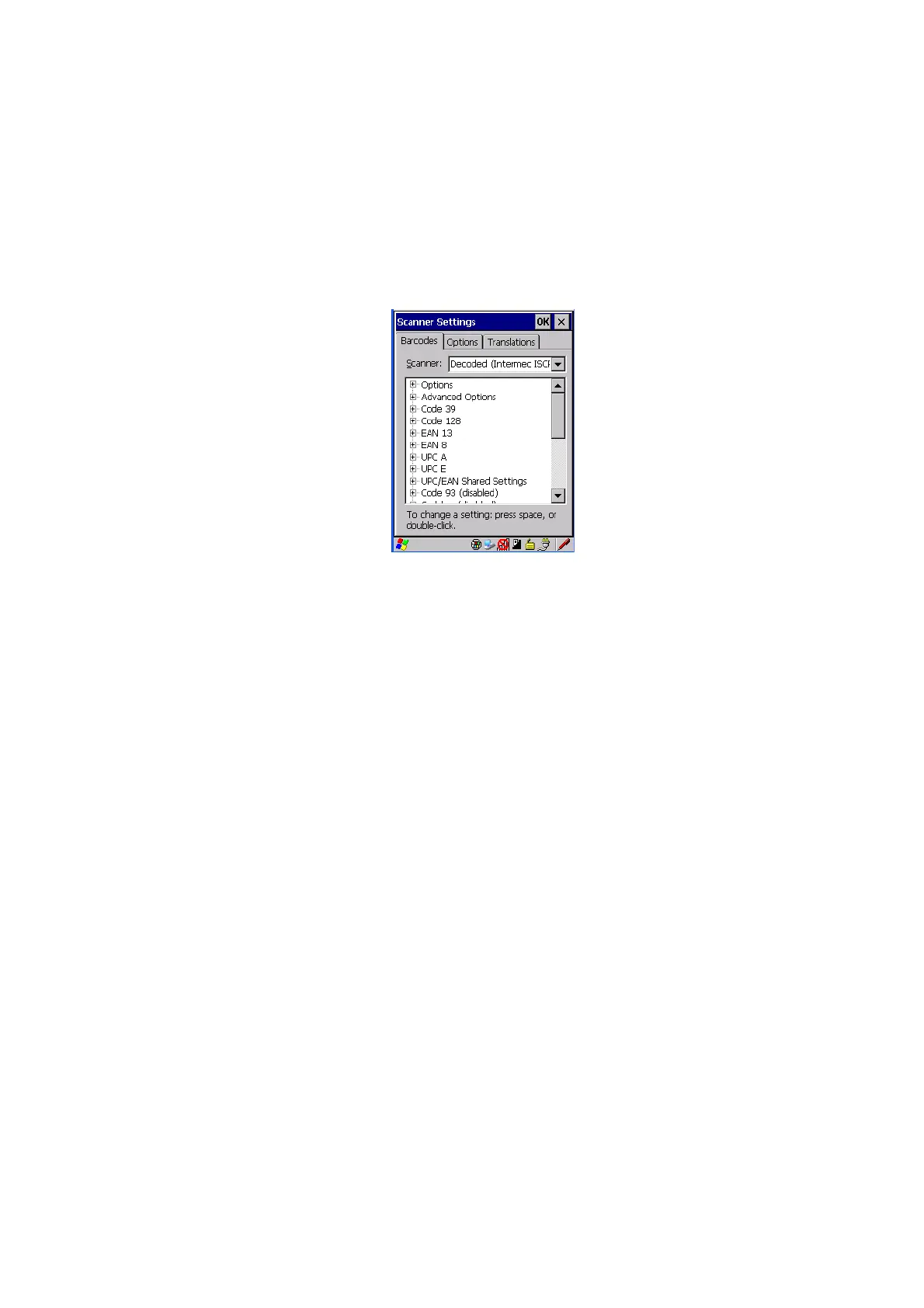
Decoded (Intermec ISCP)
5.11.4 Decoded (Intermec ISCP)
• Tap on the Scanner drop-down menu, and choose Decoded (Intermec
ISCP).
5.11.4.1 Decoded (Intermec ISCP) Options
Laser On Time
The value assigned to this parameter determines how long the laser will remain on
when the scan button or trigger is pressed.
Double-tapping on this parameter displays a dialog box in which you can enter a
value between 1 and 10 seconds.
5.11.4.2 Decoded (Intermec ISCP) Advanced Options
Continuous Scan Mode
Setting this parameter to ‘on’ keeps the laser on and continuously decoding as long
as the scanner button is pressed and held down.
Minimum Cancel Time
The value assigned to this parameter determines the time delay before the scanner is
turned off, once the scanner trigger or button is released. This gives the scanner a
minimum amount of time to complete its current decode before the scan is cancelled
when the user quickly triggers on/off.



 To Next Page