Chapter 3: Getting To Know Your WORKABOUT PRO G2
The Battery
36 WORKABOUT PRO G2 Hand-Held With Windows Embedded CE 5.0 User Manual
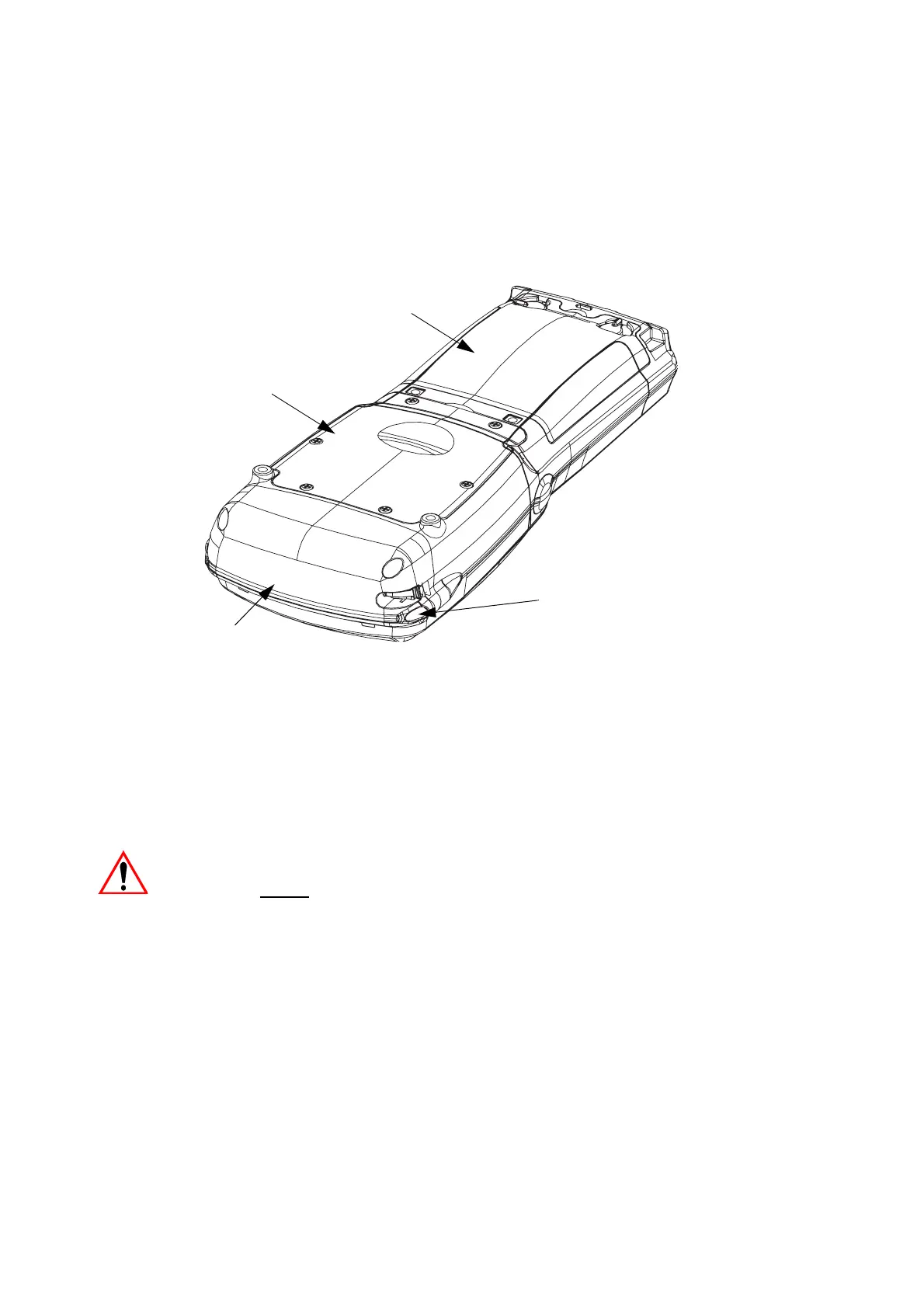
Figure 3.2 Back Of WORKABOUT PRO G2
3.2 The Battery
The hand-held operates with a Lithium-Ion battery pack. Preparing the unit for
operation requires that a battery pack be charged and installed in the
WORKABOUT PRO G2.
3.2.1 Battery Safety
Important: Before attempting to install, use or charge the battery pack, it is
critical
that you review and follow the important safety guidelines
in the guide entitled ‘WORKABOUT PRO Hand-Held Computer
Regulatory & Warranty Guide’, PN 8000126.
Stylus
(Pointing Tool)
Scanner Window
Battery Pack
Tether Port
Warning Label
Battery Cover
Back Cover
End Cap
Stylus
(pointing tool)



 To Next Page