Appendix B: Wireless Wide Area Network (WWAN)
Establishing A Connection
B-2 WORKABOUT PRO G2 Hand-Held With Windows Embedded CE 5.0 User Manual
A new SMS message has arrived.
B.1.2 Establishing A Connection
To display the main Wireless WAN dialog box:
• Double-tap on the Wireless WAN icon in the taskbar.
If the icon is not visible in the taskbar, the radio interface has been shut down or the modem
has been removed:
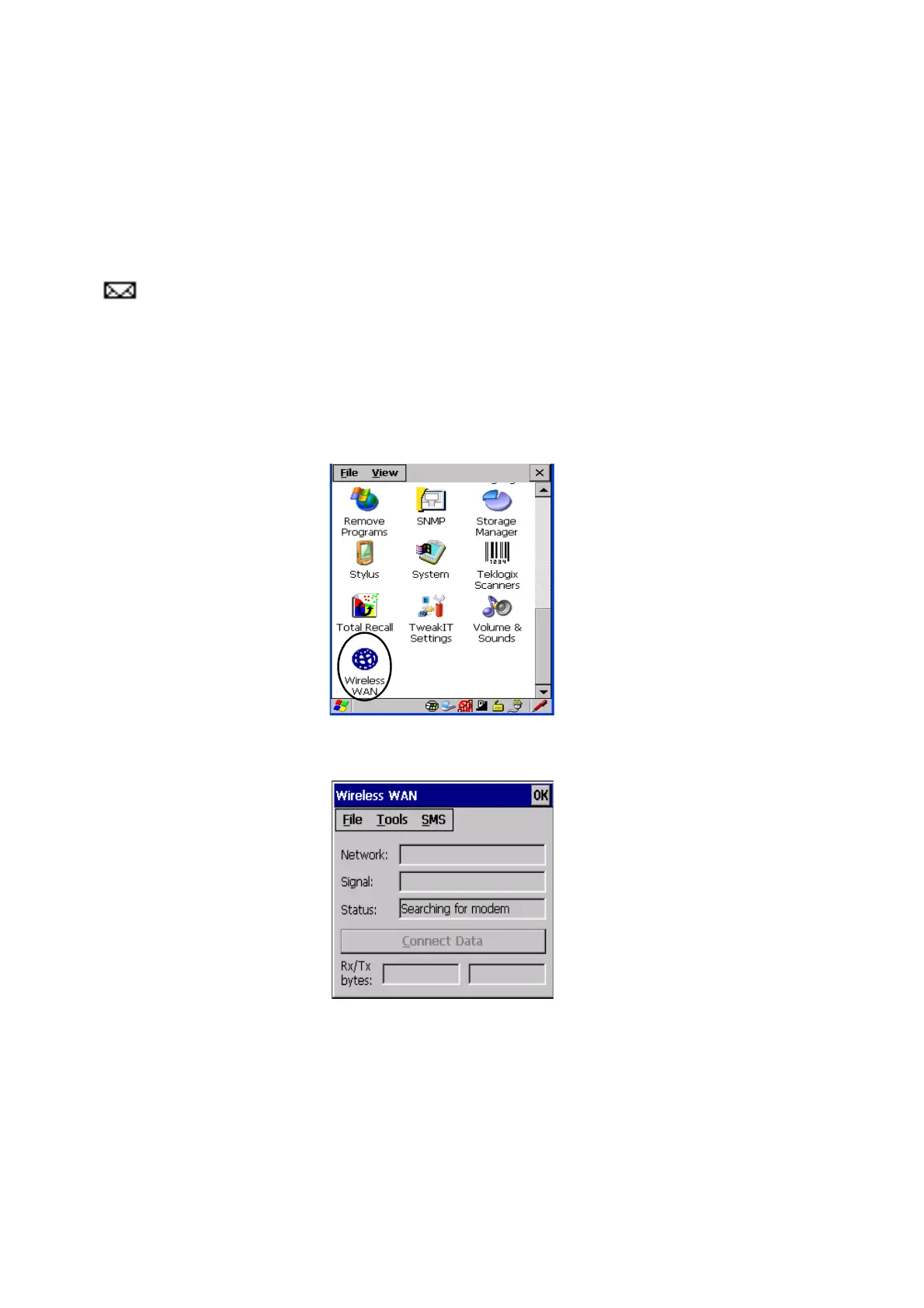
•In the Control Panel, choose the Wireless WAN icon.
Figure B.1 Wireless WAN Icon
The main Wireless WAN dialog box is displayed.
Figure B.2 Establishing A Connection



 To Next Page