Chapter 5: Configuration
Outgoing Tab
116 WORKABOUT PRO G2 Hand-Held With Windows Embedded CE 5.0 User Manual
5.7.3 Outgoing Tab
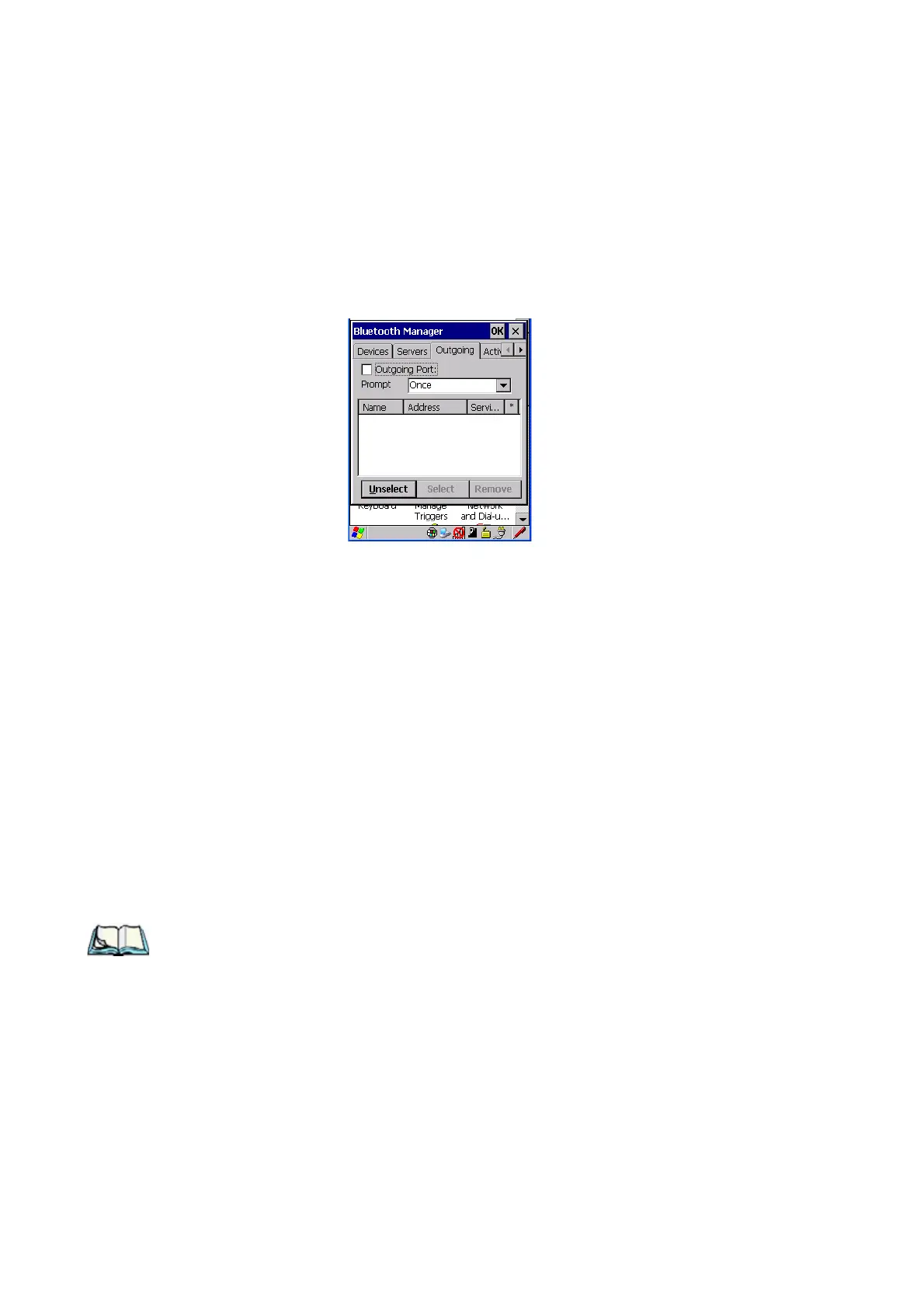
Outgoing Port acts as a serial port that can be used to connect to a list of Bluetooth
devices (one at a time), but you have the freedom to switch on-the-fly.
The
Outgoing Port checkbox allows you to create the Outgoing port. When the port is
created, the Outgoing tab lists the port name.
The Outgoing list dialog box displays a list of services marked as ‘Outgoing’. The
*
column indicates the currently selected service. You can tap on
Unselect to reset the
current selection, or you can tap on
Select to make a selection. The Remove button
deletes the service from the outgoing list.
The Prompt menu determines the behaviour of the pop-up Selection menu.
Choosing Everytime causes the Selection menu to be displayed each time an
outgoing port is created. If you choose Once, the menu is displayed only when a
partner service is not selected.
To display the Selection menu at any time:
• Press [CTRL] [ALT] [F1], and switch the partner Bluetooth device.
If a connection to a partner device already exists, the connection is dropped and
another connection to the newly selected device is created instantly without
disrupting the application that has opened the outgoing port.
Note: To add a service to the Outgoing port, an active service must first be
deactivated. Then you can choose the ‘Outgoing’ option from the Activa-
tion menu (highlight a service, right-click or press the [SPACE] bar to
display the Activation menu).



 To Next Page