Chapter 5: Configuration
IPv6 Support
134 WORKABOUT PRO G2 Hand-Held With Windows Embedded CE 5.0 User Manual
3. Press the Mount button. The partition is mounted. The asterisk appears
next to its name in the partitions list.
The Partition Properties dialog has buttons for additional functions. Partitions can be
defragmented, and their file structure can be scanned.
5.10 IPv6 Support
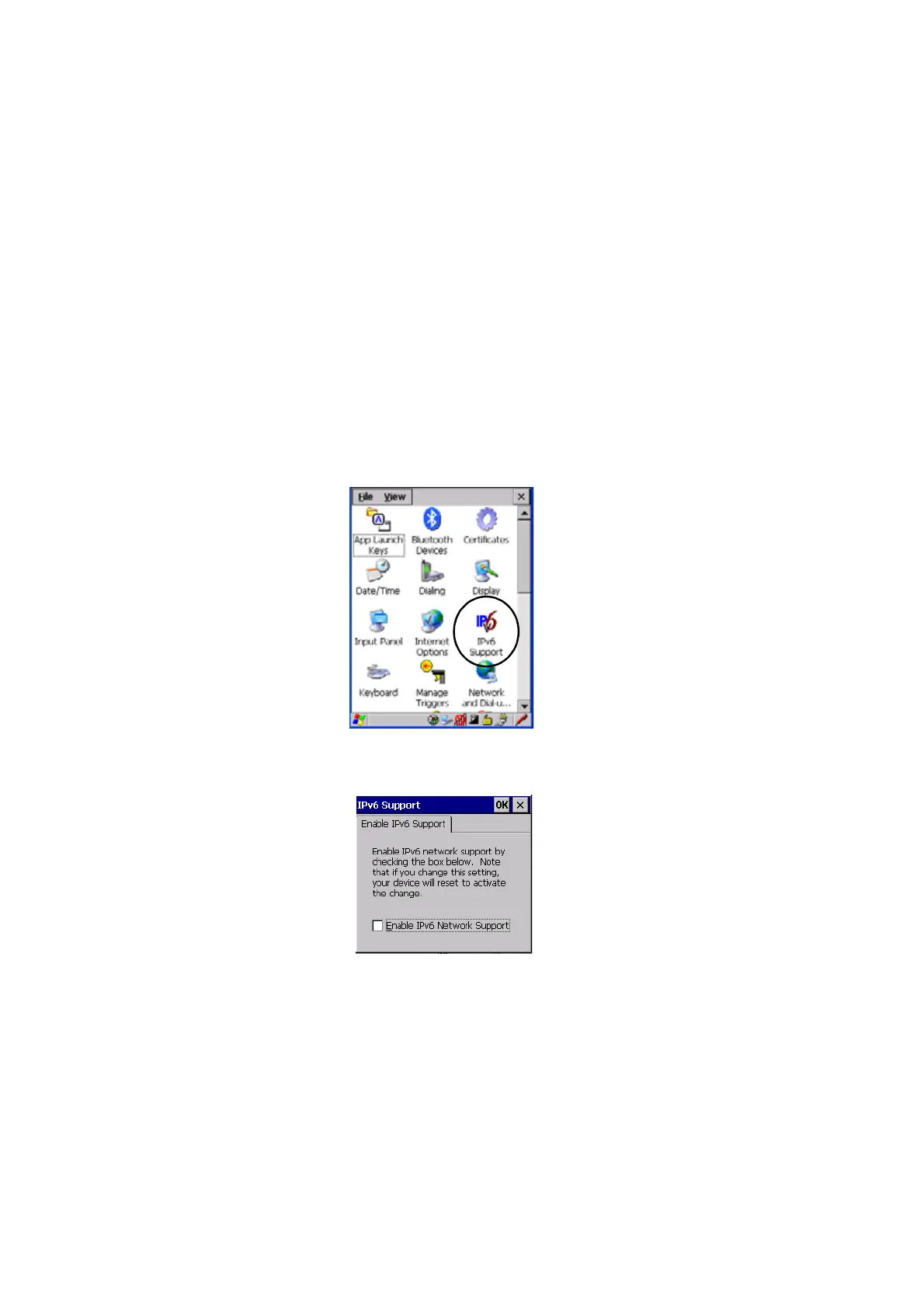
The IPv6 Support icon in the Control Panel allows you to activate IPv6 network
support on your unit if your network setup requires this. This internet protocol
specification (version 6) supports 128-bit IP addresses, replacing version 4.
Figure 5.18 IPv6 Support Icon
• Choose the IPv6 Support icon to display the associated dialog box.
• Choose the checkbox next to Enable IPv6 Network Support to enable this
internet protocol.



 To Next Page