Chapter 5: Configuration
Total Recall
124 WORKABOUT PRO G2 Hand-Held With Windows Embedded CE 5.0 User Manual
5.8 Total Recall
Total Recall is a Psion Teklogix utility developed to back up/restore applications and
settings. Keep in mind that to protect your data from erasure during a ‘clean start’,
the Total Recall profile must be stored on a SD/MMC card or externally to the
device on a USB memory stick or on a PC.
Note: In Windows Embedded CE 5.0, the registry and installed programs are
stored in the Flash file system and are not lost on reset. However, a clean
start will reset not only the registry settings to factory defaults, but will
also erase any files or applications stored or installed on the built-in
Flash file system, including any Total Recall profiles. This is why any data
that needs to be protected must be stored on a SD/MMC card or exter-
nally to the device on a USB memory stick or on a PC.
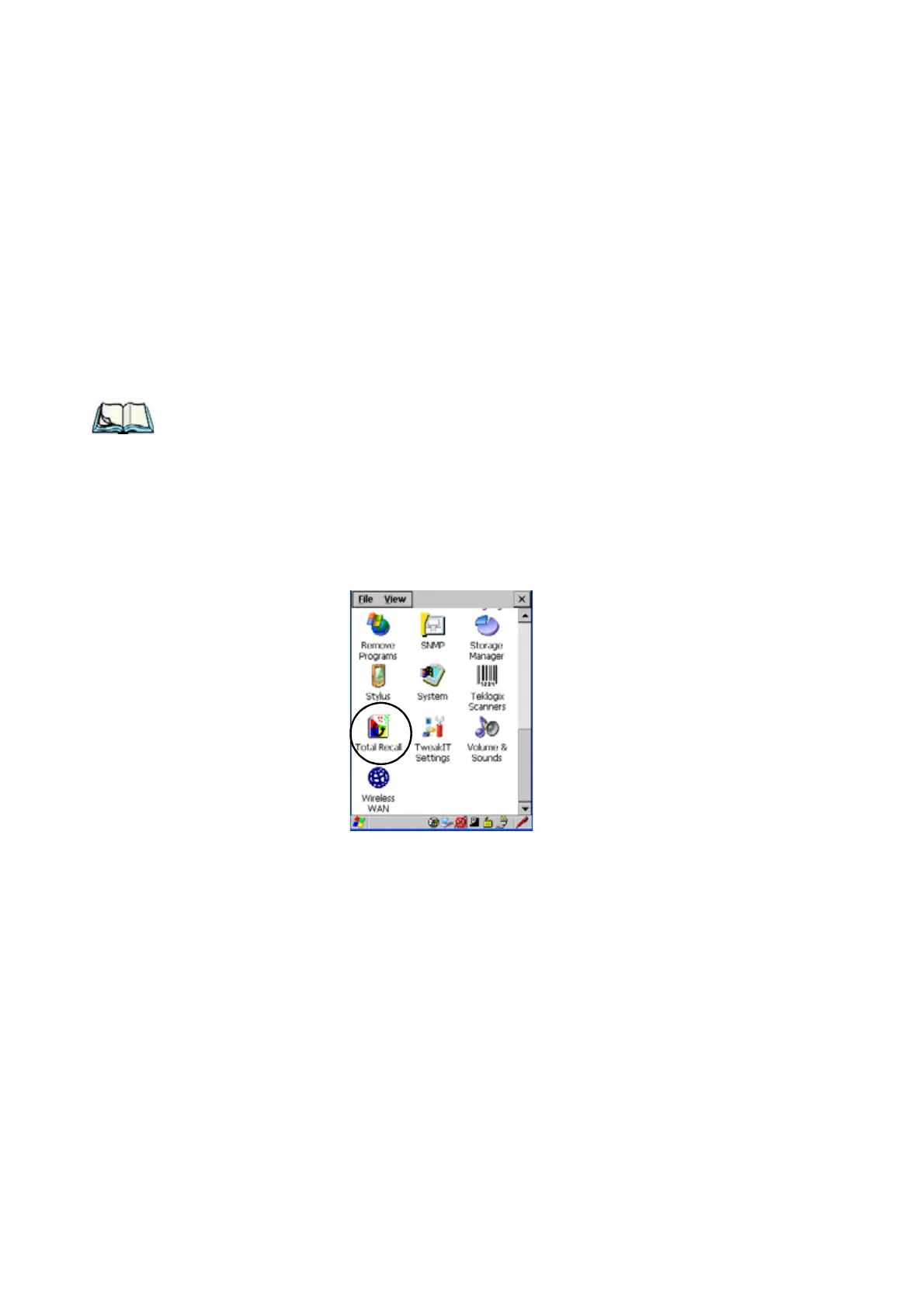
•In the Control Panel, choose the Total Recall
icon
Figure 5.12 Total Recall Icon



 To Next Page