Chapter 4: Working With Windows Embedded CE 5.0
Programs
66 WORKABOUT PRO G2 Hand-Held With Windows Embedded CE 5.0 User Manual
Configuring Security
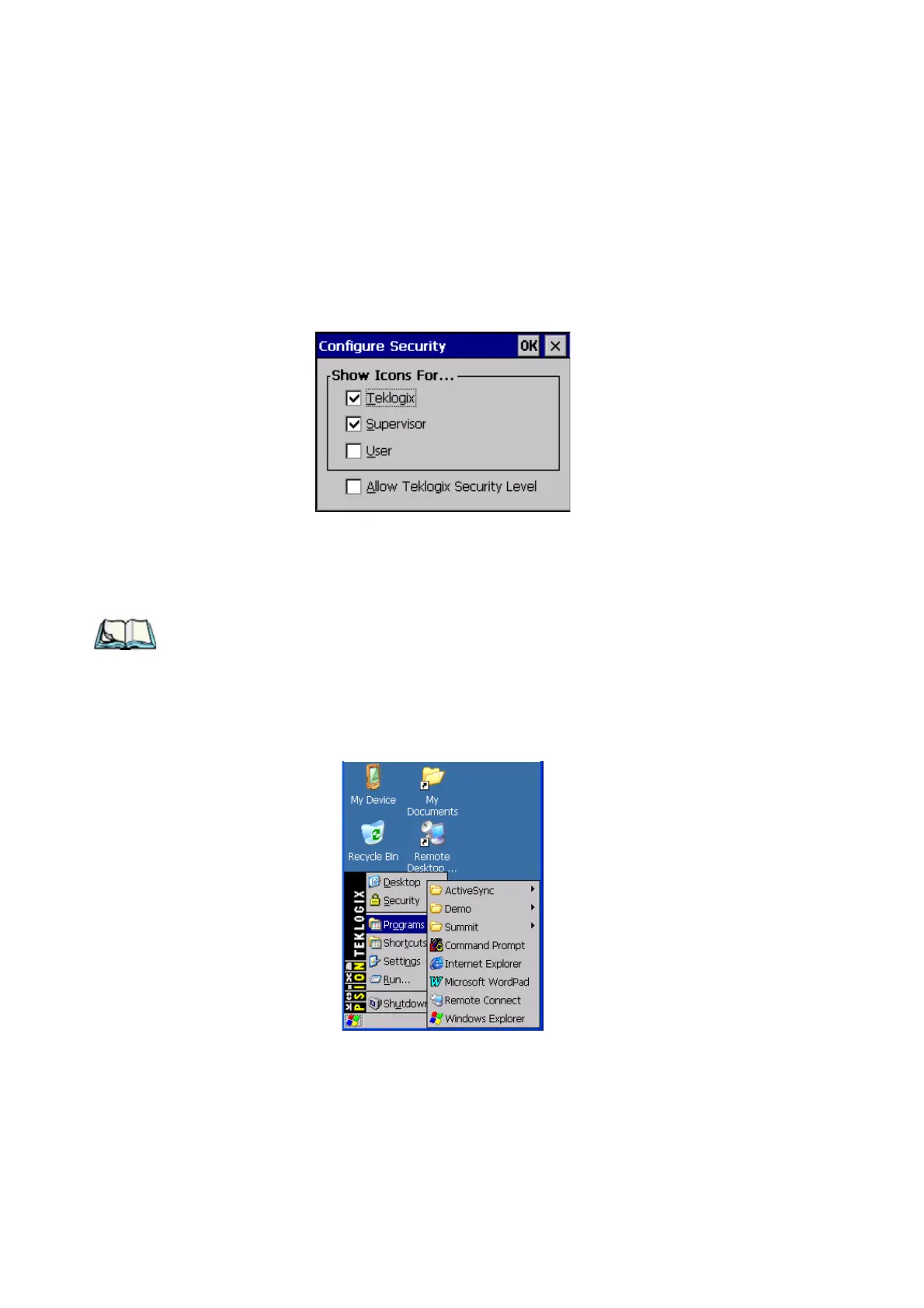
Choosing the Configure button displays the Configure Security dialog box.
Figure 4.8 Configuring Security
This dialog box allows you to determine which security levels will have an
associated icon displayed in the taskbar. By default, a security icon is not displayed
for user-level security.
Note: It is recommended that you enable ‘Allow Teklogix Security Level’ so that
authorized Psion Teklogix service personnel can access your unit should
it require maintenance.
4.4.3 Programs
• Choose Programs to display a sub-menu of options.
Figure 4.9 Program Sub-Menu



 To Next Page