Chapter 5: Configuration
Stylus Properties
104 WORKABOUT PRO G2 Hand-Held With Windows Embedded CE 5.0 User Manual
Low Power Warnings
The sliding scale at the bottom of this tab allows you to specify the remaining
battery capacity at which a warning message is displayed on the WORKABOUT
PRO G2 screen, from 0% to 20%.
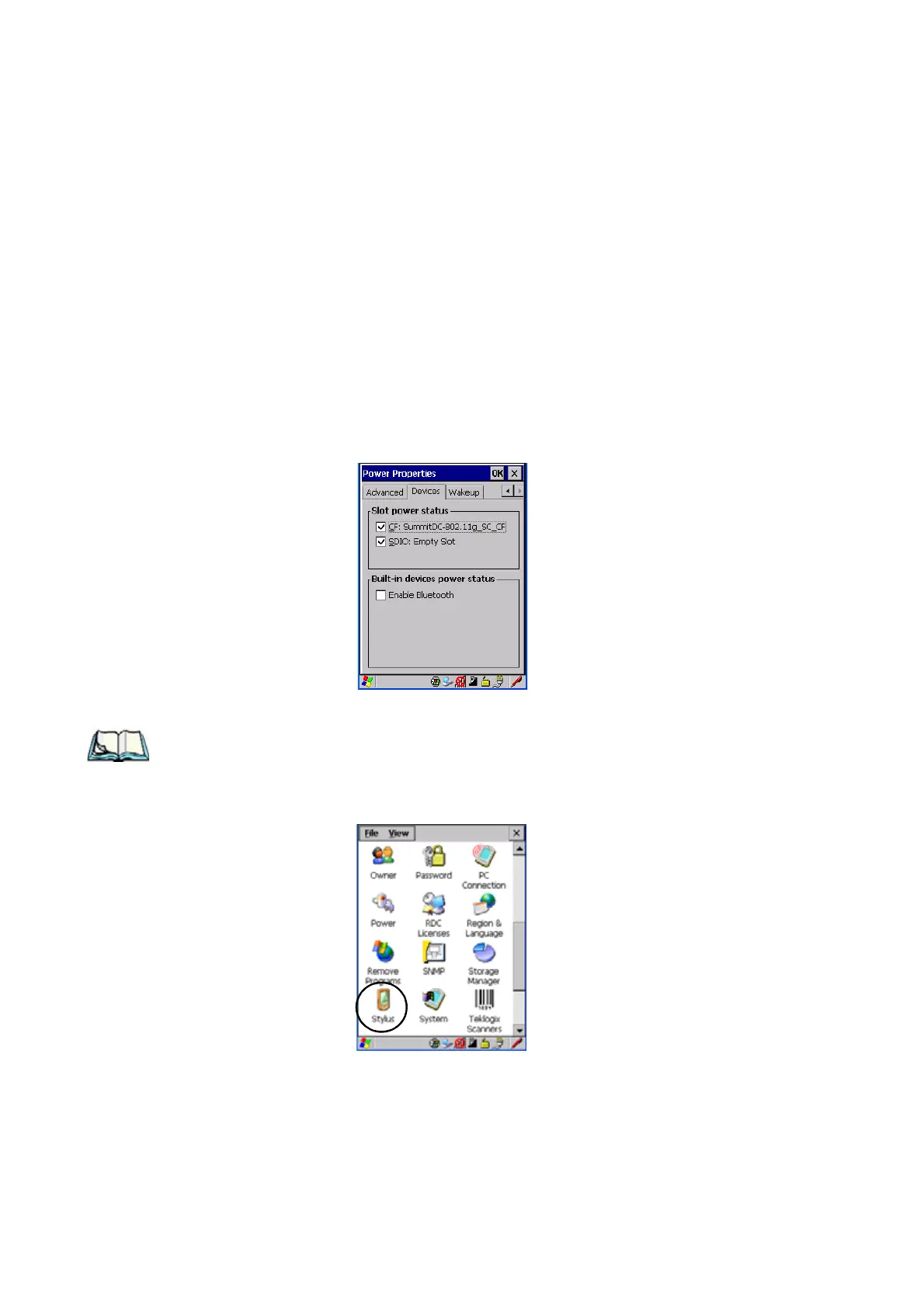
5.6.4.5 Devices
This tab controls power to individual CF and SDIO slots, and built-in devices.
Enable or disable the checkboxes as needed, then tap on OK to save your changes.
5.6.5 Stylus Properties
Note: Touchscreen calibration may not be enabled on your unit. If your screen
appears to require recalibration, contact your supervisor.
•In the Control Panel, choose the Stylus icon.



 To Next Page