Chapter 5: Configuration
Partition Management
132 WORKABOUT PRO G2 Hand-Held With Windows Embedded CE 5.0 User Manual
5.9.3 Partition Management
Partitions can be individually dismounted, mounted, deleted, or formatted as well.
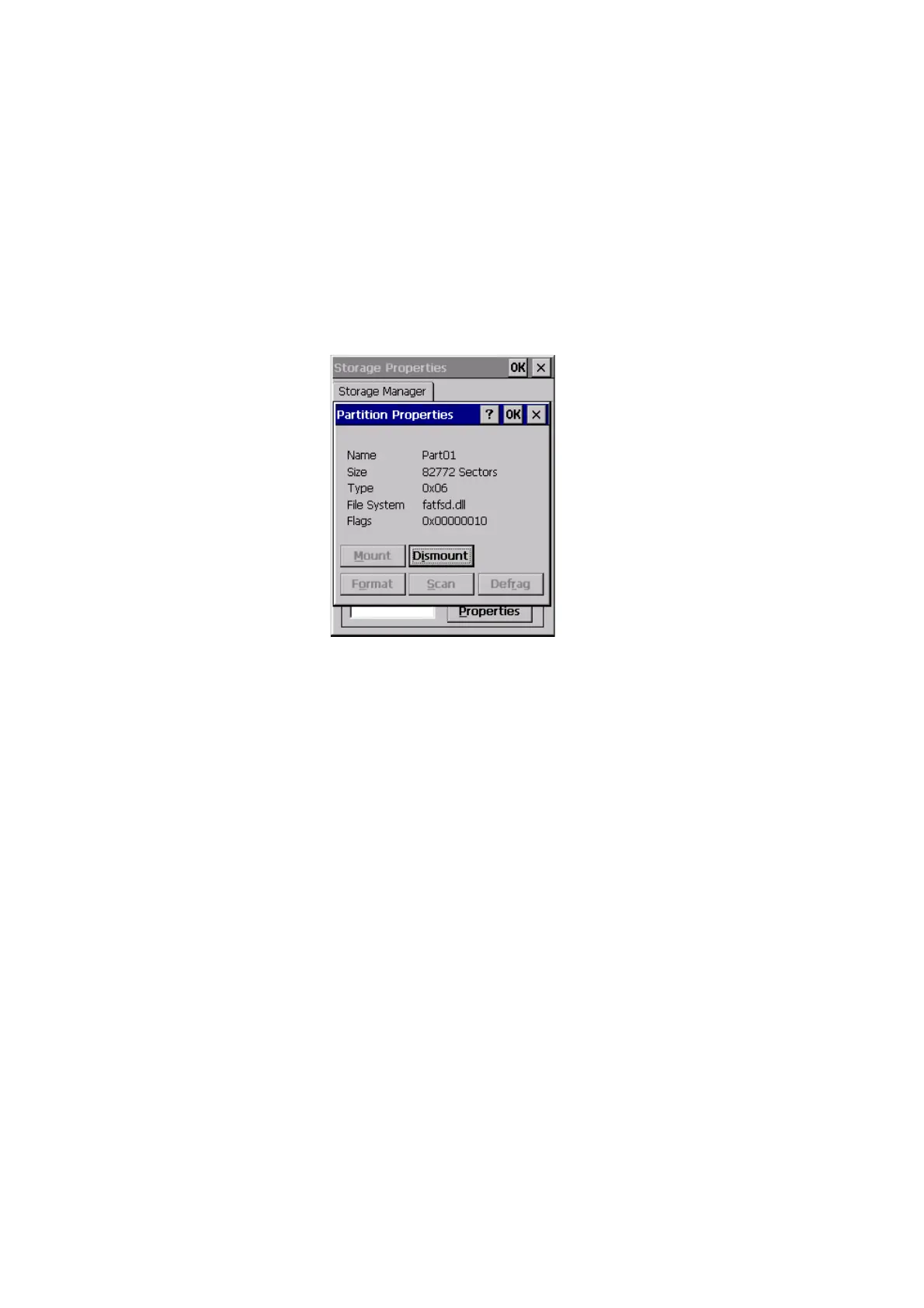
These and additional tasks are available from the Partition Properties dialog:
To dismount a partition:
1. Select the desired partition.
2. Press the Properties button. The Partition Properties dialog appears.
3. Press the Dismount button. The partition is dismounted. The asterisk
disappears next to its name in the partitions list.
To delete a partition:
1. Select the desired partition.
2. Press the Delete button. A warning dialog appears.
3. Press the OK button. The partition is deleted.
To format a partition:
1. Select the desired partition.
2. Press the Properties button. The Partition Properties dialog appears.
3. Press the Dismount button. The partition is dismounted. The asterisk
disappears next to its name in the partitions list.



 To Next Page