WORKABOUT PRO G2 Hand-Held With Windows Embedded CE 5.0 User Manual 211
Chapter 5: Configuration
Permitted Hosts Tab
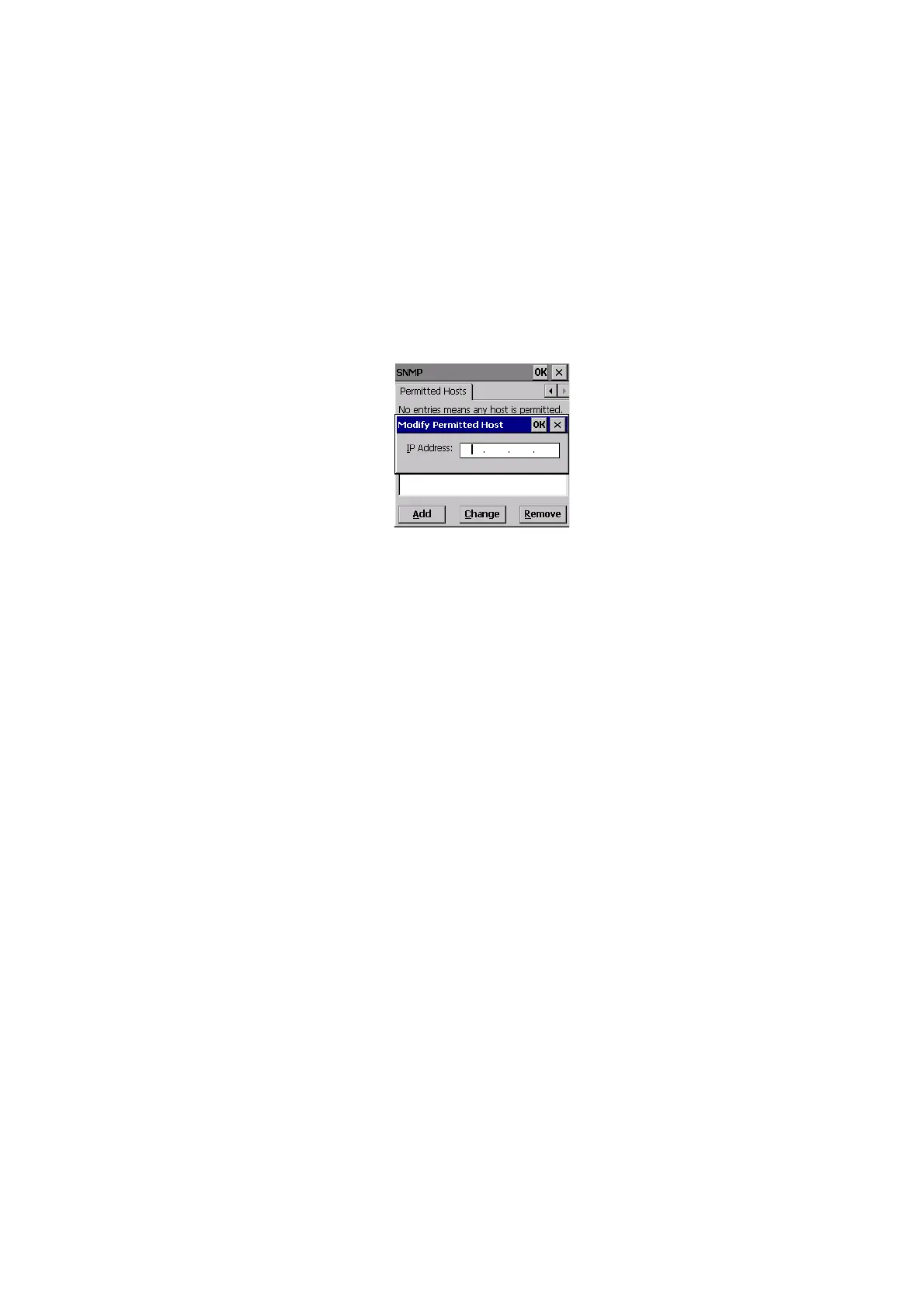
5.12.4.1 Adding A Host
To add a new host:
• Highlight the Add button, and press [ENTER].
• Type a new host IP address in the text box provided, and press [ENTER].
5.12.4.2 Changing A Host
To change an existing host IP address:
• Highlight the IP address you want to alter in the Permitted Hosts tab, and
then choose the Change button.
A dialog box like the one displayed when you add a host is displayed.
• Make the necessary changes, and press [ENTER].



 To Next Page