WORKABOUT PRO G2 Hand-Held With Windows Embedded CE 5.0 User Manual 125
Chapter 5: Configuration
Creating A Backup Profile
5.8.1 Creating A Backup Profile
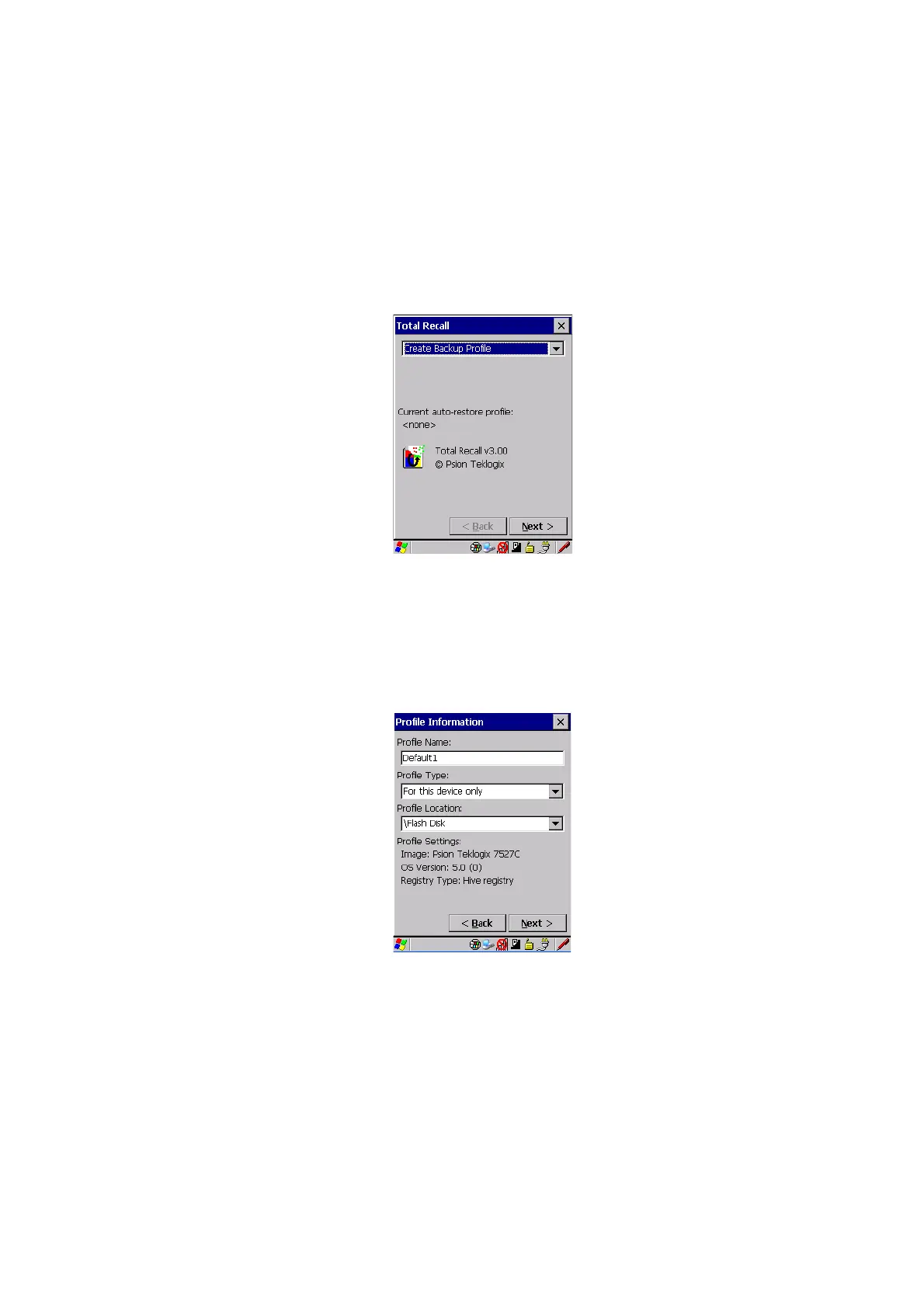
In the drop-down menu, you can choose from four options: Create Backup Profile,
View Selected Profile, Restore Selected Profile and Delete Selected Profile. Keep in
mind however that until a profile is created, the only available option is Create
Backup Profile
.
• Choose the Next button to begin the process.
Profile Information
This dialog box lists the possible storage destinations for the profile file.
• To begin, type a name for the profile in the field labelled Profile Name.
• Next, choose the Profile Type you want to create:



 To Next Page