Chapter 5: Configuration
Creating A Backup Profile
126 WORKABOUT PRO G2 Hand-Held With Windows Embedded CE 5.0 User Manual
• For this device only–creates a backup that is manually restored by the opera-
tor.
•
AutoRestore for this device only–creates a profile that automatically restores
itself following a clean start.
•
AutoRestore for this and other devices–creates a profile that automatically
restores after resuming from a clean start, but it will not contain the
touchscreen calibration coordinates or the Wireless radio settings.
• Finally, choose a Profile Location – The location for the profile is either
\Flash Disk or \SD-MMC Card.
• Tap on the Next
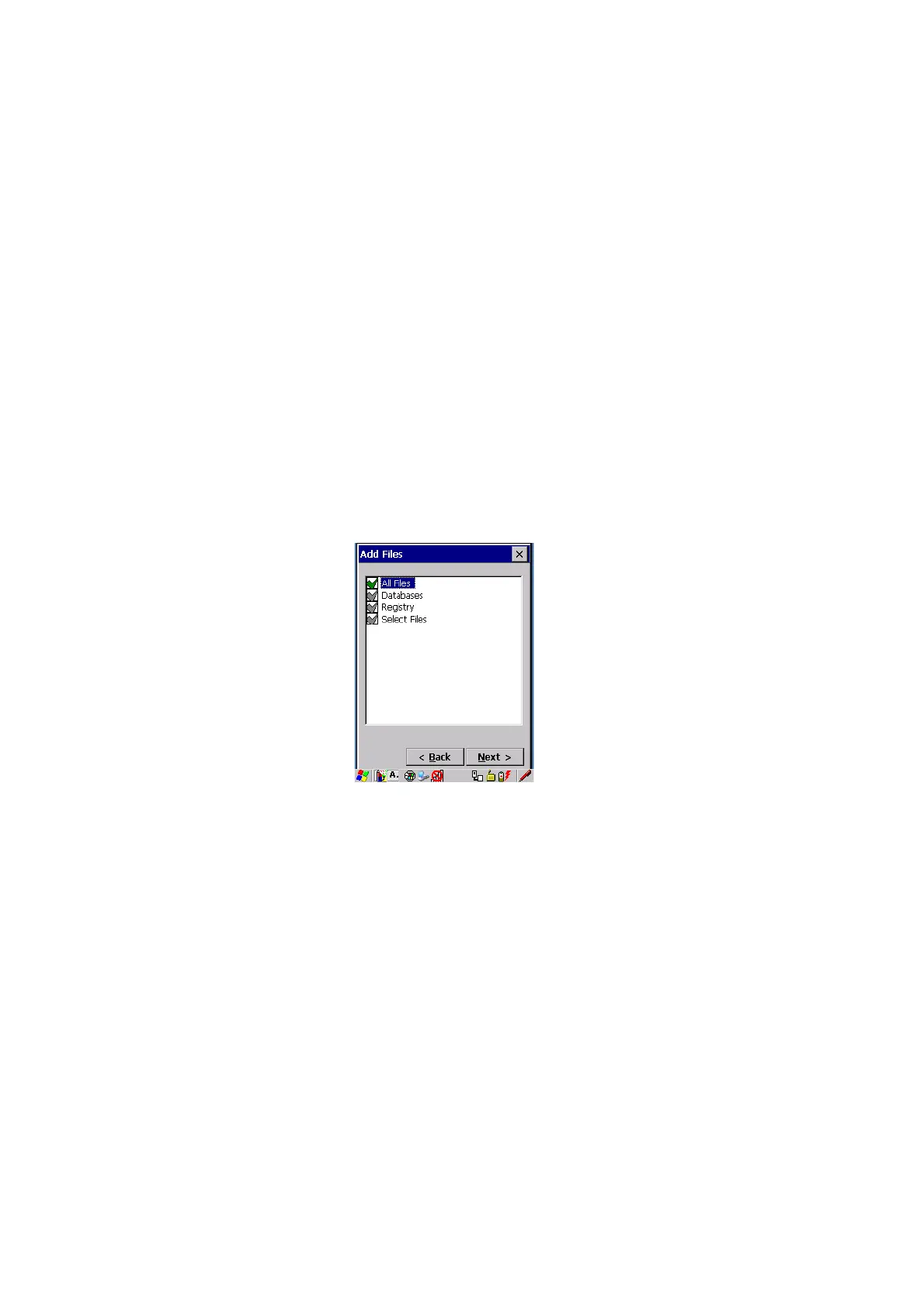
button to display the next dialog box Add Files.
Add Files
Figure 5.13 Adding Files
By default, All Files is selected so that all installed or copied files, database entries,
and the Registry will be saved. You can, however, limit the backup to databases,
and/or the registry only. By tapping the checkbox next to these items, you can add or
remove a check mark to enable or disable the option.



 To Next Page