WORKABOUT PRO G2 Hand-Held With Windows Embedded CE 5.0 User Manual 127
Chapter 5: Configuration
Creating A Backup Profile
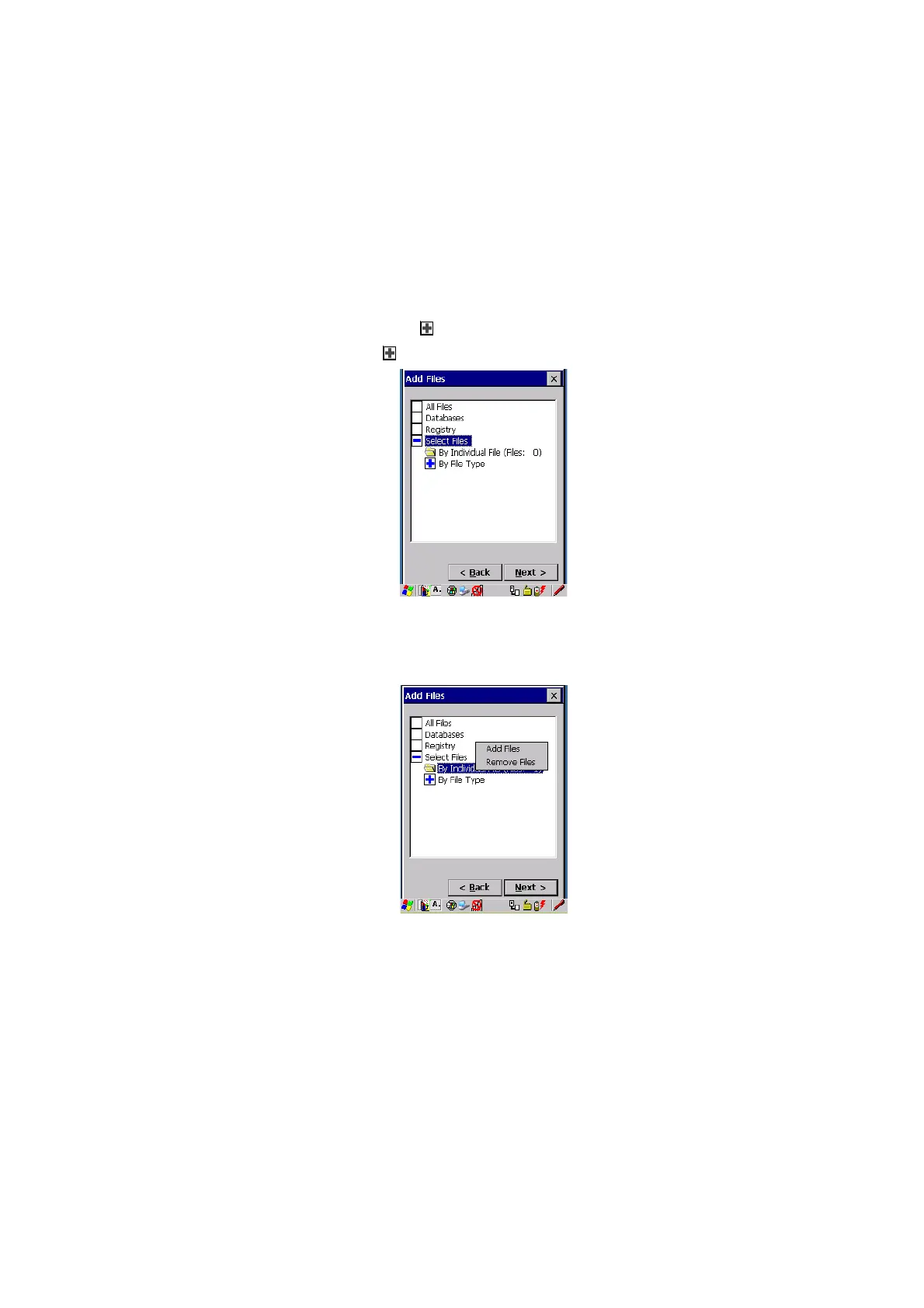
The Select Files option allows you to select predefined file types.
• Remove the check mark next to All Files. You’ll notice the checkbox next
to Select Files changes , indicating that additional options are available.
• Choose this icon
next to Select Files to view your options.
Figure 5.14 By File Type
Choosing By Individual File displays a pop-up menu where you can tailor the list of
files you want to back up.
Figure 5.15 Add Files
To add a file to your backup list:
• Choose Add Files. Browse to and choose the files you want to add to
your list.



 To Next Page