Chapter 2: Basic Checkout
Diags Tab
30 WORKABOUT PRO G2 Hand-Held With Windows Embedded CE 5.0 User Manual
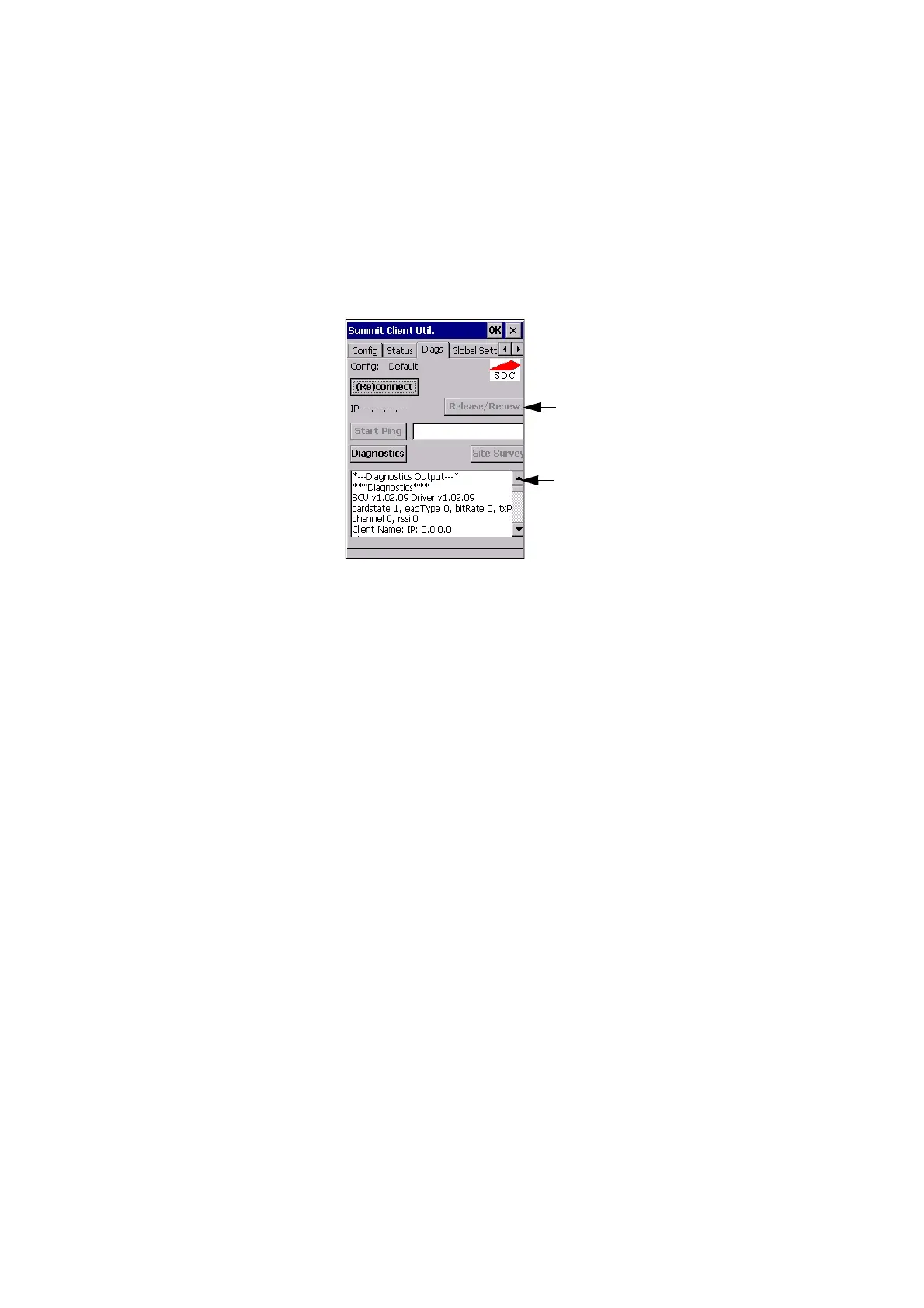
2.5.5 Diags Tab
Figure 2.11 Diags Tab
Use the Diags tab as a troubleshooting tool. The functions are as follows:
• (Re)Connect: Enables/Disables the radio, applies/reapplies current config
and tries to associate and authenticate to the wireless LAN, logging all
activity in the output area at bottom of the dialog box.
• Release/Renew: Obtains a new IP address through DHCP and logs all
activity in the output area.
• Start Ping: Starts a continuous ping to the address in the text box next to
this button. This is a toggle button so when you tap on it, it changes to Stop
Ping. Closing this window or tapping on another button also stops the ping.
• Diagnostics: Attempts to connect or reconnect to an AP, and provides a
more detailed dump of data than if you used (Re)connect. The dump
includes the radio state, config settings, global settings and BSSID list
of APs. The SCU is saved to a file called _sdc_diag.txt in the Windows
directory.
Ping Address
Ping Results



 To Next Page