WORKABOUT PRO G2 Hand-Held With Windows Embedded CE 5.0 User Manual 115
Chapter 5: Configuration
The Servers Tab
5.7.2 The Servers Tab
The Bluetooth connection is initiated from your WORKABOUT PRO G2 to the
remote device. Therefore the WORKABOUT PRO G2 is called the ‘client’ and the
remote is called the ‘server’. The
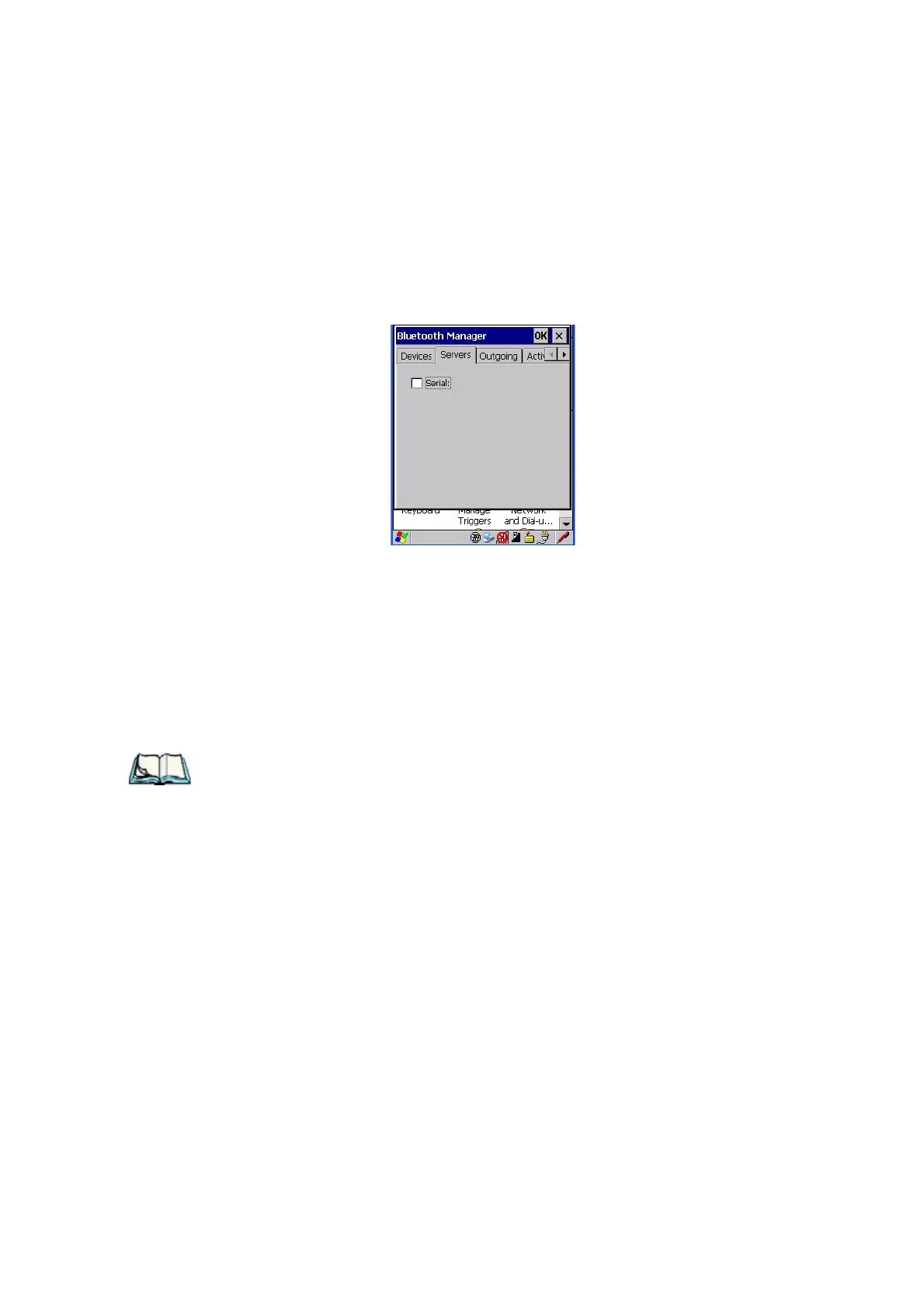
Servers tab displays the server profiles that can be
activated in your WORKABOUT PRO G2. There is currently one server profile
available: Serial.
• Tap on the checkbox to activate the server, and it will display the
associated port name beside the server name.
Once you activate a server profile, it is recommended that the WORKABOUT PRO
G2 be rebooted before you try to bond from a server.
Note: You do not need to reboot if you are deactivating a server.



 To Next Page