Chapter 5: Configuration
Permitted Hosts Tab
210 WORKABOUT PRO G2 Hand-Held With Windows Embedded CE 5.0 User Manual
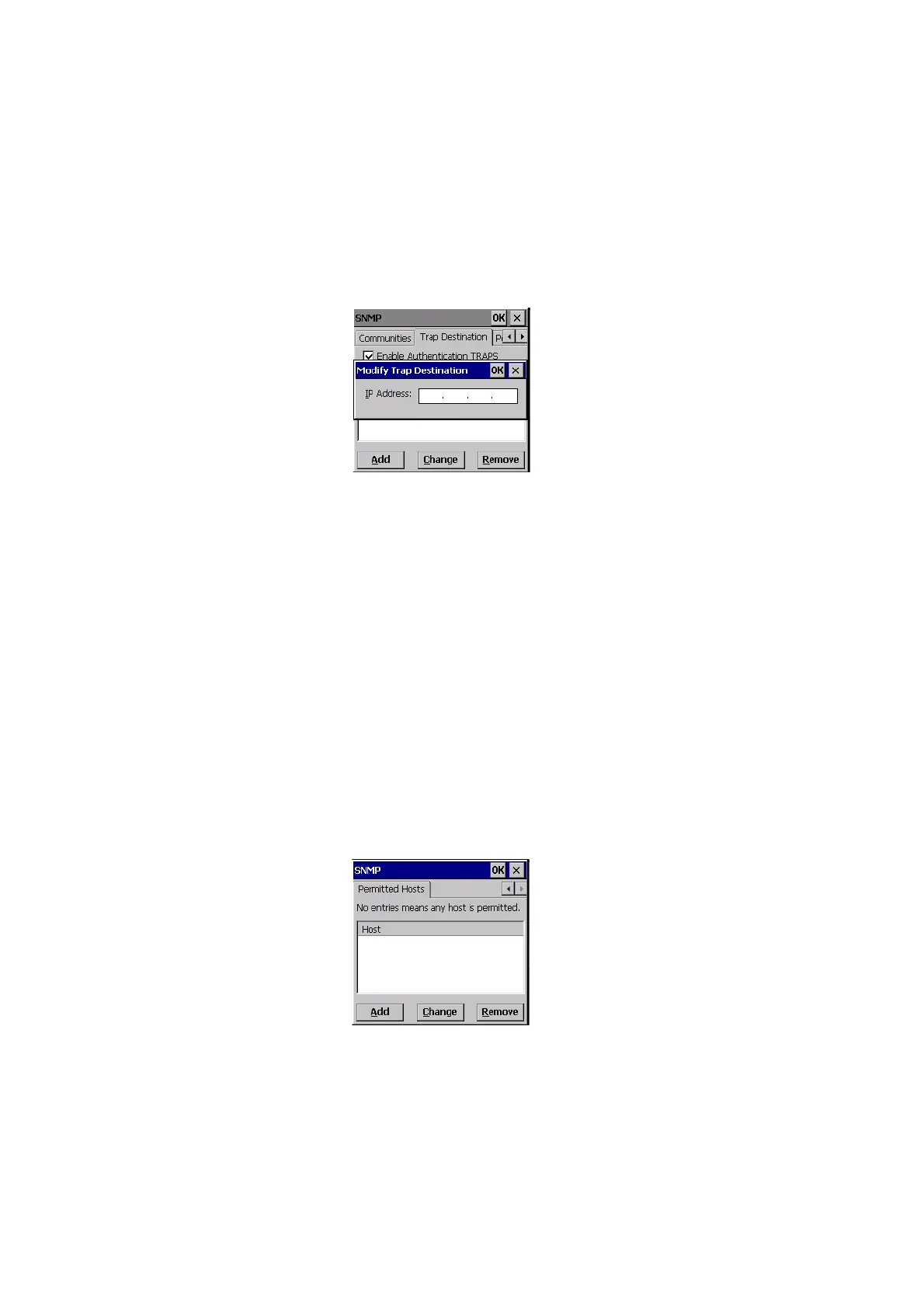
A dialog box like the one displayed when you add a destination is displayed.
• Make the changes to the destination, and press [ENTER] to save the
changes.
5.12.3.4 Removing A Trap Destination
To remove a trap destination:
•In the Trap Destination tab, highlight the destination you want to delete.
• Choose the Remove button.
A Delete Confirmation screen is displayed.
• To remove a destination, choose the Yes button, or
If you decide not to remove the destination, choose the No button.
5.12.4 Permitted Hosts Tab
For security reasons, the Network Administrator may want to restrict SNMP-node
access to a known sub-set of SNMP Managers. This tab lists the IP addresses of all
the SNMP Managers which are allowed to monitor and manage this device. If no
entries are listed, the device will accept SNMP queries from any host.



 To Next Page