WORKABOUT PRO Hand-Held Computer With Windows Mobile 5.0 User Manual 229
Chapter 6: Peripheral Devices & Accessories
Charge Indicators–The LED
6.5.3 Charge Indicators–The LED
The LED on the top of the charger indicates battery charge progress.
Table 6.3 Single Battery LED Behaviour
Note: Battery charging continues whether the hand-held is switched on or off.
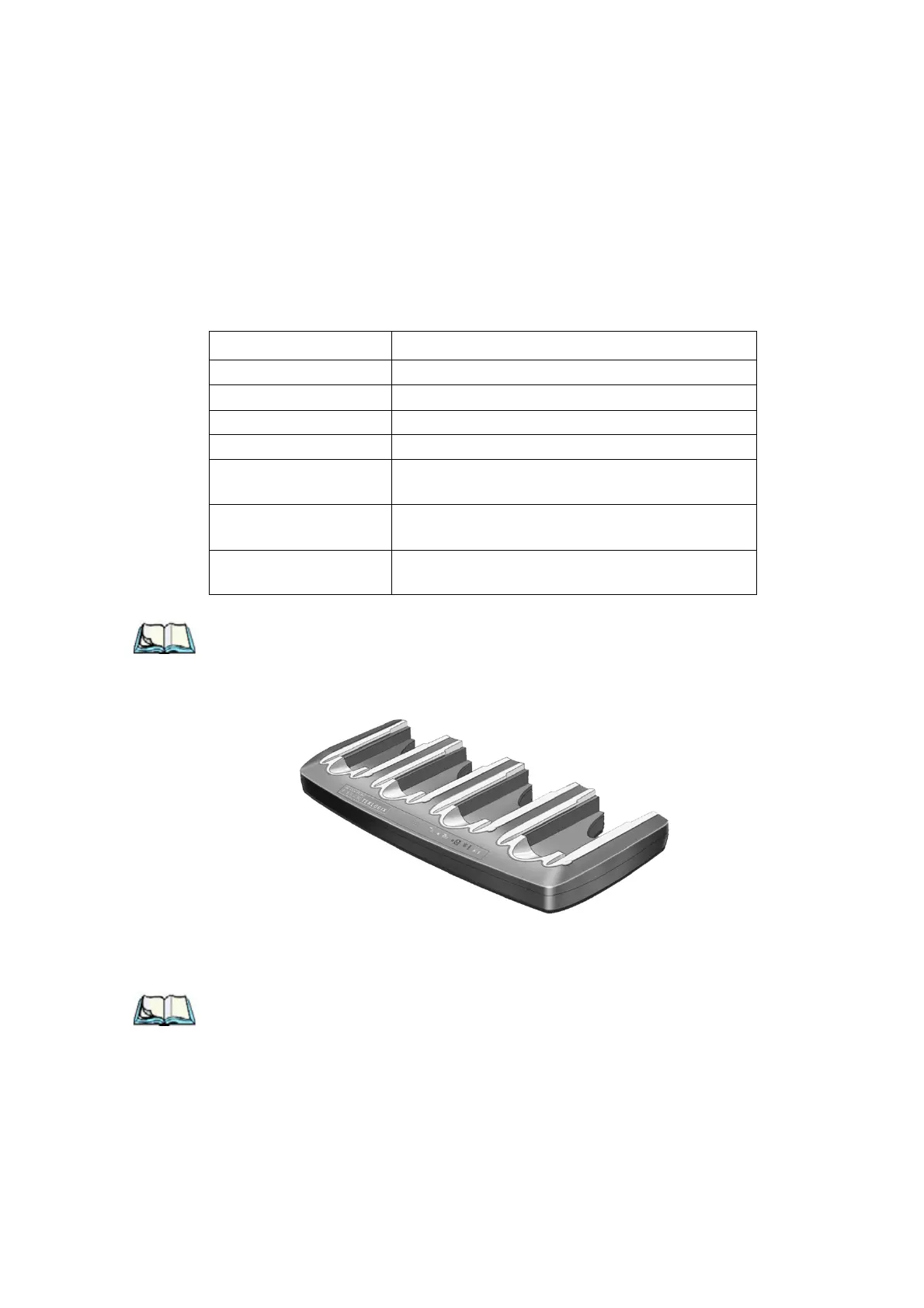
6.6 Quad Battery Charger–Model #WA3004-G1
Table 6.4 Quad Battery Charger
The quad battery charger is designed to charge up to four Lithium Ion batteries at
one time.
Note: The gang charger is shipped with a user manual. It is critical that this
manual be reviewed for additional information and updates.
LED Behaviour Charge Status
Off No battery detected in the charge well.
Solid green Battery is fully charged.
Fast flashing green Battery is charged to 75% of capacity.
Slow flashing green Charge in progress.
Solid red
Battery is outside ambient temperature range of
0° C to 45 °C (32° F to 113° F).
Flashing red
Charge alarm indicating a charging circuit problem.
Refer to “Troubleshooting” on page 230 for details.
Flashing red then green
in a 3 second cycle
Power up test sequence.



 To Next Page