WORKABOUT PRO G2 Hand-Held With Windows Embedded CE 5.0 User Manual 63
Chapter 4: Working With Windows Embedded CE 5.0
The Start Menu
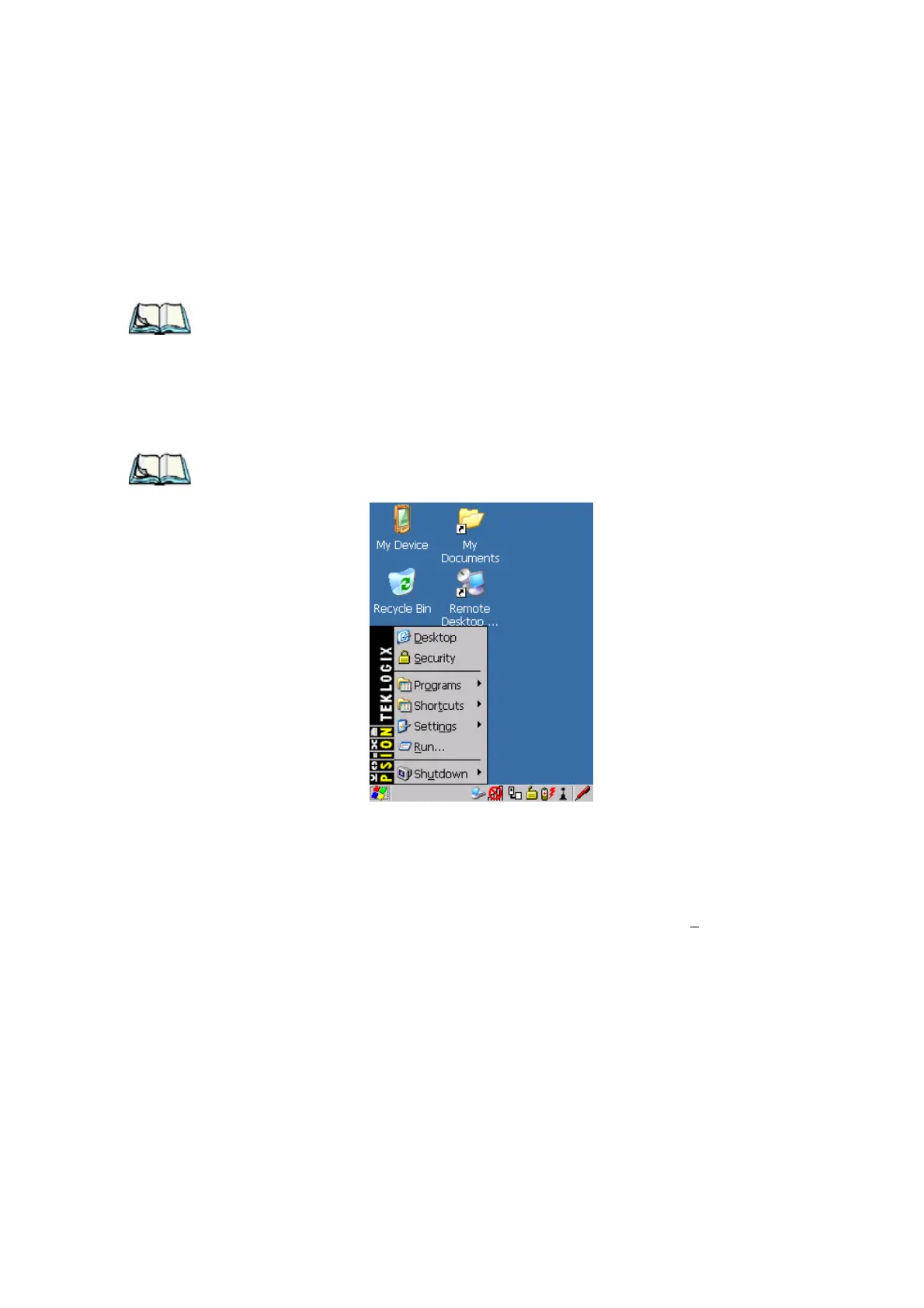
4.4 The Start Menu
Note: Some of the Start Menu items may be disabled based on the current
WORKABOUT PRO G2 security settings.
The Start Menu lists the operations you can access and work with. It is available
from the startup desktop or from within any application.
To display the menu:
• Press [FN/BLUE] [.] (period).
Note: Tap on the item in the menu with which you want to work.
Figure 4.5 Start Menu
If you’re using the keyboard:
• Use the arrow keys to highlight a menu item, and press [ENTER], or
If the menu item has an underlined character:
• Type the underlined alpha character. For example, to display the S
ecurity
dialog box, type the letter ‘s’.



 To Next Page