WORKABOUT PRO G2 Hand-Held With Windows Embedded CE 5.0 User Manual 117
Chapter 5: Configuration
Active Conn. Tab
5.7.4 Active Conn. Tab
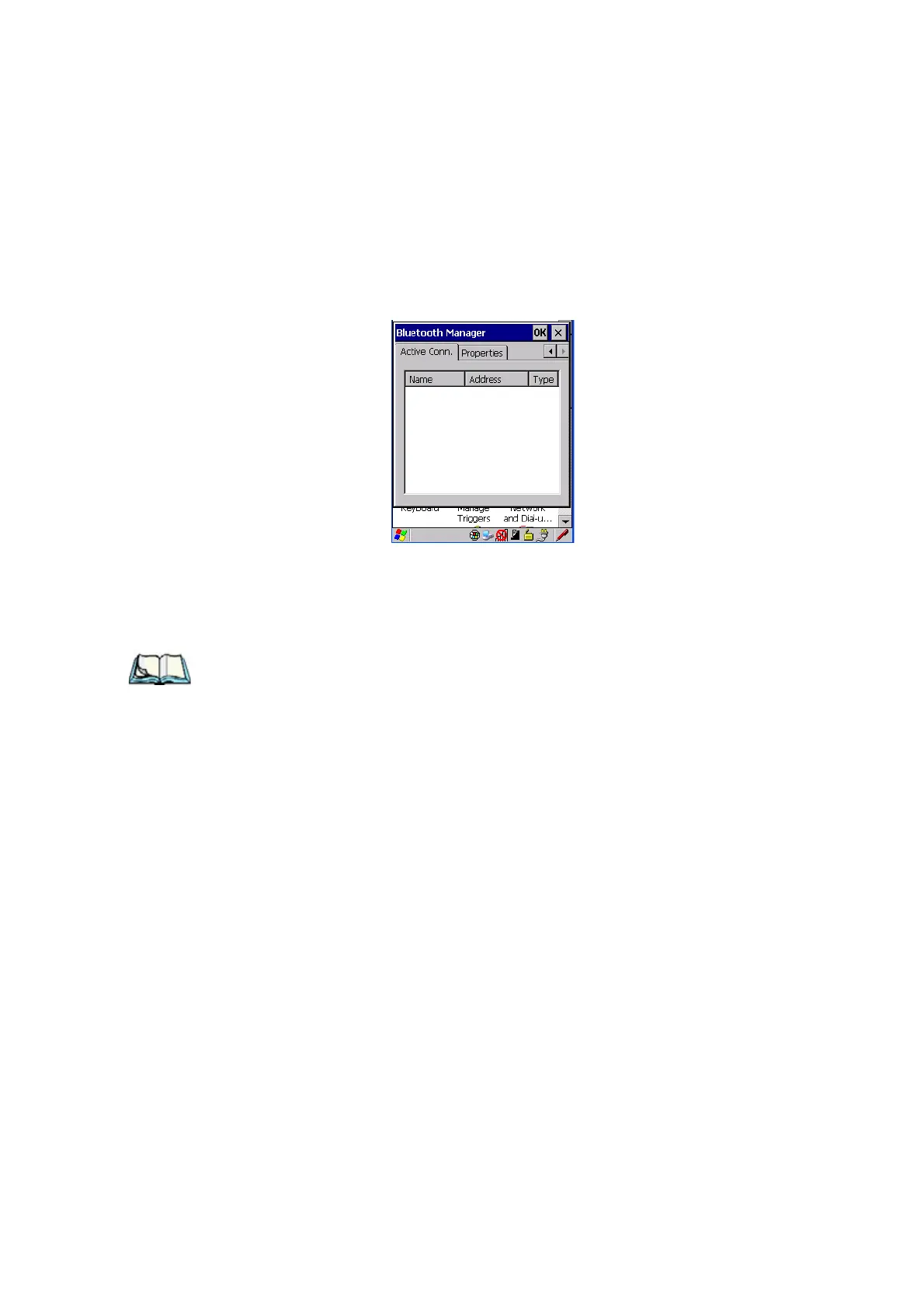
The Active Conn. tab lists the Name, Address, and Type of the currently active
connections. The table is periodically updated, but it can take a few seconds before
it reflects the actual list of connections. The Type column of the table shows ‘ACL’
or ‘SCO’. The Connection list table shows the connections for scanning as well as
the service connections.
Note: You can change the device-name and description of your radio by clicking
on the System icon in Control Panel, which will open the System Proper-
ties dialog box. Click on the Device Name tab to access the menu and
change your settings. Then click on OK.
Although the name will have changed in the Properties menu in Bluetooth
Controls, the radio only reads it on boot-up. For the changes to take
effect, you must cold reset the WORKABOUT PRO G2 (for cold reset
instructions, see “Resetting The Hand-Held” on page 31).



 To Next Page