WORKABOUT PRO G2 Hand-Held With Windows Embedded CE 5.0 User Manual 137
Chapter 5: Configuration
Decoded (Internal) Scanners
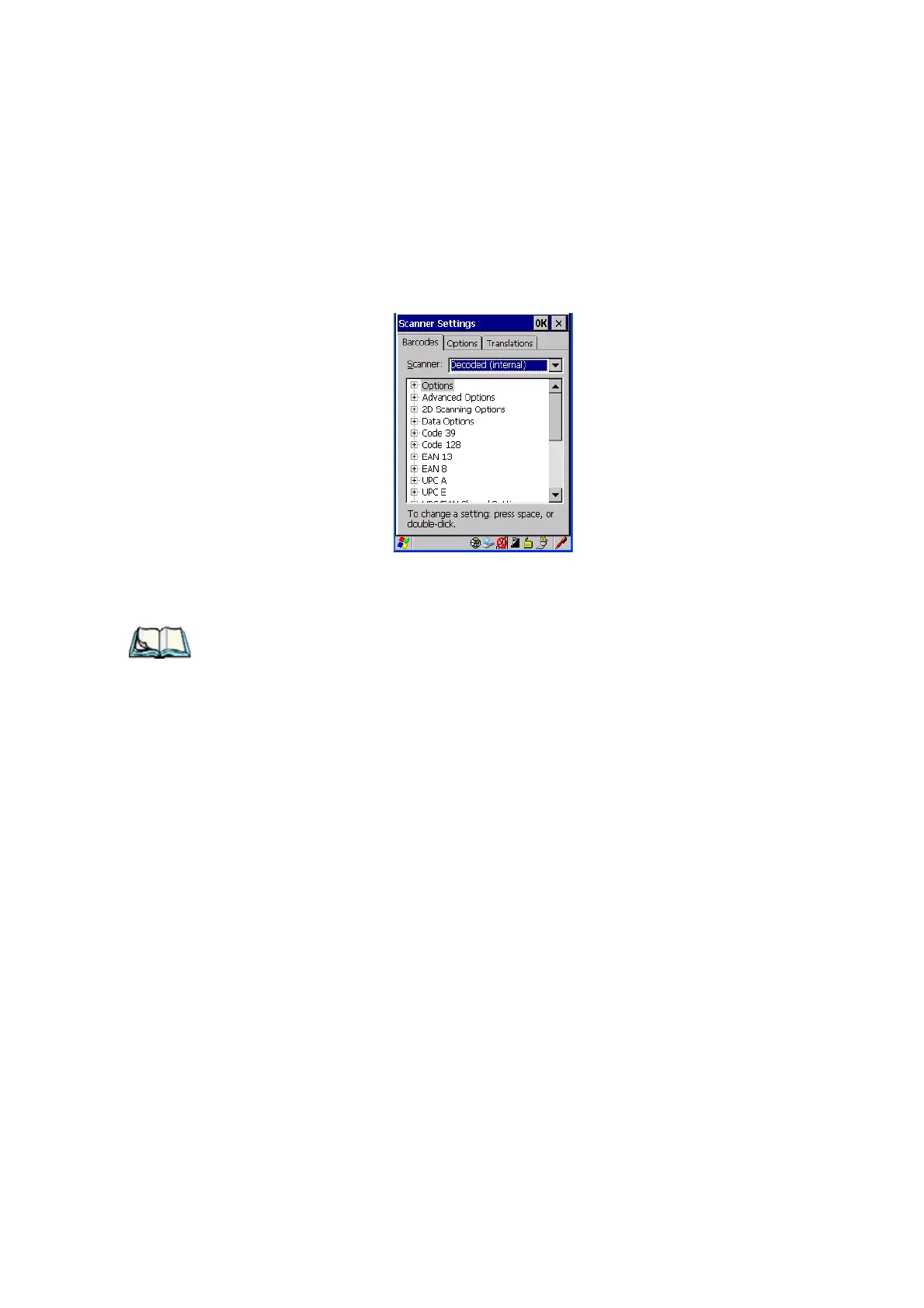
5.11.2 Decoded (Internal) Scanners
• Tap on the Scanner drop-down menu, and choose Decoded (internal).
5.11.2.1 Options
Note: Some options are available only for specific scanners. Refer to the option
names in this section for scanner model identification.
Dot Time (msec)
The value selected for “Dot Time (msec)” determines (in milliseconds) how long
the targeting dot remains on before the scanner switches to a normal scan sweep.
When you double-tap on this parameter, a dialog box is displayed in which you can
enter a value of 0 msec, 200 msec or 400 msec. A value of 0 (zero) disables the
target dot.
Aim Duration
This parameter determines the total time the aiming pattern appears before the
scanner laser begins sweeping. When you double-tap on this parameter, a dialog box
is displayed in which you can enter a value from 0 to 30 (0 to 3 sec.). A value of 0
(zero) disables the aiming-dot.



 To Next Page