Chapter 4: Working With Windows Embedded CE 5.0
Shortcuts
68 WORKABOUT PRO G2 Hand-Held With Windows Embedded CE 5.0 User Manual
4.4.4 Shortcuts
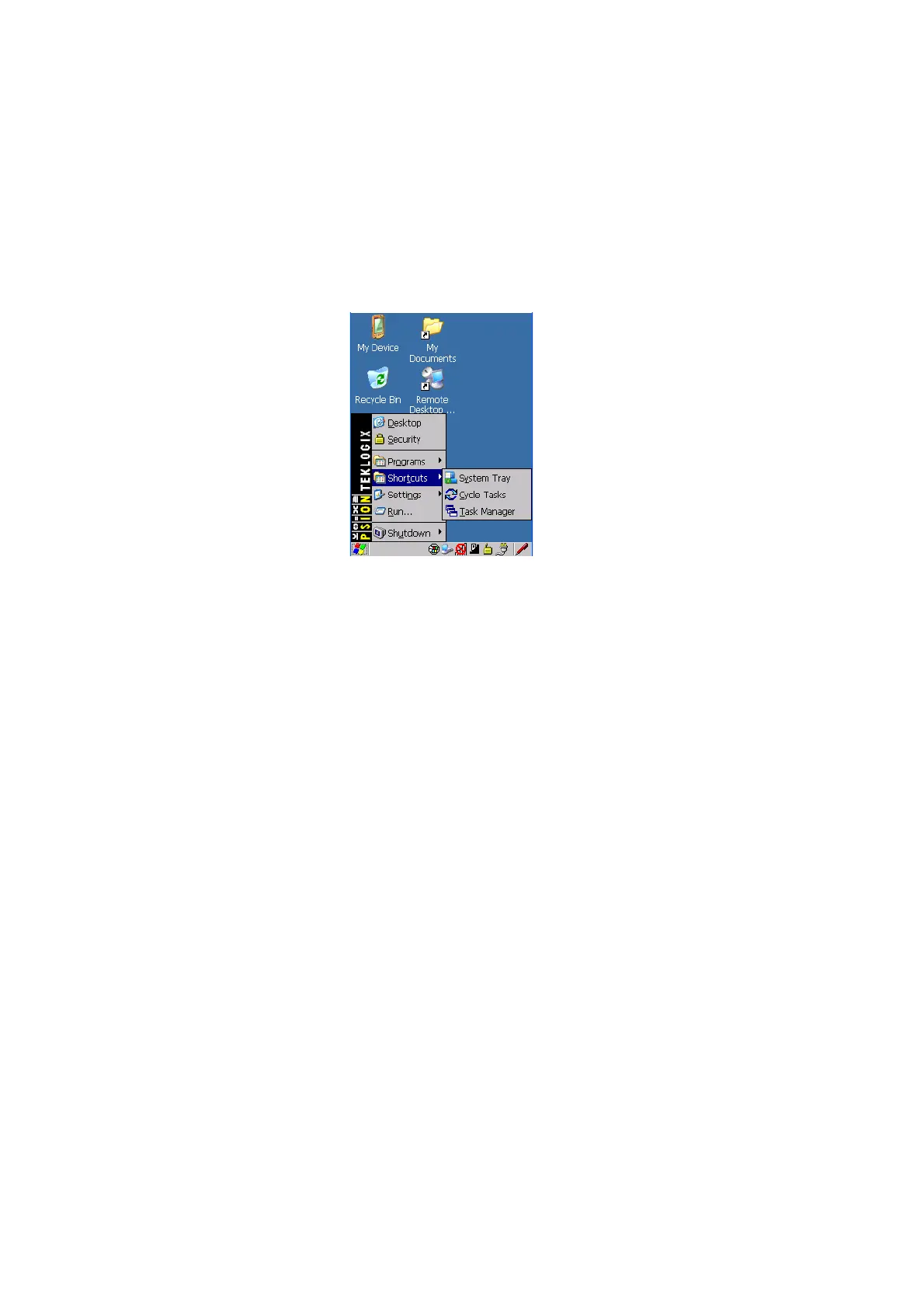
Figure 4.10 Shortcuts Sub-Menu
System Tray
If your touchscreen is not enabled, you can use the System Tray option to access the
icons in the taskbar at the bottom of the screen. The taskbar displays indicators such
as a radio signal icon and the security level. These indicators are attached to dialog
boxes that provide additional information.
• Choose Shortcuts>System Tray.
When System Tray is chosen, the taskbar icons become accessible. To display the
dialog box attached to an icon:
• Use the arrow keys to highlight an icon, for example, the security icon.
• Press [ENTER] to display the security level dialog box.
Cycle Tasks
When Cycle Tasks is selected (and the Task Manager is not open), you can cycle
through active applications.
To cycle through your active applications:
• Choose Shortcuts>Cycle Tasks, or
Press [ALT] [TAB].



 To Next Page