WORKABOUT PRO G2 Hand-Held With Windows Embedded CE 5.0 User Manual 111
Chapter 5: Configuration
Bluetooth Setup
5.7 Bluetooth Setup
Bluetooth is a global standard for wireless connectivity for digital devices and is
intended for Personal Area Networks (PAN). The technology is based on a
short-range radio link that operates in the ISM band at 2.4 GHz. When two
Bluetooth-equipped devices come within a 5 meter range of each other, they can
establish a connection. Because Bluetooth utilizes a radio-based link, it does not
require a line-of-sight connection in order to communicate.
Note: The Bluetooth radio uses an internal antenna.
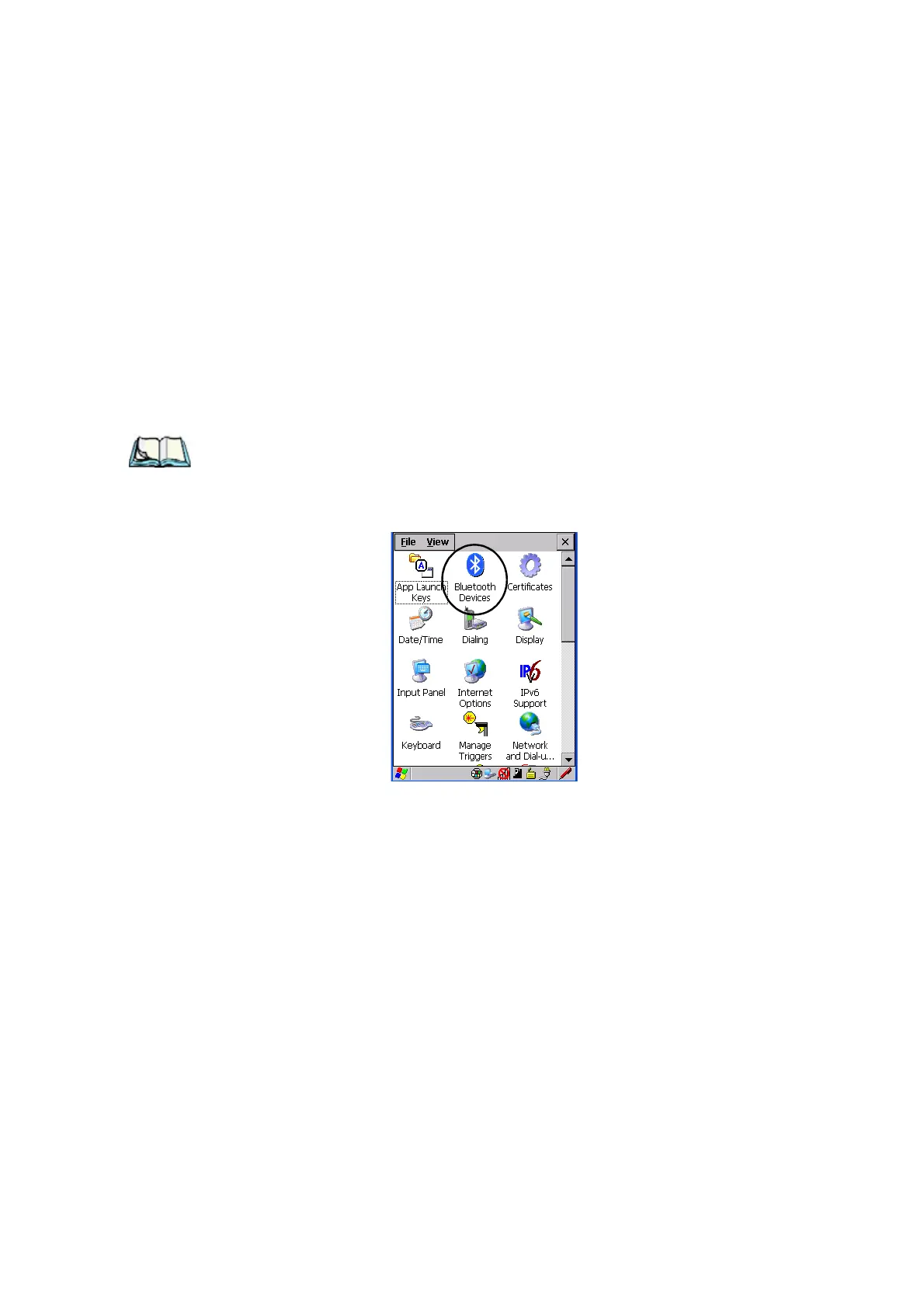
•In the Control Panel, choose the Bluetooth Device Properties icon to
display the
Bluetooth Control screen.
Figure 5.8 Bluetooth Icon
The Bluetooth Control dialog box is used to display the other Bluetooth devices with
which you can communicate.



 To Next Page