WORKABOUT PRO G2 Hand-Held With Windows Embedded CE 5.0 User Manual 87
Chapter 5: Configuration
Basic Setup
5.6 Basic Setup
5.6.1 Display Properties
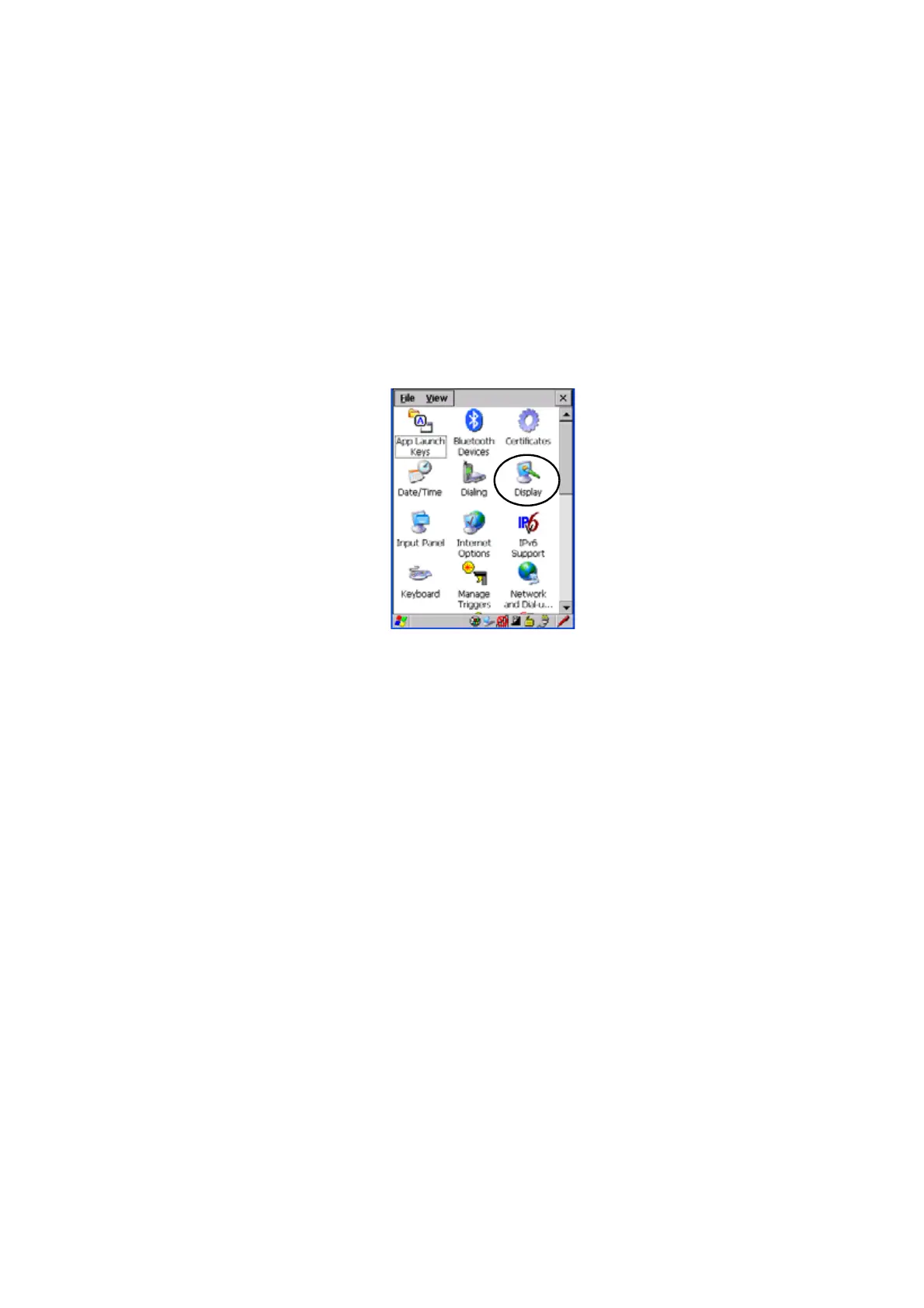
•In the Control Panel, choose the Display icon.
Figure 5.2 Choosing The Display Icon
5.6.1.1 Display Backlight
The backlight is activated for a configurable amount of time when the
WORKABOUT PRO G2 is in use (key press, scanner trigger or data received from
the host). The Display Properties dialog box in the Control Panel allows you to
specify the intensity of the backlight along with how long the display will maintain
the specified intensity.



 To Next Page