WORKABOUT PRO G2 Hand-Held With Windows Embedded CE 5.0 User Manual 123
Chapter 5: Configuration
The Bluetooth GPRS WAN Connection
Once you’ve edited this dialog box to reflect your network carrier require-
ments, press [ENTER] to save your changes.
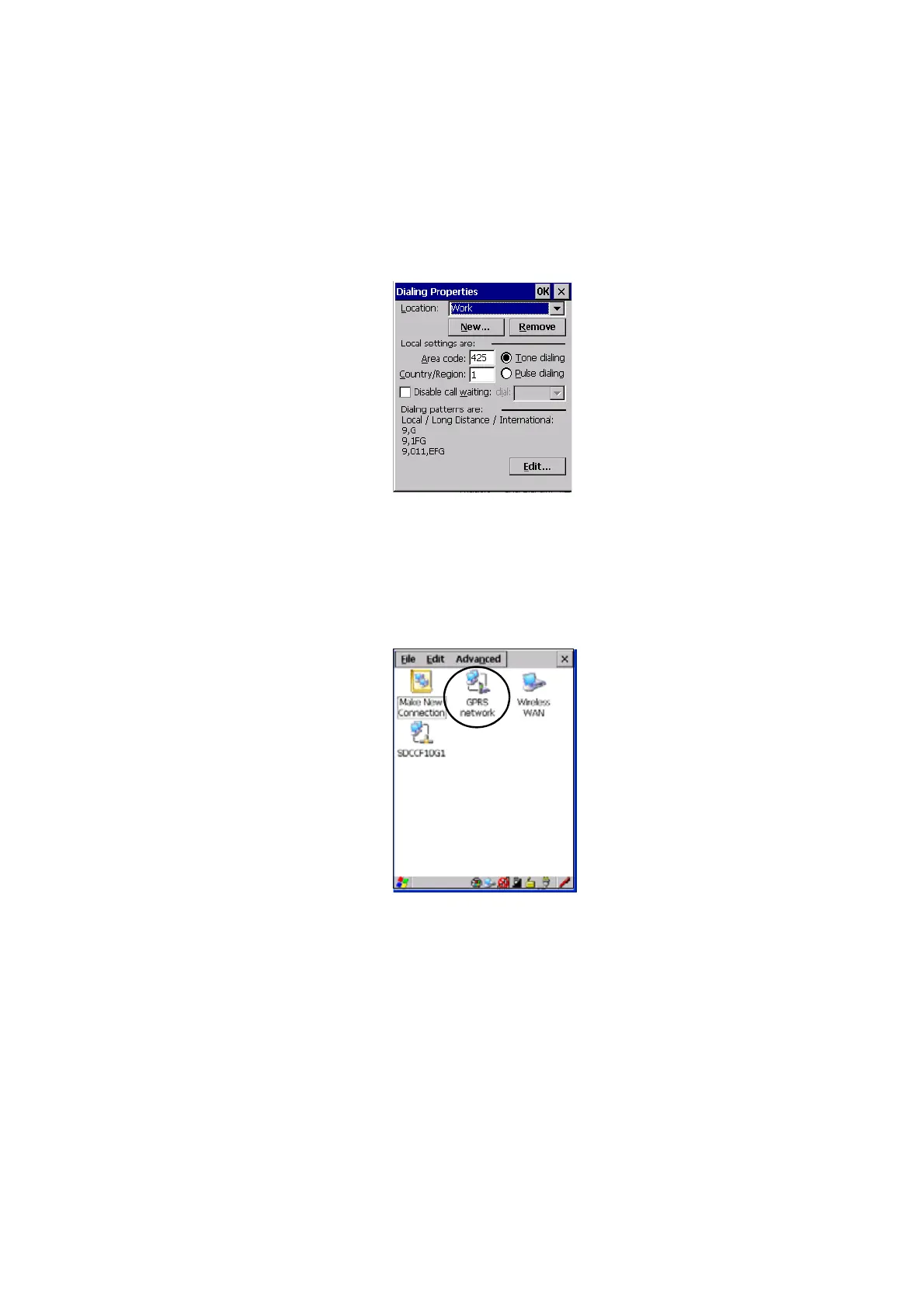
10. At this point, you’ll need to return to the Control Panel, and choose the
Network and Dial-up Connections icon.
11. In the network connection window, the new network configuration, in
this case GPRS Network is displayed. Tap on the new icon.
When you tap on your new connection, an onscreen message indicates the
status of your connection: connected, disconnected, error messages, and so
on.



 To Next Page