Chapter 5: Configuration
The Bluetooth GPRS WAN Connection
122 WORKABOUT PRO G2 Hand-Held With Windows Embedded CE 5.0 User Manual
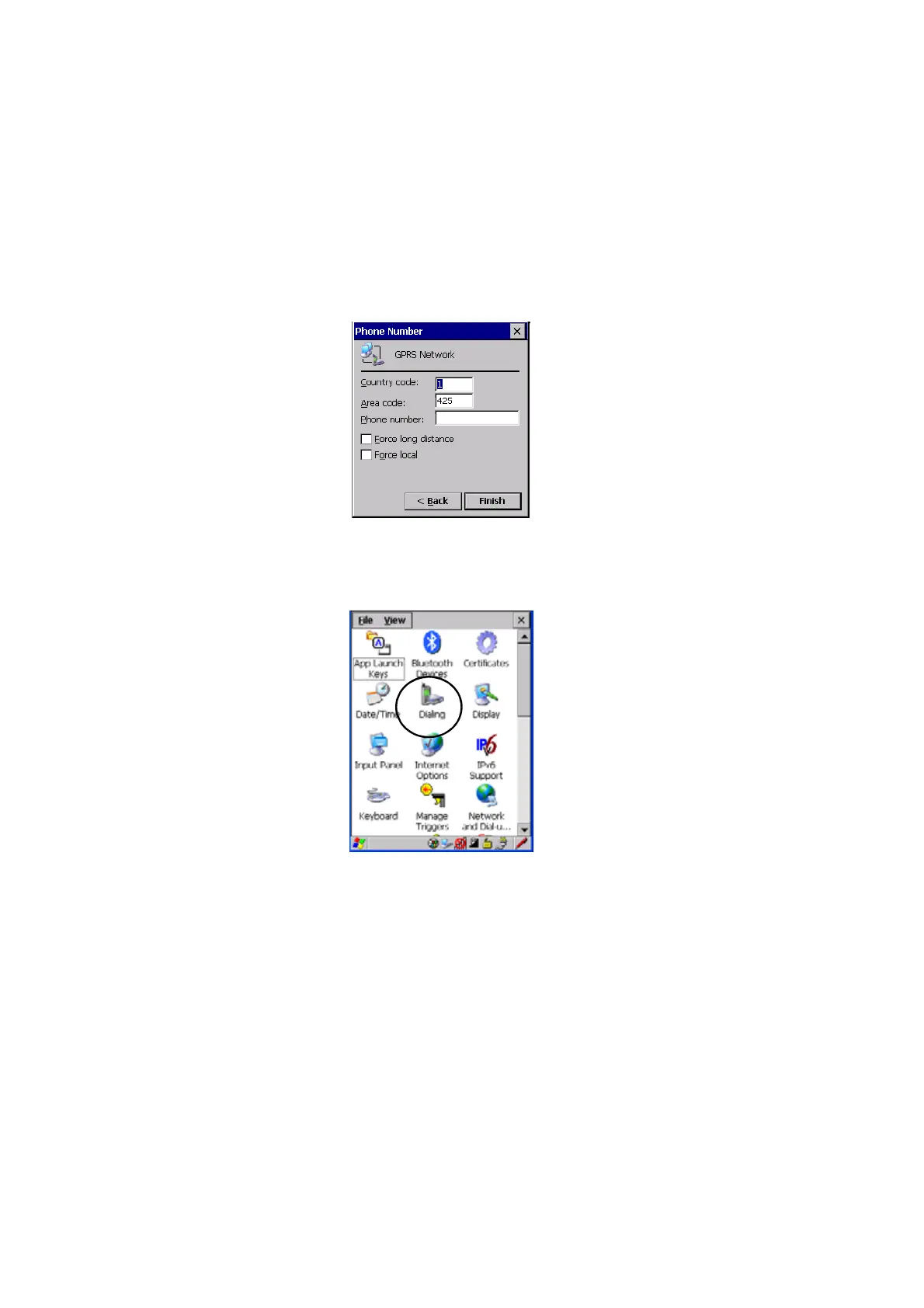
7. In the Modem dialog box, choose the Next button to display the Phone
Number dialog box.
The phone number you enter is network carrier dependent. Once you’ve
specified all the necessary information, choose the Finish button.
8. In the Control Panel, choose the Dialing icon.
9. The values in the Dialing Properties dialog box need to be edited
according to your network carrier specifications.



 To Next Page