Chapter 5: Configuration
The Bluetooth GPRS WAN Connection
120 WORKABOUT PRO G2 Hand-Held With Windows Embedded CE 5.0 User Manual
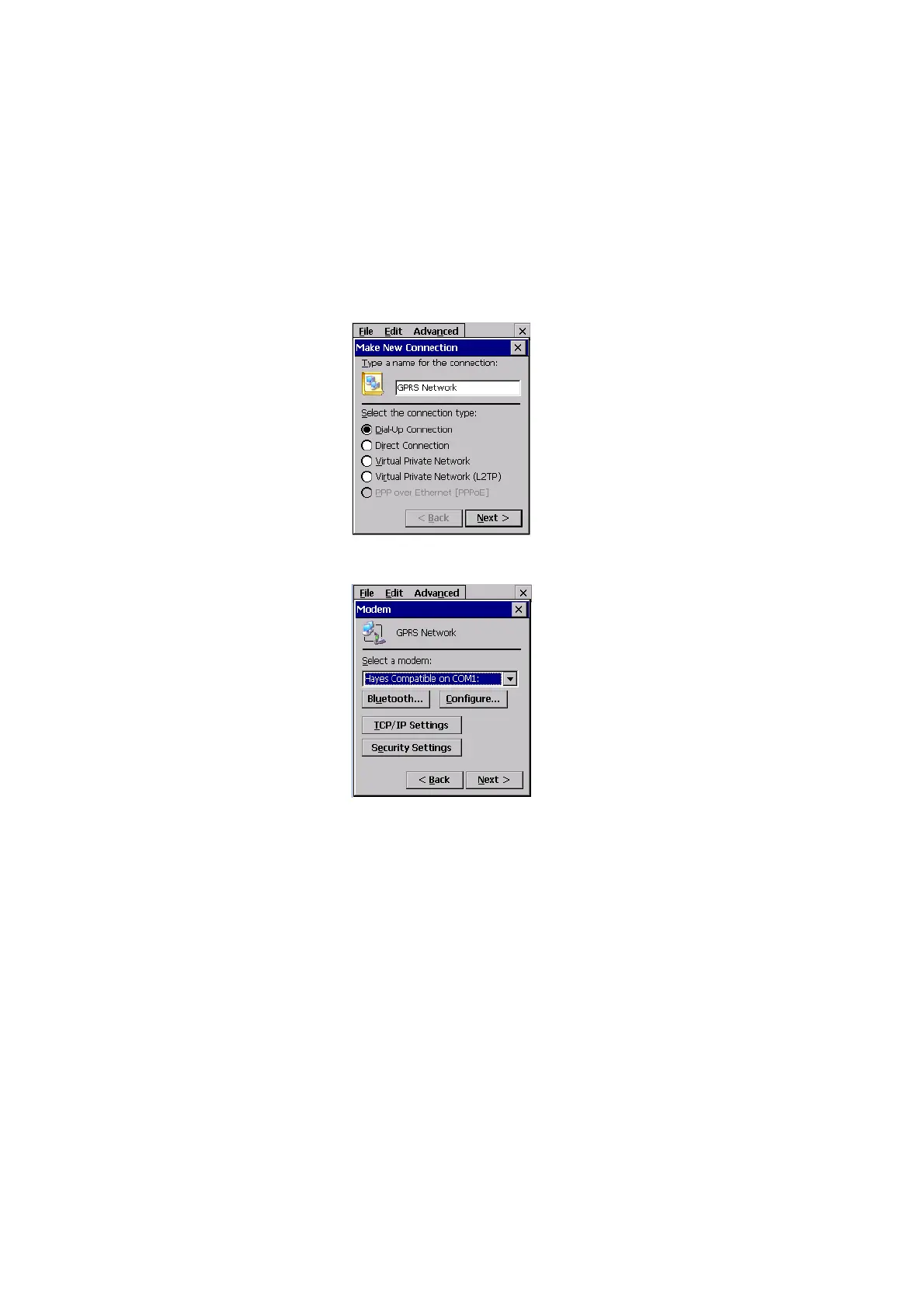
3. In the Make New Connection dialog box, choose Dial-Up Connection.
Enter a name for your GPRS network connection.
4. Choose the Next
button to display the Modem dialog box.
5. In the drop-down menu labelled Select a modem, choose the name
of the modem with which you want to connect, and then choose the
Configure button to display the
Device Properties dialog box.



 To Next Page